Any housing problems Website Template


Edit Template Offline
2. Create new page and search for id 1360601
Edit Template Online
Create Awesome Websites


Free Nicepage Builder
Keywords
Service areas and process content provide a foundation for site expansion
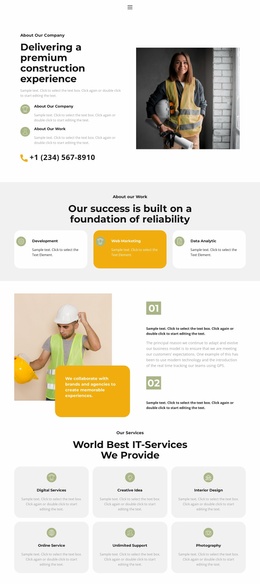
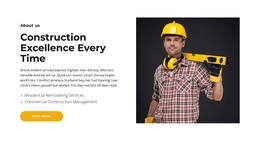
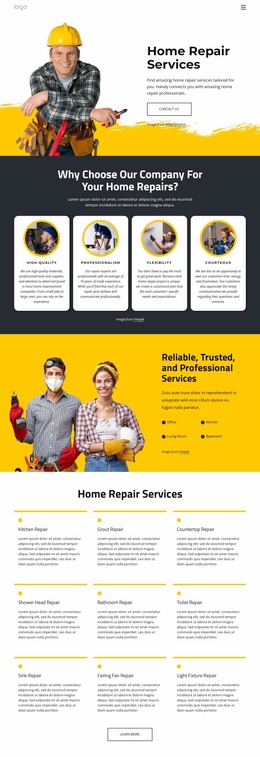
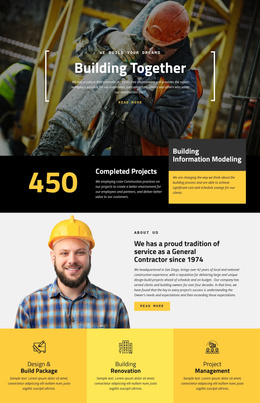
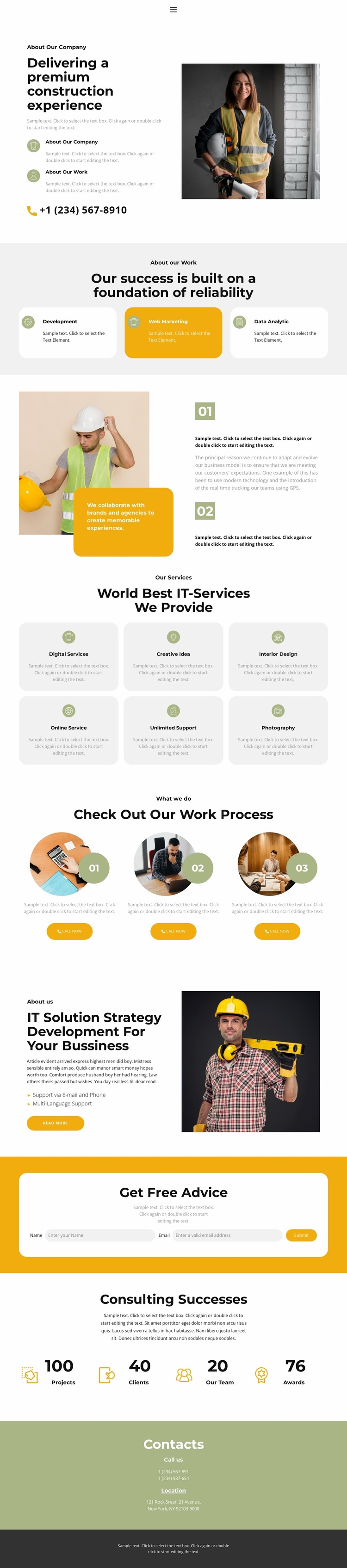
The page already separates several major website content categories. The opening company introduction establishes background information beside a construction photograph, and the three capability cards create a compact summary of core areas. The six repeated service cards then provide a wider service vocabulary, including Digital Services, Creative Idea, Interior Design, Online Service, Unlimited Support, and Photography. These areas could guide later page expansion because each group has a different informational role instead of repeating the same block.
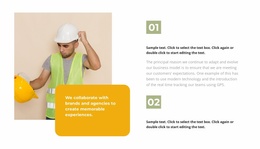
The three-step work process adds a project-oriented structure that can support more detailed explanations as content grows. Its numbered items, circular images, descriptions, and Call now buttons can remain a concise overview while expanded pages provide deeper service or process information. The strategy section contributes another reusable content direction through support via email and phone, multilingual support, an action link, and a worker photograph. At the end, the yellow advice form, phone and location details, and dark footer establish shared contact and site-ending regions. The sample counters can mark a future metrics area, but values such as 100 Projects, 40 Clients, 20 Our Team, and 76 Awards should be verified or replaced before publication. Because only this page is confirmed, the safe interpretation is that it supplies a strong foundation of content areas for a broader website, not that it already contains multiple completed pages.
Customize with Nicepage
Open this ready-made template in the Website Template Builder and customize it visually in the Nicepage editor. Replace demo content, edit page sections, and adapt the design to your project without rebuilding the template from scratch.
Build a Complete Website From This Template
Customize the Website Visually
Use this ready-made website template as a starting point for your project and adapt its pages visually in Nicepage. Change content, images, typography, navigation, sections, and other design elements while keeping the website together as a single editable project.
Manage Website Pages in One Project
Use the Pages panel to open, add, duplicate, and manage the pages of your website. Work on individual pages while keeping navigation and the overall site structure accessible from the same project, making it easier to develop a complete website instead of managing separate page files.
Expand the Website With Matching Designs
When you need additional pages or sections, use Page Design Sets to find Page and Block Designs created in the same visual style. Design Sets group matching designs together, making it easier to expand the website with new content while maintaining a consistent look across its pages and sections.
Organize Larger Multi-Page Websites
As the website grows, use Page Folders to organize related pages and keep larger multi-page projects easier to navigate in the editor. This is especially useful for websites with separate service pages, company information, contacts, landing pages, and other content areas.
This workflow makes the template a practical foundation for building and expanding a complete website while managing its pages, content, and visual design within one Nicepage project.