Solar energy company Website Template



Edit Template Offline
2. Create new page and search for id 5213148
Edit Template Online
Create Awesome Websites


Free Nicepage Builder
Keywords
Service, Solution, and Product Areas Establish a Website Foundation
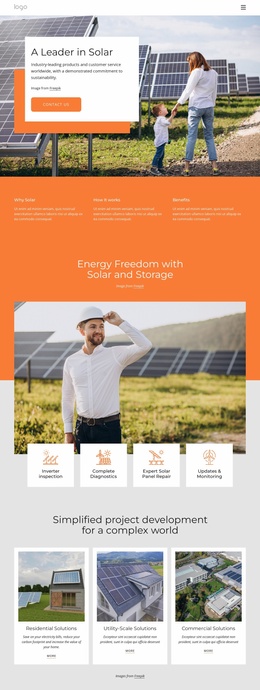
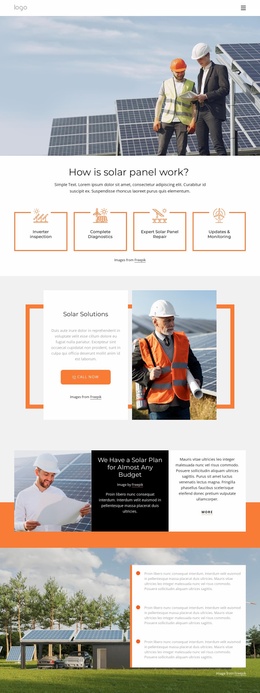
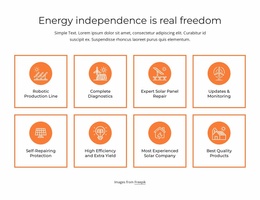
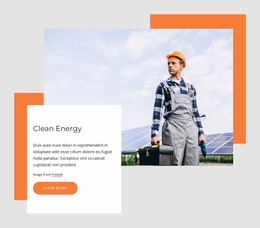
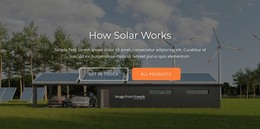
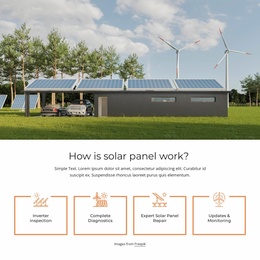
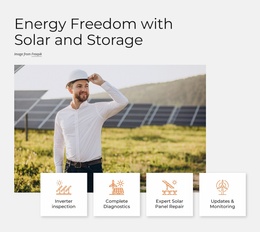
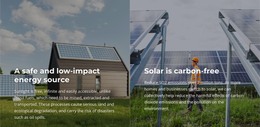
The design already identifies several major content areas that a broader solar website could build around. The opening hero provides a home-page introduction and contact prompt, while the three-item explanation can support general educational content about why solar, how it works, and its benefits. Four maintenance topics then define a practical service area covering inverter inspection, diagnostics, repair, and updates and monitoring.
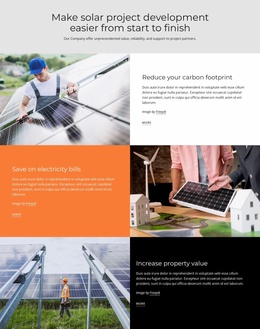
The three solution cards create a useful project structure by separating residential, utility-scale, and commercial work. These categories could guide additional pages or deeper content areas as the project grows, without claiming that those extra pages already exist in the template. Three solar product cards provide another possible expansion point for product-focused information, while the alternating rows organize supporting benefits around carbon footprint, electricity bills, and property value.
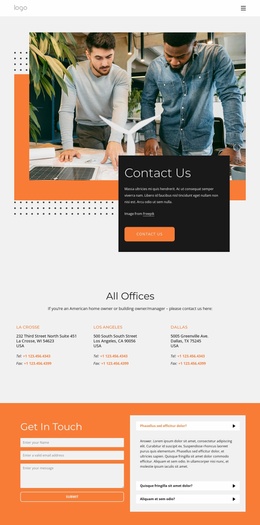
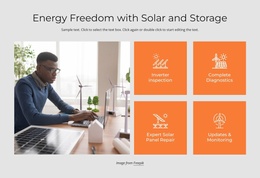
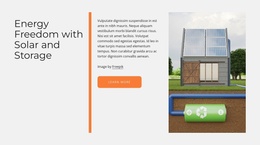
The solar-and-storage section adds a broader explanatory category, and the orange environmental callout can serve as a recurring promotional direction. At the existing page’s close, the contact form and expandable question list establish a service-response area that could remain central across related pages. Navigation, repeated cards, shared color treatment, and the dark footer give the project a consistent base. The template therefore works as more than a styled homepage: it defines recognizable content categories that can support a larger site architecture while remaining grounded in the verified single-page design.
Customize with Nicepage
Open this ready-made template in the Website Template Builder and customize it visually in the Nicepage editor. Replace demo content, edit page sections, and adapt the design to your project without rebuilding the template from scratch.
Build a Complete Website From This Template
Customize the Website Visually
Use this ready-made website template as a starting point for your project and adapt its pages visually in Nicepage. Change content, images, typography, navigation, sections, and other design elements while keeping the website together as a single editable project.
Manage Website Pages in One Project
Use the Pages panel to open, add, duplicate, and manage the pages of your website. Work on individual pages while keeping navigation and the overall site structure accessible from the same project, making it easier to develop a complete website instead of managing separate page files.
Expand the Website With Matching Designs
When you need additional pages or sections, use Page Design Sets to find Page and Block Designs created in the same visual style. Design Sets group matching designs together, making it easier to expand the website with new content while maintaining a consistent look across its pages and sections.
Organize Larger Multi-Page Websites
As the website grows, use Page Folders to organize related pages and keep larger multi-page projects easier to navigate in the editor. This is especially useful for websites with separate service pages, company information, contacts, landing pages, and other content areas.
This workflow makes the template a practical foundation for building and expanding a complete website while managing its pages, content, and visual design within one Nicepage project.

Design Set (27)
-

-
-
-
-
-
-
-
-
-
-
-
-
-
-
-
Customize Any TemplateDownload
-
-
-
-
-
-
-