Professional nail art Website Template


Edit Template Offline
2. Create new page and search for id 220790
Edit Template Online
Create Awesome Websites


Free Nicepage Builder
Keywords
Services, Studio Information, and Contact Content Establish a Site Foundation
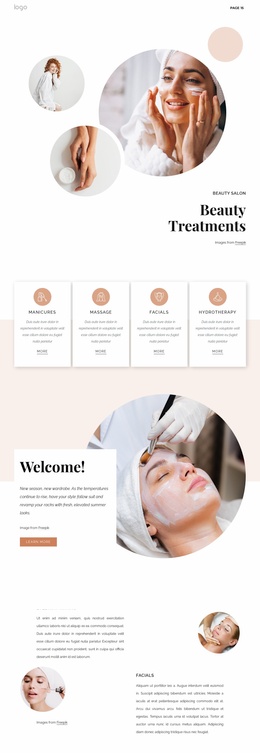
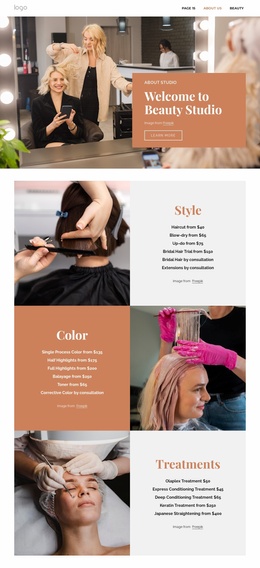
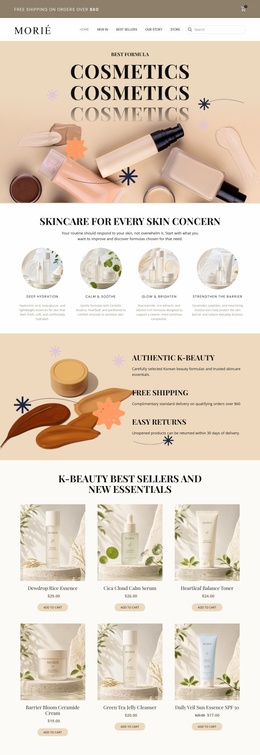
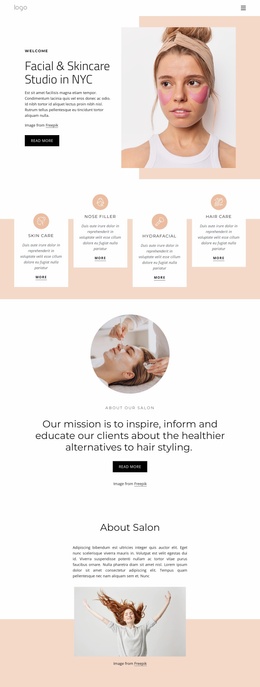
The design already identifies several major content areas that a broader salon website would need. The navigation and hero establish the studio’s public introduction, while the VIP nail-services section and four priced entries provide a focused service foundation. The eight treatment categories extend that foundation into hand care, foot care, spa packages, massages, body care, natural nails, waxing, and products. These areas could guide future service or treatment pages without changing the visual direction of the starting design.
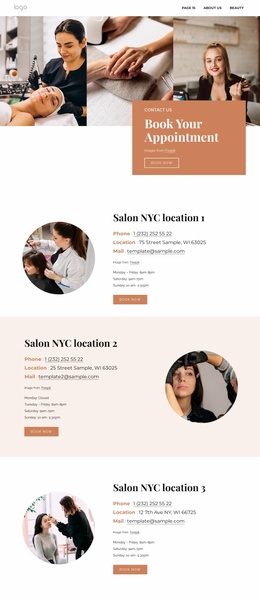
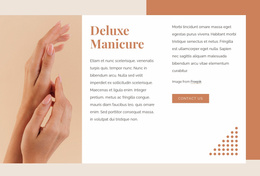
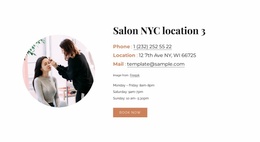
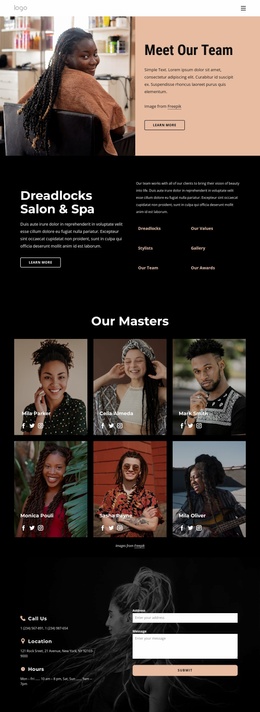
About Studio supplies a place for identity and background information, and the Deluxe Manicure block shows how an individual service can receive more editorial attention than a standard card. The What Do You Need? section offers a compact summary of Manicures, Acrylic Nails, Gel Nails, and Pedicure, which can help connect visitors to more detailed content later. Team portraits and testimonials provide recurring people-focused areas, while the location and social-link block establishes a practical contact destination.
The analysis confirms one page, not a complete multi-page website, so the template should be understood as a foundation rather than evidence of existing additional pages. Its value for a larger project is the range of content categories and the repeated visual rules already visible in the page. New salon information can expand around services, studio details, team content, and contact needs while keeping the original warm editorial character.
Customize with Nicepage
Open this ready-made template in the Website Template Builder and customize it visually in the Nicepage editor. Replace demo content, edit page sections, and adapt the design to your project without rebuilding the template from scratch.
Build a Complete Website From This Template
Customize the Website Visually
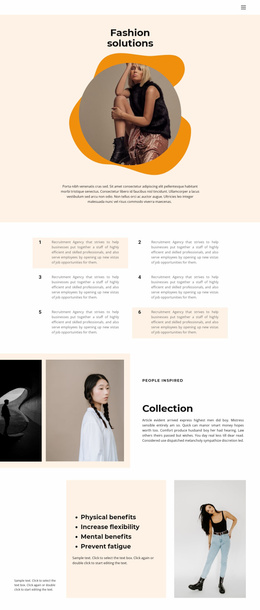
Use this ready-made website template as a starting point for your project and adapt its pages visually in Nicepage. Change content, images, typography, navigation, sections, and other design elements while keeping the website together as a single editable project.
Manage Website Pages in One Project
Use the Pages panel to open, add, duplicate, and manage the pages of your website. Work on individual pages while keeping navigation and the overall site structure accessible from the same project, making it easier to develop a complete website instead of managing separate page files.
Expand the Website With Matching Designs
When you need additional pages or sections, use Page Design Sets to find Page and Block Designs created in the same visual style. Design Sets group matching designs together, making it easier to expand the website with new content while maintaining a consistent look across its pages and sections.
Organize Larger Multi-Page Websites
As the website grows, use Page Folders to organize related pages and keep larger multi-page projects easier to navigate in the editor. This is especially useful for websites with separate service pages, company information, contacts, landing pages, and other content areas.
This workflow makes the template a practical foundation for building and expanding a complete website while managing its pages, content, and visual design within one Nicepage project.

Design Set (21)
-

-
-
-
-
-
-
-
-
-
-
-
-
-
-
-
-
Customize Any TemplateDownload
-