Guided kajak tours Website Template


A Reusable Tour-Options Pattern for a Broader Site
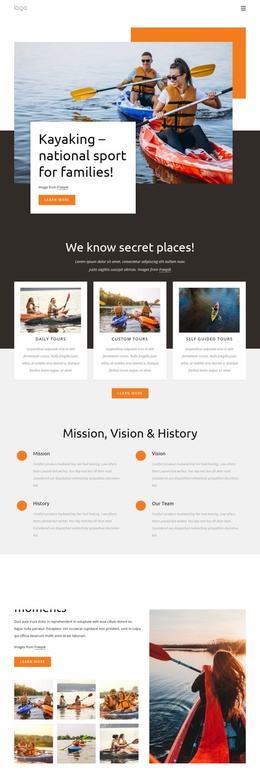
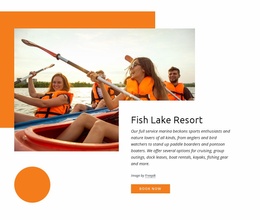
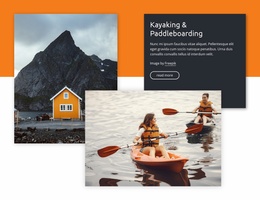
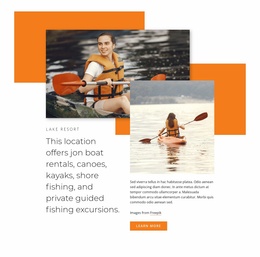
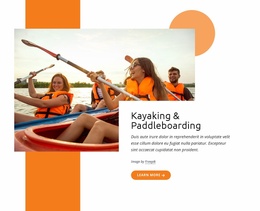
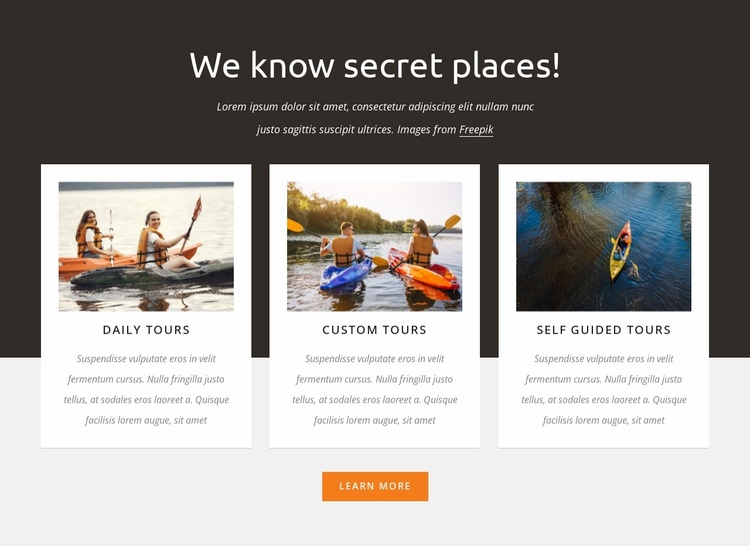
The three-card arrangement defines one stable content area for a larger travel website project. A centered introduction headed “We know secret places!” gives the section a clear entry point, and the repeated Daily Tours, Custom Tours, and Self Guided Tours cards create a consistent pattern for presenting related offerings. Each card combines outdoor water-activity imagery with an uppercase label and descriptive copy, allowing the section to explain several options while keeping them visually comparable.
That repeatable structure can coordinate with neighboring blocks that handle different parts of the visitor journey. A broader project might place an introduction or destination story before it, then use separate sections for practical tour details, booking information, testimonials, or contact content. The centered Learn More button supplies a focused continuation from this services area without requiring the block to carry every next step. Its role is therefore specific: present the available tour categories and direct attention toward further information.
The visual treatment also gives the section useful project-level cues. The dark charcoal upper background creates a distinct opening band, the light gray lower area supports the card group, and the white cards provide a repeated surface that can be echoed in related sections. The orange button supplies a recognizable accent. In a broader website template project, these relationships can help this block remain identifiable as the tour-services section while other blocks perform separate functions.
Customize with Nicepage
Open this ready-made template in the Website Template Builder and customize it visually in the Nicepage editor. Replace demo content, edit page sections, and adapt the design to your project without rebuilding the template from scratch.
Edit Template Offline
2. Create a new page or select existing
3. Click Add new block, search for id 6007366 and click enter
Edit Template Online
Create Awesome Websites


Free Nicepage Builder
Keywords
Build a Complete Website From This Template
Customize the Website Visually
Use this ready-made website template as a starting point for your project and adapt its pages visually in Nicepage. Change content, images, typography, navigation, sections, and other design elements while keeping the website together as a single editable project.
Manage Website Pages in One Project
Use the Pages panel to open, add, duplicate, and manage the pages of your website. Work on individual pages while keeping navigation and the overall site structure accessible from the same project, making it easier to develop a complete website instead of managing separate page files.
Expand the Website With Matching Designs
When you need additional pages or sections, use Page Design Sets to find Page and Block Designs created in the same visual style. Design Sets group matching designs together, making it easier to expand the website with new content while maintaining a consistent look across its pages and sections.
Organize Larger Multi-Page Websites
As the website grows, use Page Folders to organize related pages and keep larger multi-page projects easier to navigate in the editor. This is especially useful for websites with separate service pages, company information, contacts, landing pages, and other content areas.
This workflow makes the template a practical foundation for building and expanding a complete website while managing its pages, content, and visual design within one Nicepage project.