

Grooming Website Templates
For owners of nervous or senior dogs, a salon's staff profiles and care policies can matter as much as its prices. Grooming website templates organize those details into clear pages, along with practical first-visit instructions and contact information.

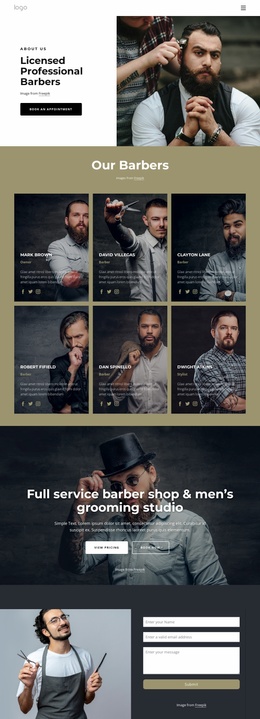
More Website Templates from Fashion & Beauty Category
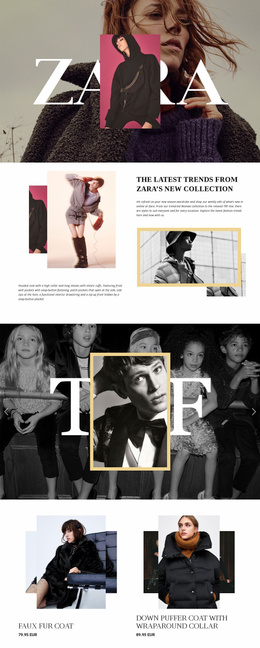
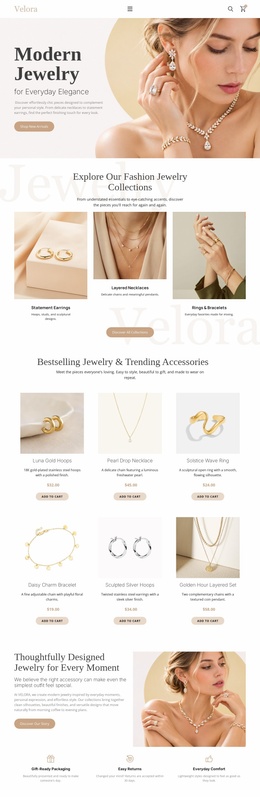
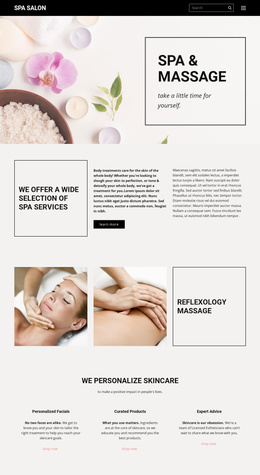
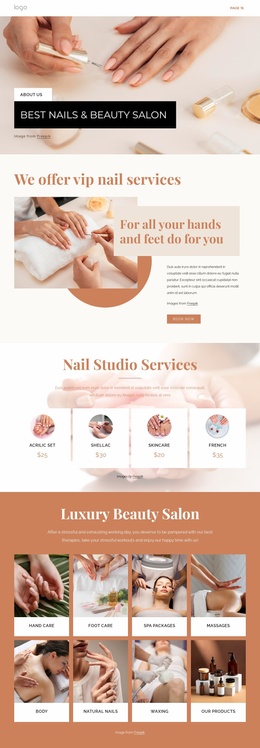
Other Fashion & Beauty Website Templates
Minimal Grooming Website Templates for Pet Salons
Grooming website templates give pet salons a finished design, with the homepage, service sections, and contact areas already laid out. You swap in your own photos and text, then publish without planning the site from scratch. Designs with team and review blocks also let visitors see who will care for their pet before they book.
Compact Layout or Multipage Design
The amount of information the business needs to share determines the format. A small dog grooming studio with a short menu can work well with a compact design that puts services, prices, and a booking button on one scrolling homepage. A pet spa with several groomers needs more room, and in a multi-page design, a few inner pages save the most rewriting:
- Services, with space to show prices by pet size or coat length.
- Our Team, where each groomer gets a photo and a short note on experience.
- Gallery, for before-and-after shots of the salon's own work.
- First Visit, for arrival instructions and vaccination requirements.
Page sets differ between designs, so compare the demo's page list with the services the salon offers. A template full of cat photos means extra replacement work for a shop that only takes dogs. Owners who plan to hand-ready source files to a developer may also want to browse grooming HTML templates.
Comparing Demo Homepages
The homepage shows fastest whether a design suits a grooming business, so check a few things in each demo:
- A hero block that presents the main service and a booking button together.
- A balance of photos and text that fits the salon, with room for large shots of finished cuts.
- Service cards that preview prices or packages on the homepage.
In the menu, first-time puppy owners should find first-visit details right away, and returning clients should find current hours just as quickly.
Fitting the Look to Your Brand
Most salon changes can be made visually. Nicepage Theme Settings control global colors and fonts across the site, while you replace images and text blocks page by page. The FAQ Element can hold answers about late arrivals, cancellations, or matted coats in expandable rows, which keeps policy details off the homepage. In the mobile demo, the booking button should stay visible, service cards should scroll comfortably, and contacts should not sink below a long gallery.
The right design fits the length of the service menu and the salon's format, be it a studio, a spa, or a van. It also covers the pages the business needs and still looks right once you add brand colors and photos.