
Graphic HTML Templates
Design studios and freelance creatives need pages that let identity systems, poster work, illustrations, and client projects speak clearly. These graphic HTML templates provide reusable sections and structured markup that keep visual portfolios organized from editing through export.




















More HTML Templates from Art & Design Category



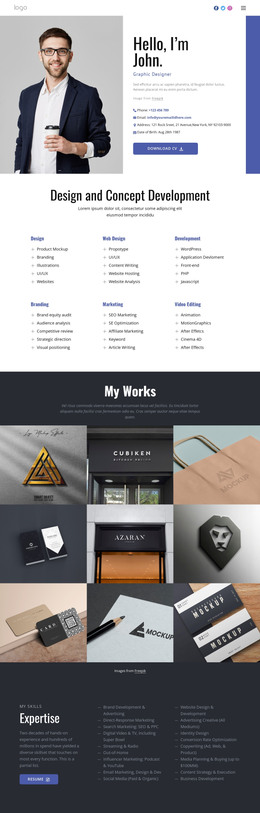
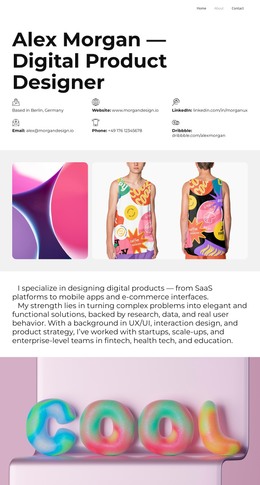




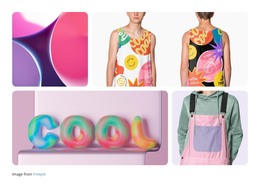



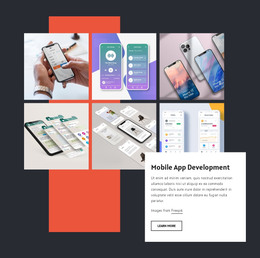











Other Art & Design HTML Templates
Original Graphic HTML Templates
Graphic HTML templates provide designers with a pre-assembled portfolio, complete with project grids, case study sections, and a contact area. Nobody has to write markup from scratch or lay out a project grid by hand, so they can focus on choosing which work to show. After customization, the template leaves Nicepage as a set of HTML files you can host anywhere and open in a code editor whenever you need to change a detail.
Layouts Shaped Around Each Discipline
A row of thumbnails rarely tells a client what you did on a project. An identity shown as a single logo hides the type system and the applications behind it. Packaging loses much of its point once it is cut off from the shelf. Since each kind of graphic work asks for its own presentation, it helps when a template already includes:
- a project layout with room for a logo system and its applications, such as stationery and signage;
- large image sections where a poster can fill the screen with little more than a title beneath it;
- blocks that show packaging mockups next to their label variations;
- a gallery for illustration series that need one shared frame.
Grouped like this, the portfolio reads as a sequence of projects rather than a loose collection of images. The Nicepage Blocks library speeds up the assembly, and the Image Gallery Element suits an editorial illustration series where every piece deserves equal weight.
From Demo Content to Published Portfolio
In practice, the customization is mostly visual. You replace the sample projects with your own images, adjust the colors to match your identity, and update the contact details. When the portfolio looks right, Nicepage exports it as HTML. The official HTML Export guide explains how to create the site files and place them on your preferred hosting. The exported files remain available for direct editing, so a developer can extend the portfolio later without rebuilding it.
Case Study Blocks Worth Reusing
A finished case study becomes a pattern for the next one. Once a branding project has its brief, early sketches, and final applications laid out, you can duplicate the section for the next client. Nicepage templates are responsive, and it is worth checking how a tall poster and a wide editorial spread behave on a phone before you commit to a design.
Before settling on a template, pick three real projects from your archive and picture them in the demo. If each one fits an existing layout with only new images and text, the template suits how you work.