
Holi HTML Templates
Holi guests often check color-play times, entry instructions, and venue information on their phones. HTML templates organize these details into readable sections, with a session timetable and separate notes on what participants should bring.

More HTML Templates from Art & Design Category




















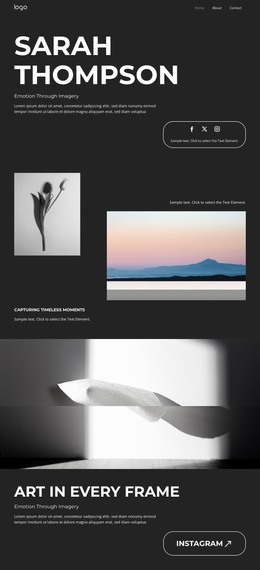
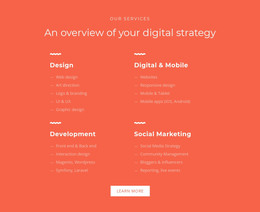
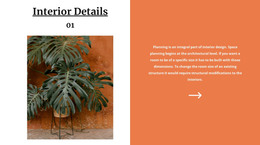

Other Art & Design HTML Templates
Mobile-Friendly Holi HTML Templates for Colorful Festival Pages
Holi HTML templates give you ready sections where you swap in your date, venue, and images before the files go to your own hosting. Most designs here come from the art and design range, so your photos of gulal clouds and a palette drawn from them set the Holi mood. The same template can serve a temple committee's spring color party or a freelance designer whose client wants the finished files.
Which Layout Fits the Occasion
Holi pages usually come in one of four formats:
- An announcement, where one hero block with a powder-filled photo, the date, and a Join the Celebration button does the work.
- An invitation for an office or campus party, with a short message and a reply link.
- A full festival program, where a See the Program button near the top leads to the schedule further down.
- A registration page that keeps the form beside the entry rules.
If your event has no hourly schedule, a design built around a large table will look half empty. A color play morning needs its rules in plain view, while a Holika Dahan page mostly has to say when the bonfire is lit.
From Visual Edits to Exported HTML Files
In the Nicepage editor, you retype the demo headline as Holi Celebration, drop in your hero photo, and point the button at the program without writing any HTML. For the schedule, the Table Element keeps time, activity, and location in editable rows, though a wide table scrolls sideways on phones. From there, publishing takes four steps:
- Export the project to get the HTML files with their images and scripts.
- Upload the folder to your hosting, or let the desktop app send it over FTP.
- Open the live address on a phone and tap each button to see where it leads.
- Send a test entry through any registration form before sharing the link.
If the venue changes later, edit the project and export again, or have a developer correct the exported file directly.
Bright Backdrops on Small Screens
Check the design in Nicepage's Responsive Modes, because a pink powder cloud that frames the headline on a laptop can end up behind the button on a phone. A semi-transparent panel under the text keeps it readable against yellow gulal, and a resized hero photo spares guests on mobile data a long wait. The date deserves live text and large type, since many communities outside India hold Holi on the nearest weekend.
After that check, you will know whether the design feels festive with your photos, includes every detail guests ask about, and provides files that fit how you publish.