
Tender HTML Templates
Delicate palettes and expressive photography need more than attractive styling to remain effective after customization. These HTML templates combine image-led sections with reusable structure and responsive layouts suited to fashion, flowers, jewelry, and visual art.
-
-

-
-
-
-
-
-
-
-
Free Website Builder SoftwareDownload
-
-
-
-
-
-
-
-




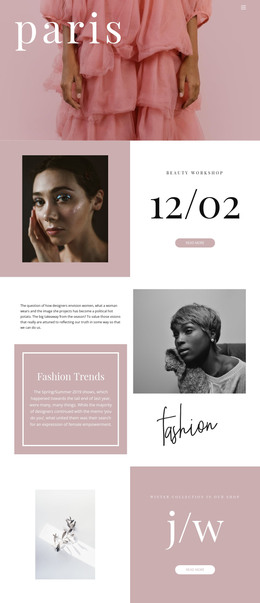

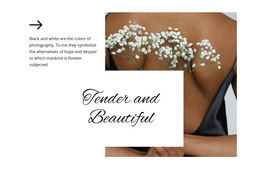
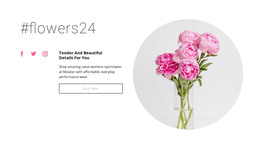
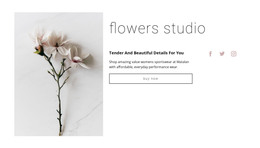
More HTML Templates from Art & Design Category


































Other Art & Design HTML Templates
Tender HTML Templates for Image-Led Pages
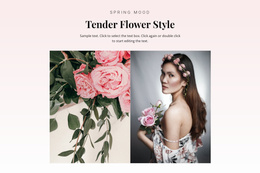
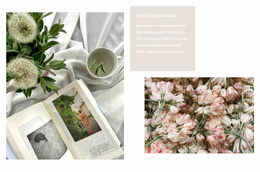
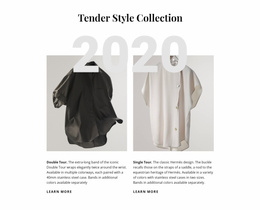
A tender HTML template delivers the quiet part already done, with pale backgrounds, wide margins around the photographs, and type that stays out of the picture's way. Below is a standard set of sections you can open and edit, which is why you should choose this format over a design you can only view. The catalog leans toward flowers, delicate clothing, and gallery-style art, and those projects share one habit of letting the material carry the page while the words step back.
Where Soft Layouts Break When Real Photos Arrive
Demo captions run two lines. A real description of a ceramic vase runs six, the card grows taller, and the airy spacing the template was picked for turns into a squeeze.
Sections worth stress testing before you settle on a template:
- The hero, holding the longest collection title you actually use.
- A close-up sequence where two shots come out darker than the rest.
- A caption area with six lines of description instead of the demo's two.
Plenty of options in the same catalog look tender in a thumbnail and turn into a dense card grid with a bright button in the corner. That grid works for a shop with 200 items and for a florist with 11 arrangements.
Narrow Screens and Overlapping Compositions
Wide editorial spreads suffer most at phone width, since the arrangement they depend on has nowhere to go.
Compositions to open first on a phone:
- Split sections where a photograph sits beside its own text.
- Images that overlap a heading or a short quote.
- Galleries built from pictures of noticeably different heights.
Order decides the damage. When the photograph drops below the description, a visitor reads two sentences about a dress before seeing it, and the page's softness stops doing any work. The Nicepage Image Gallery Element keeps a series of photographs in one rhythm with shared titles and hover behavior. Image Lazy Loading keeps the first screen light while heavy editorial images wait their turn further down.
Files That Travel to Your Own Server
Nicepage exports HTML for hosting elsewhere, so you can move the pages to a personal domain or to whoever handles the technical side. Tender pages age through their pictures, which are replaced every season. The version worth downloading is the one where next spring's photographs drop into the same sections, in the same order, with the spacing untouched.