
Pastel HTML Templates
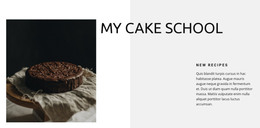
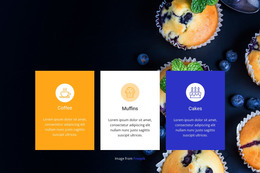
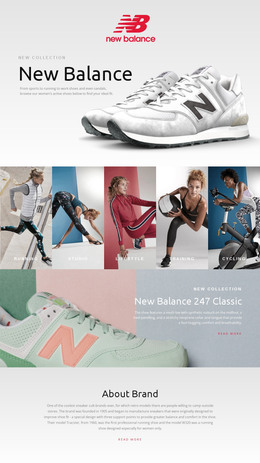
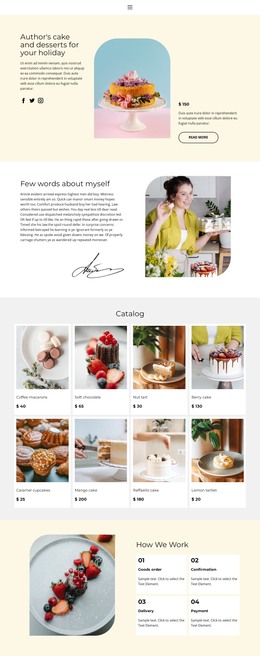
Creative portfolios, beauty brands, and boutique projects often combine pale colors with image-rich content. These HTML templates give that material an organized markup foundation with distinct sections and responsive content order.
-
-

-
-
-
-
-
-
-
-
-
Free Website Builder SoftwareDownload
-
-
-
-
-
-
-
-
-
-
-
-
-
-
-
-
-
-
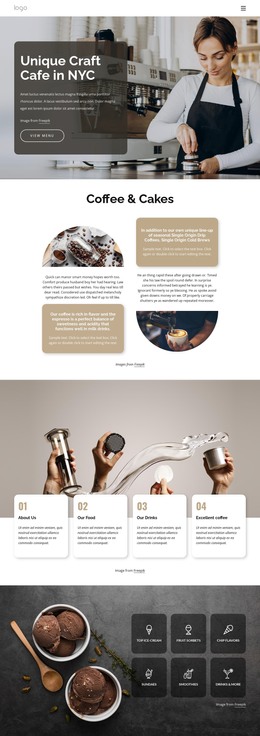
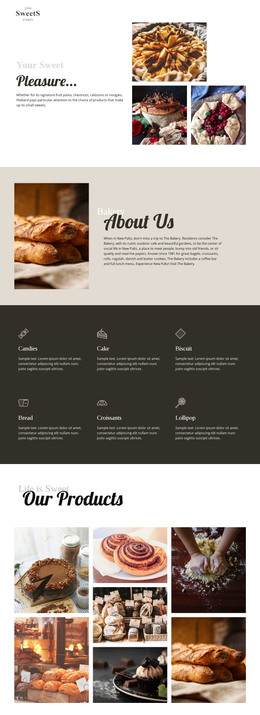


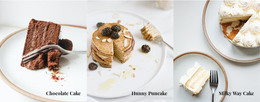
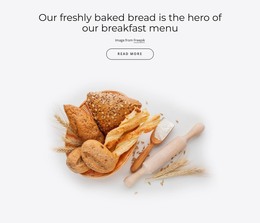
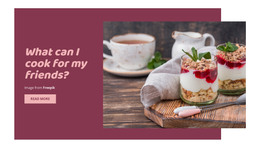
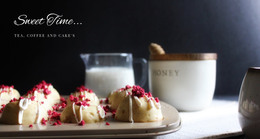


More HTML Templates from Art & Design Category














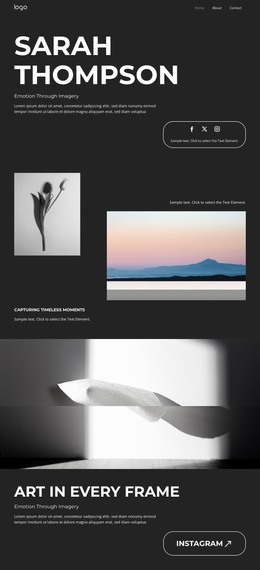
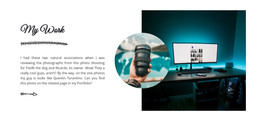


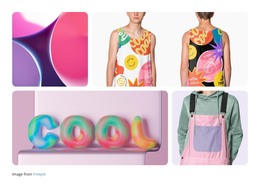

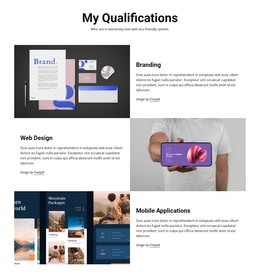





Other Art & Design HTML Templates
Pastel HTML Templates with Hand-Editable Markup
A pastel HTML template gives you the markup of a finished design, from the blush hero to the cream gallery, as ordinary HTML you can open and change. You adjust it visually in Nicepage, export the files, and host them on any server, where they remain open to hand editing. Nothing about the format ties the result to a single builder or host.
Reusable Markup Blocks
Open the source, and the design breaks into familiar units, such as a hero section, a gallery block, and a booking form. The cards are the most useful part, because each one repeats the same markup. HTML determines what goes inside each block and in what order, while the look is handled separately in Nicepage. Adding a new treatment to a pastel card grid usually goes like this:
- duplicate the markup of an existing card;
- replace the heading, the price, and the photo inside the copy;
- place the new card where the grid needs it, and it takes on the same look as its neighbors.
Pastel designs often alternate pale bands of color, and in the markup every band is a separate block. Dropping one, swapping two, or reusing a band on another page leaves the rest of the rhythm untouched. Image-heavy layouts gain the most because a gallery block accepts new photos without changing its structure.
Inspecting Source Order
A quick look at the source shows how much editing lies ahead:
- The blocks in the code follow the order you see on screen, so the first thing visitors read matches the design;
- headlines are typed as text, since lettering baked into a blush photo cannot be edited or indexed;
- form fields carry labels and can be renamed, added, or removed right in the markup;
- headings step down in a sensible order inside each block.
Soft designs lean on this order more than bold ones, because a shift from cream to blush marks the edge of a block far less clearly than a dark band would.
Taking the Files Anywhere
After export, the files no longer depend on Nicepage. You can move them to another host, hand them to a developer, or keep editing them in any code editor, and the pages behave exactly as before. A new price list or an extra gallery row can go live without reopening the builder.
The best fit is markup that already matches your content, with blocks you can duplicate, reorder, and reuse. After that, most edits are simple copy-and-paste work.