
Portrait HTML Templates
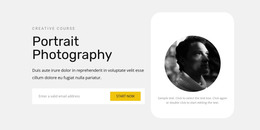
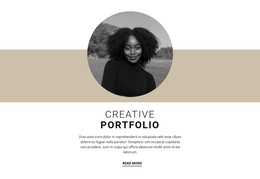
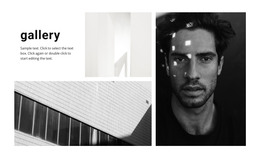
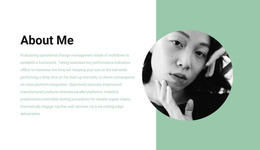
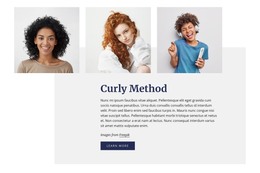
A family portrait series needs more than a grid of photographs. Each set deserves a clear heading, descriptive image text, and context for the session; portrait HTML templates offer a practical markup foundation for that content.



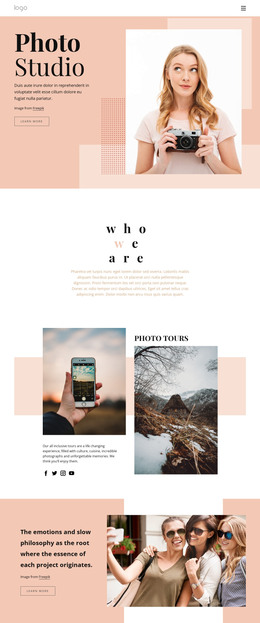
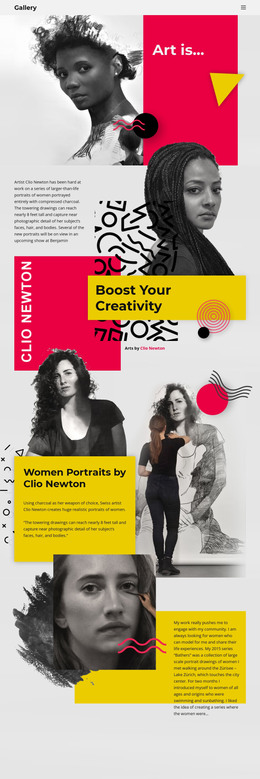
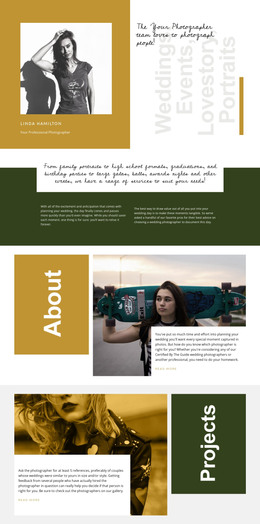

























Other Art & Design HTML Templates
Ready-to-Use Portrait HTML Templates
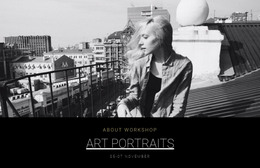
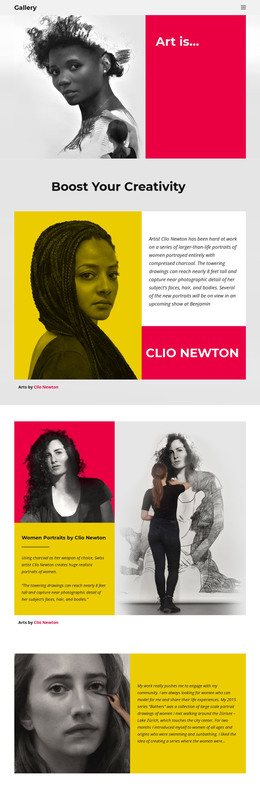
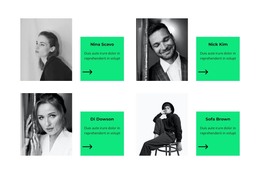
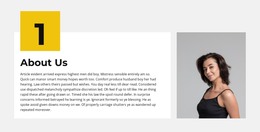
Portrait HTML templates give you a ready-made HTML structure for galleries, artwork descriptions, and repeatable portfolio entries. After export, the files remain editable, so you or a developer can find a portrait block, change its description, and keep its image links intact. A headshot studio needs multiple photos with names and roles, while a painter's solo show needs works with titles, techniques, and sizes.
Check HTML Structure Behind Every Gallery
A reliable template preserves the meaning of every image, heading, and caption in the markup and on screen. In the exported code, check these points:
- The collection or studio name appears in a real heading, and "h1", "h2", and "h3" follow the order of the sections.
- Each collection lives in its own section, so its boundaries are easy to find in the code.
- Captions are tied to their works, for example through "figure" and "figcaption", which suit a painted portrait with a title, medium, and size.
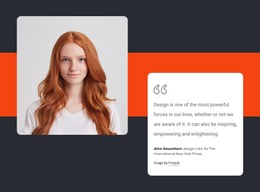
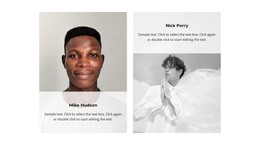
- Alt text describes what matters, such as "Studio headshot of an actor in a dark jacket against a gray background," while decorative images get an empty value.
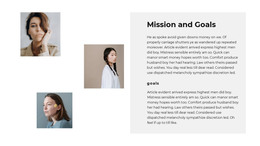
Dozens of actor headshots need entries that repeat without losing names, roles, or the link between photo and data. Nicepage's Grid Repeater keeps such cards consistent in the editor but does not guarantee any particular markup, so check the export too. Screen readers also follow the code order, which can differ from what a phone displays.
Export Files, Then Inspect Them
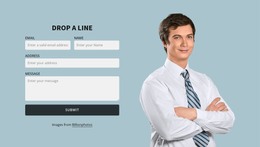
Nicepage's HTML export guide lists what the package contains, from the HTML files to the scripts and images. The desktop apps can export to a folder, as a ZIP archive, or directly to a server via FTP, while the online builder offers fewer options. After export, confirm that nothing this project needs is missing from the folder. Moving the portrait-photo folder without updating relative paths leaves a blank box where a face should be. Before any handoff, open one HTML file and find a collection heading, a portrait description, and an image link. A booking form can appear in the template, but sending its data takes a working service or server integration.
Maintaining Code After Launch
New portrait entries should slot in without breaking the heading order, the captions, or the image links. A developer taking over should be able to find every part of a card and swap its image file. Updating the medium or an actor's specialty shouldn't require rebuilding the gallery. A good portrait HTML template stays readable and editable after export, and its structure holds as the collection grows.