
Birthday HTML Templates
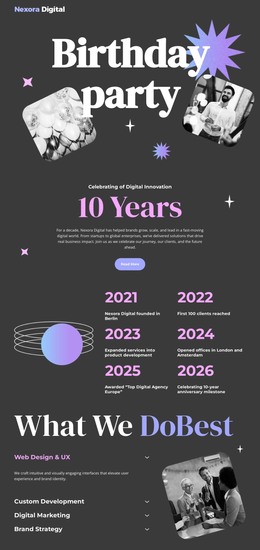
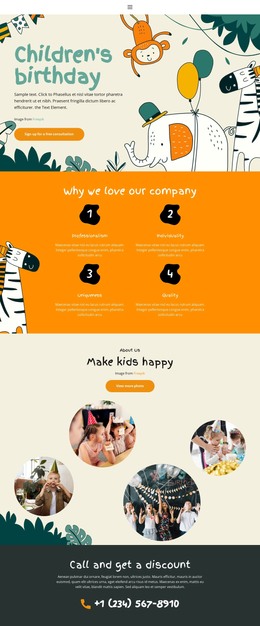
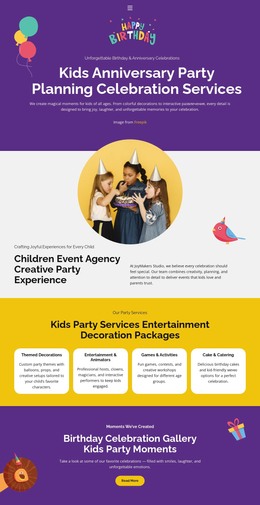
A birthday invitation needs clear event details, a warm welcome, and space for memorable photos. These HTML templates provide structured, responsive page sections for party announcements, family celebrations, and invitations that guests can open on different devices.
-

-
-
-
-
-
Free Website Builder SoftwareDownload
-
-
-
-
-
-
-
-
-
-
-
-
-
-
-
-











More HTML Templates from Music & Entertainment Category



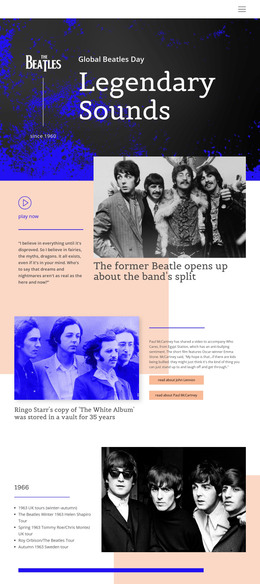

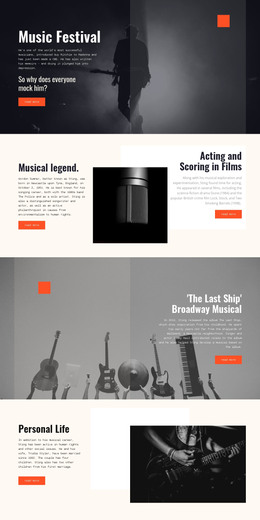
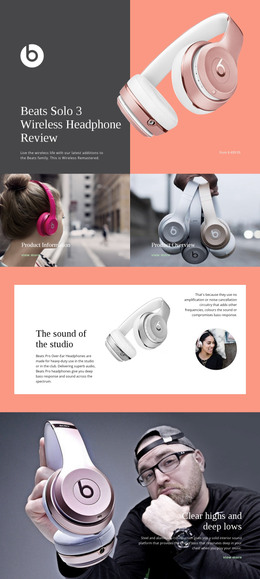




Other Music & Entertainment HTML Templates
Creative Birthday HTML Templates for Celebration Websites
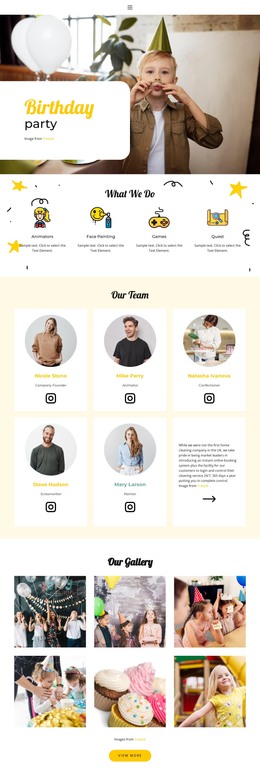
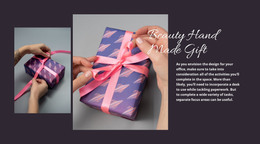
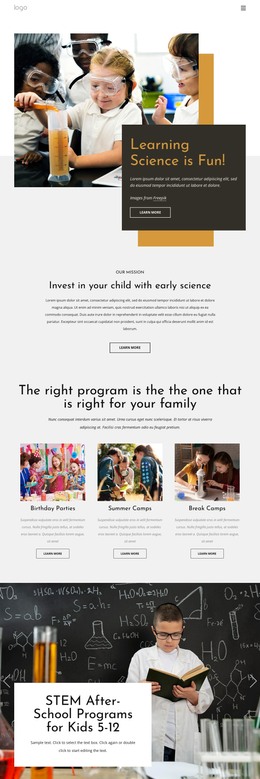
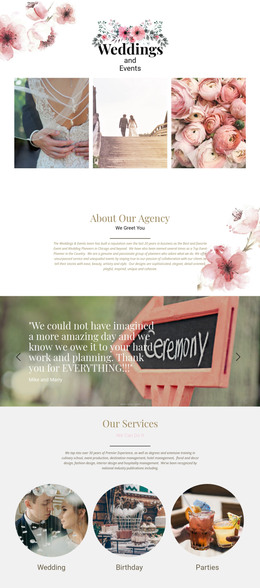
Choosing birthday HTML templates is largely about finding a page composition that already fits the occasion. A compact greeting design may need only a hero image and a personal message; an invitation layout calls for a more detailed content area. The templates bring these arrangements together in editable HTML-based pages. You can replace text and images, adjust the underlying markup when needed, rearrange blocks, and export portable website files for hosting.
Responsive HTML Structures for Birthday Invitations
The preview shows how a template looks, but content organization matters just as much when you start editing. Look for recognizable headings, self-contained sections, and space for text that will vary from one birthday to another. These details make it easier to adapt an existing composition without disturbing the rest of the page.
Three practical checks help narrow the choices:
Organized sections: The greeting, image area, and supporting copy should sit in blocks you can identify and rearrange.
Predictable content hierarchy: The main headline and secondary details should remain easy to distinguish after replacing sample text.
Adaptation and export: Check that the chosen arrangement works with your photographs and can be exported as a complete set of website files.
A small digital greeting needs less markup and fewer sections than an invitation containing a program or a gallery. Pick the simpler composition when those extra areas would remain empty.
Reusable HTML Sections for Birthday Pages
A ready-made birthday HTML layout can also be a starting point for a personalized greeting. For a party invitation, you might replace the sample heading with “Maya’s 30th Birthday,” enter the date and arrival time, add a short note for guests, and fill a gallery with photographs. These changes follow the existing HTML page structure, so you don't need a new layout.
Responsive markup also supports guests who open invitations through messaging apps or email links. Important details should remain visible and readable, even when decorative images or longer greetings occupy separate sections.
Nicepage provides visual editing tools for adapting these layouts. Once the birthday page is complete, you can use HTML Website Export to generate the HTML, CSS, JavaScript, and image files needed for independent hosting.
Compare the number of sections with the content you actually have. If you want a one-screen congratulation, choose a concise HTML design; if you have several stories or event details, choose a layout with modular content areas. That decision matters more than adding decorative features you will never use.