Tips for fashionistas Website Template


Two Service-Practice Columns Create a Reusable About Section
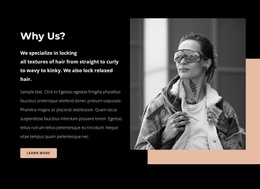
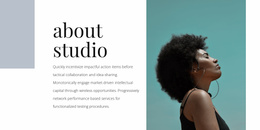
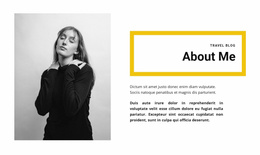
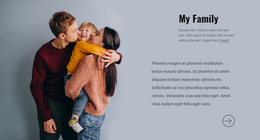
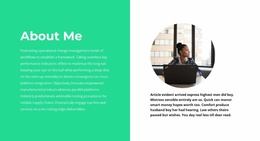
The two image-and-text columns define one stable content area for a broader website project. Each column combines a portrait-oriented image with a compact explanation, so the section can present related operational practices without placing every message into one continuous paragraph. The left column focuses on GPS tracking for service teams and customer-paid time. The right turns to instant online booking and customer access to service controls. Their parallel structure makes the relationship between service delivery and customer convenience easy to follow.
The block also carries a consistent visual pattern that can be reused when a site needs a recognizable About or service-information area. The light gray background gives the section a calm base, while generous whitespace keeps the two columns separate from one another and from neighboring content. The pink horizontal accent line and oversized initial letter give the left column a stronger entry point; the right column remains simpler, creating variation within the shared layout rather than introducing a different section type.
Inside a broader website template project, this block can handle explanatory context while other sections provide introductions, detailed offerings, proof, or contact information. Its value is the combination of paired imagery, concise operational content, and a repeatable two-column arrangement. The same visual logic can guide related blocks without implying that this single section contains the project’s complete page structure.
Customize with Nicepage
Open this ready-made template in the Website Template Builder and customize it visually in the Nicepage editor. Replace demo content, edit page sections, and adapt the design to your project without rebuilding the template from scratch.
Edit Template Offline
2. Create a new page or select existing
3. Click Add new block, search for id 444668 and click enter
Edit Template Online
Create Awesome Websites


Free Nicepage Builder
Keywords
Use This Block in a Broader Website Template Project
Treat the Block as One Reusable Site Section
A website project is assembled from multiple pages and sections. The analyzed block provides one reusable content area—such as services, About, testimonials, pricing, gallery, team, or contact—while the rest of the site supplies other page-level functions.
Coordinate the Section With Other Pages
Use the Pages panel to manage the pages of the broader project. The block can remain one consistent section pattern while related pages add deeper information or different content without implying that the Block ID itself contains those pages.
Expand With Matching Designs
When additional pages or sections are needed, Page Design Sets can help locate matching Page and Block Designs. This can extend the visual direction around the existing block while keeping the site's other content areas separate.
This workflow treats the block as a reusable building unit inside a larger Website Template project, not as a complete website foundation on its own.