Modern Women's Fashion Shop Website Template


Edit Template Offline
2. Create new page and search for id 6671490
Edit Template Online
Create Awesome Websites


Free Nicepage Builder
Keywords
Products, categories, and brand content establish a scalable site foundation
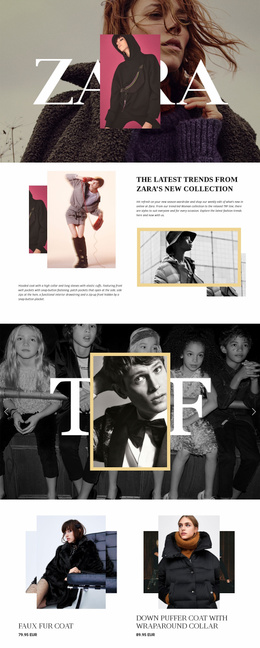
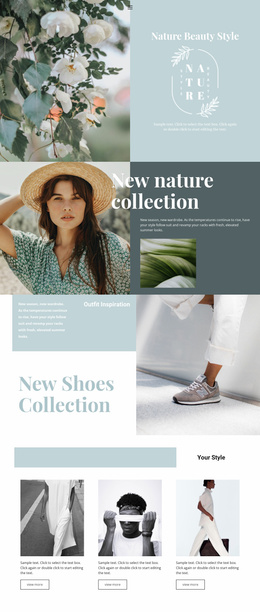
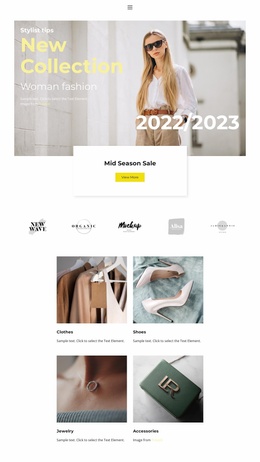
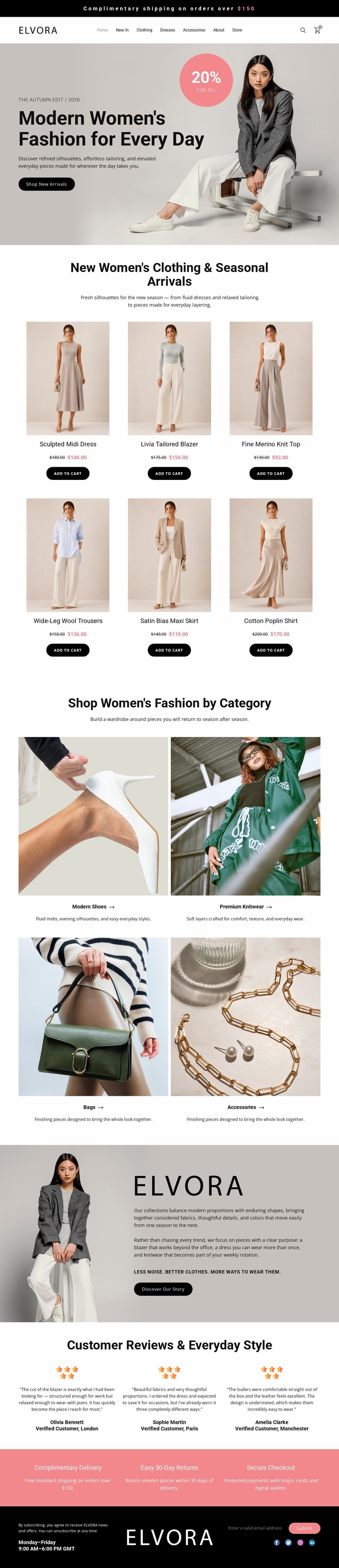
The six clothing cards give the project a concrete merchandise foundation, with each item represented through imagery, a product name, a displayed price, and an add-to-cart action. Around that core, the four category tiles define additional content areas for Modern Shoes, Premium Knitwear, Bags, and Accessories. These regions can help organize a broader fashion project because they separate product discovery into recognizable subjects rather than leaving all merchandise in one undifferentiated collection.
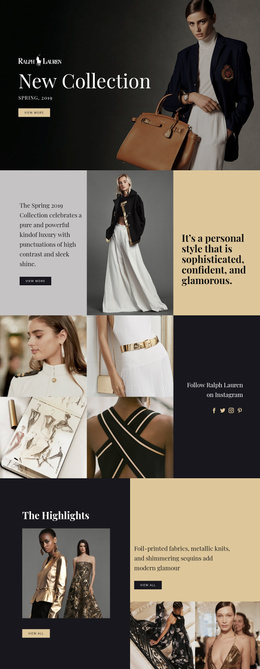
The template also includes the content needed to support a wider brand presentation. The Elvora story introduces the design perspective through image and text, while three customer reviews provide a separate proof area. Complimentary delivery, 30-day returns, and secure checkout are grouped into a reassurance strip, and the footer supplies contact channels, opening hours, and social links. The header's navigation and utility icons provide a shared framework around these areas.
Only one page is verified here, so the design should not be described as an existing multi-page website. Its value as a website template is that these confirmed sections provide a strong starting information architecture for additional retail content. Future pages could follow the same product, category, editorial, review, and contact relationships while preserving the neutral fashion identity. Nicepage's Pages panel is a relevant product bridge when the project grows beyond this initial storefront page.
Customize with Nicepage
Open this ready-made template in the Website Template Builder and customize it visually in the Nicepage editor. Replace demo content, edit page sections, and adapt the design to your project without rebuilding the template from scratch.
Build a Complete Website From This Template
Customize the Website Visually
Use this ready-made website template as a starting point for your project and adapt its pages visually in Nicepage. Change content, images, typography, navigation, sections, and other design elements while keeping the website together as a single editable project.
Manage Website Pages in One Project
Use the Pages panel to open, add, duplicate, and manage the pages of your website. Work on individual pages while keeping navigation and the overall site structure accessible from the same project, making it easier to develop a complete website instead of managing separate page files.
Expand the Website With Matching Designs
When you need additional pages or sections, use Page Design Sets to find Page and Block Designs created in the same visual style. Design Sets group matching designs together, making it easier to expand the website with new content while maintaining a consistent look across its pages and sections.
Organize Larger Multi-Page Websites
As the website grows, use Page Folders to organize related pages and keep larger multi-page projects easier to navigate in the editor. This is especially useful for websites with separate service pages, company information, contacts, landing pages, and other content areas.
This workflow makes the template a practical foundation for building and expanding a complete website while managing its pages, content, and visual design within one Nicepage project.