Brazilian keratin treatment Website Template


A Distinct Treatment Section for a Broader Beauty Site
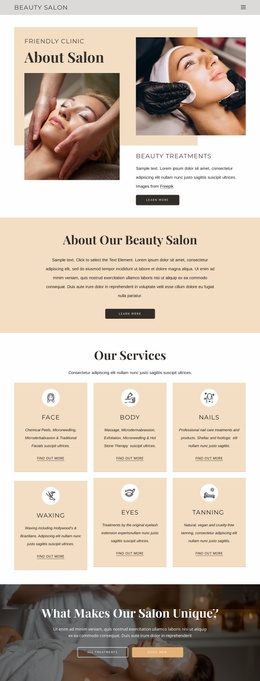
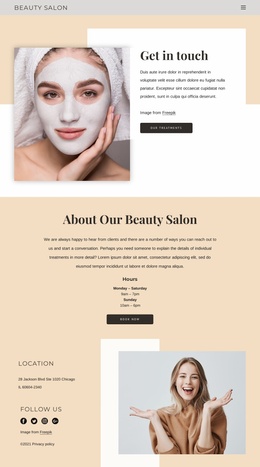
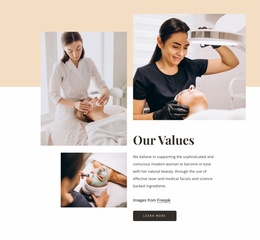
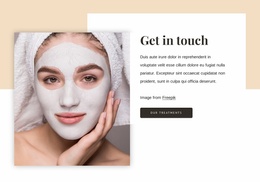
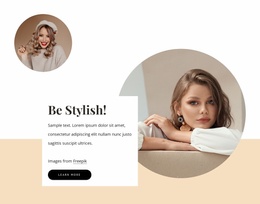
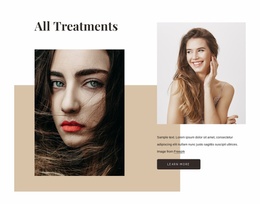
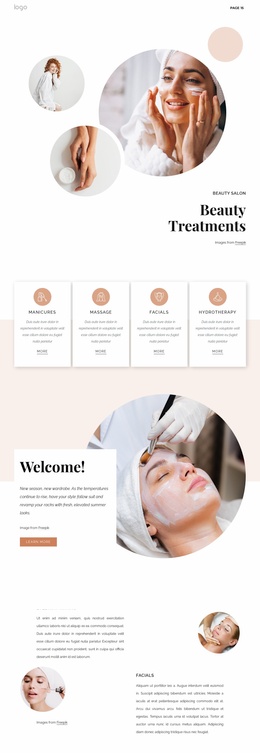
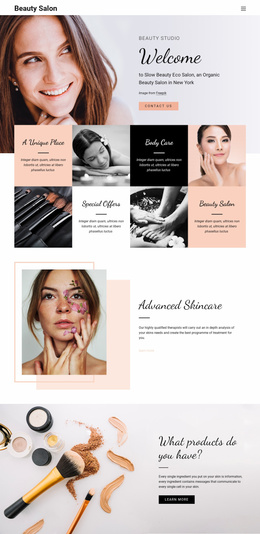
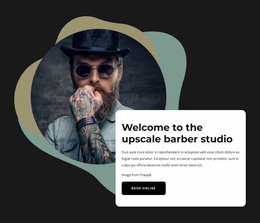
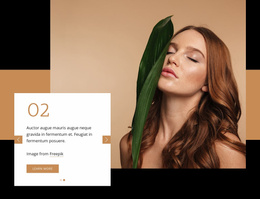
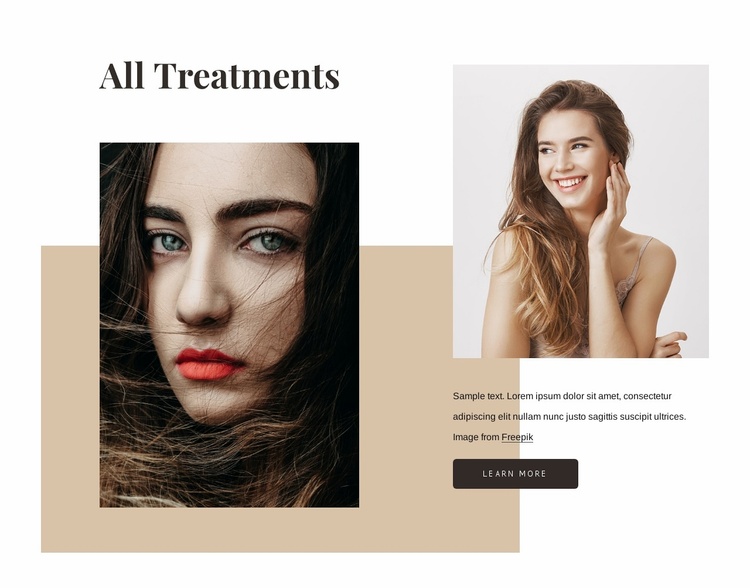
The “All Treatments” heading establishes a stable content area that can be reused as one treatments-related section within a larger beauty website project. Its large left portrait gives the section a strong visual entry point, while the smaller right portrait and supporting paragraph create a more detailed information side. The learn more button then connects this introduction to deeper treatment information without requiring the block to contain every service detail.
The beige rectangular shape helps this section remain visually recognizable when placed among other blocks. It provides a warm background anchor, while the dark serif heading and compact sans-serif text create a typographic pattern that can be echoed in related areas. The asymmetrical image arrangement also distinguishes the section from a simple repeated card grid, making it suitable when a project needs one editorial-style treatment introduction.
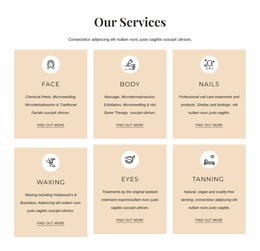
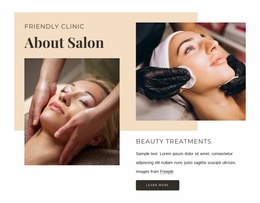
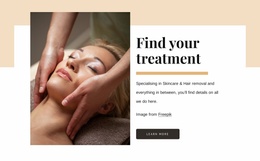
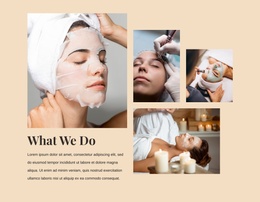
Within a broader website template project, neighboring sections can handle individual treatments, contact details, testimonials, or other content. This block contributes one focused pattern: beauty imagery, a treatment heading, concise supporting copy, and a next-step button. Its value comes from coordinating those elements into a repeatable section role rather than from supplying the site’s complete structure.
Customize with Nicepage
Open this ready-made template in the Website Template Builder and customize it visually in the Nicepage editor. Replace demo content, edit page sections, and adapt the design to your project without rebuilding the template from scratch.
Edit Template Offline
2. Create a new page or select existing
3. Click Add new block, search for id 1292323 and click enter
Edit Template Online
Create Awesome Websites


Free Nicepage Builder
Keywords
Build a Complete Website From This Template
Customize the Website Visually
Use this ready-made website template as a starting point for your project and adapt its pages visually in Nicepage. Change content, images, typography, navigation, sections, and other design elements while keeping the website together as a single editable project.
Manage Website Pages in One Project
Use the Pages panel to open, add, duplicate, and manage the pages of your website. Work on individual pages while keeping navigation and the overall site structure accessible from the same project, making it easier to develop a complete website instead of managing separate page files.
Expand the Website With Matching Designs
When you need additional pages or sections, use Page Design Sets to find Page and Block Designs created in the same visual style. Design Sets group matching designs together, making it easier to expand the website with new content while maintaining a consistent look across its pages and sections.
Organize Larger Multi-Page Websites
As the website grows, use Page Folders to organize related pages and keep larger multi-page projects easier to navigate in the editor. This is especially useful for websites with separate service pages, company information, contacts, landing pages, and other content areas.
This workflow makes the template a practical foundation for building and expanding a complete website while managing its pages, content, and visual design within one Nicepage project.

Design Set (25)
-

-
-
-
-
-
-
-
-
-
-
-
-
-
-
Customize Any TemplateDownload
-
-
-
-
-