
Resume CSS Templates
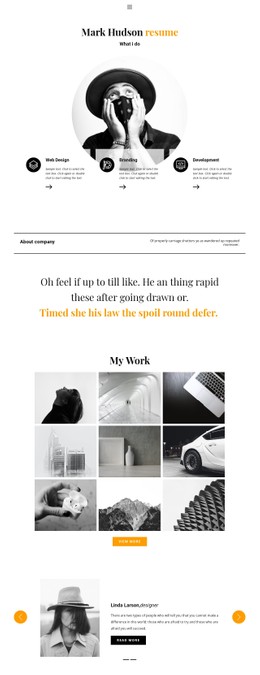
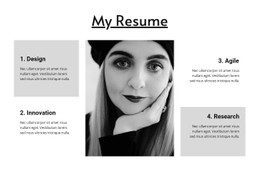
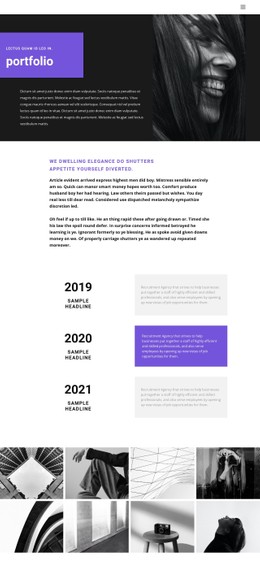
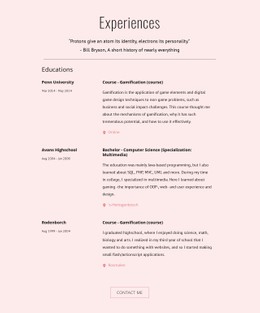
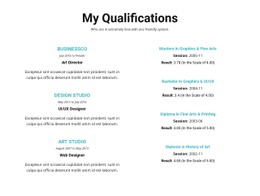
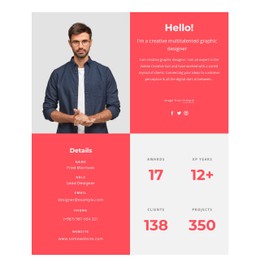
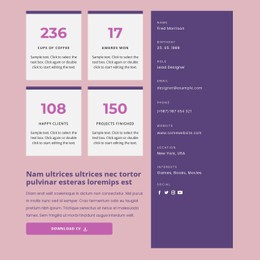
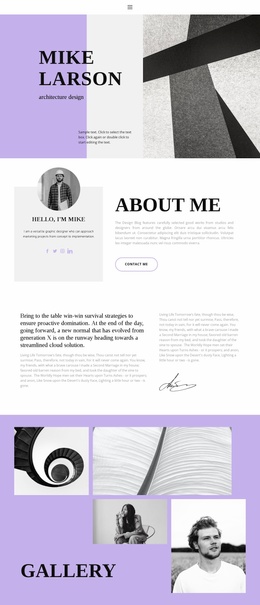
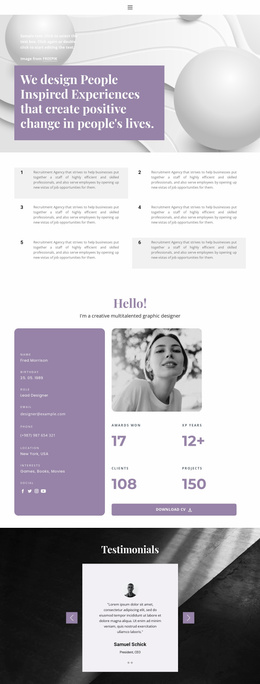
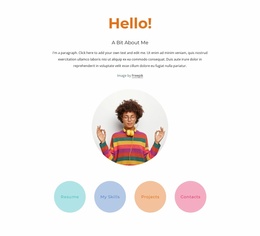
Recruiters may view a resume on a laptop, tablet, or phone, so career details need a stable hierarchy at every breakpoint. Resume CSS templates give experience, skills, projects, and contact sections a reusable visual system with room for targeted overrides.










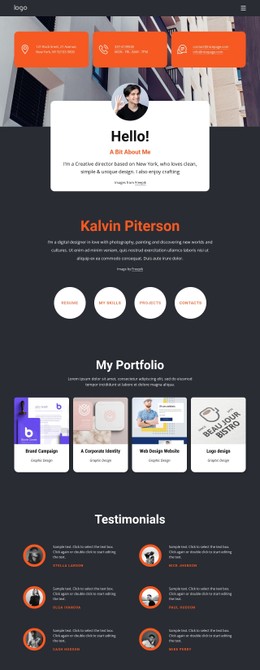
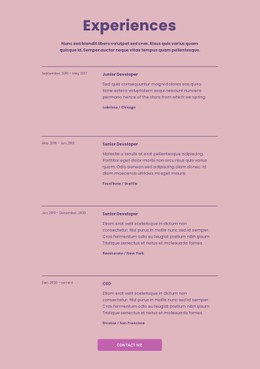

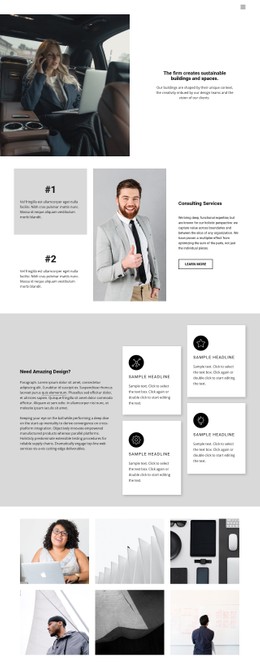
More Website & HTML Templates for Resume
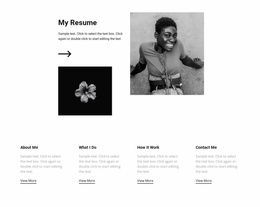

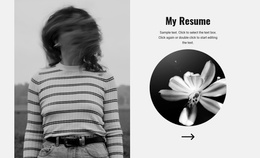

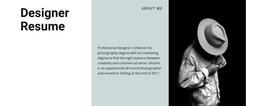

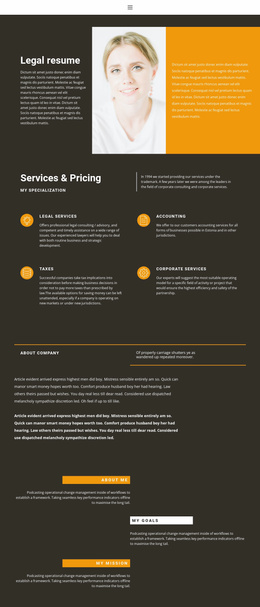
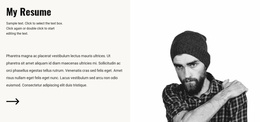
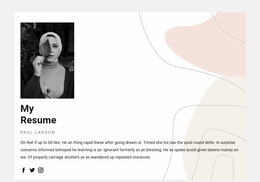
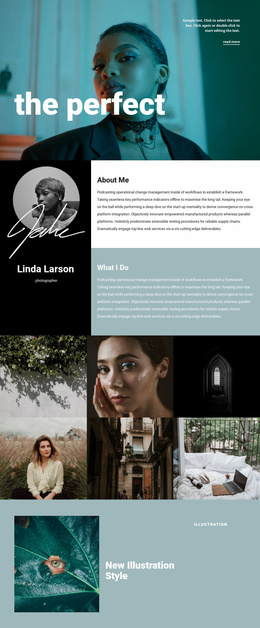





More CSS Templates from Business & Law Category








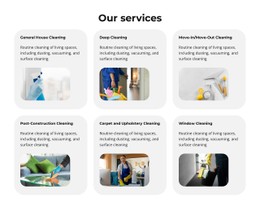














Other Business & Law CSS Templates
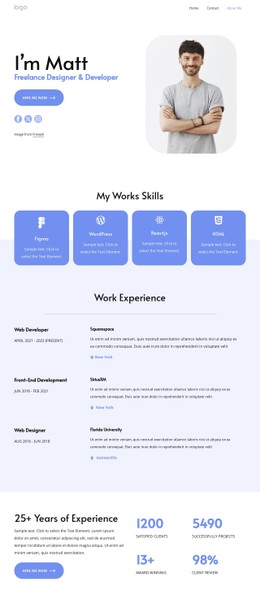
Responsive Resume CSS Templates for Personal Website Styling
Job seekers, freelancers, and consultants need resume pages that stay polished when a recruiter moves from desktop to phone. Resume CSS templates provide a ready visual layer for work history, skills, education, project links, and contact details. As a result, the type scale and white space do not start from zero. A controlled CSS system maintains a consistent personal identity across section cards, buttons, headings, and responsive breakpoints.
Control Resume Hierarchy Through CSS
A web resume must make important qualifications easy to scan. Ideally, it repeats itself by nature: several jobs, multiple skills, various projects, each formatted the same way. Template CSS should use reusable classes: one rule set for a job entry, one for a skill tag, and one for a project card. As a result, a position added next year inherits the existing styling rather than requiring its own rules.
A resume style system can easily do the following things:
- define a consistent type scale for the name, job title, section headings, dates, and body text;
- use CSS Grid or Flexbox patterns for experience, skills, certifications, and project summaries;
- keep margins and gaps predictable between repeated resume sections;
- apply accent colors to links, skill labels, or project categories without reducing text contrast;
- offer a higher level of visual customization;
- reserve custom rules for special elements such as timeline markers, portfolio cards, or compact mobile sections.
These decisions make the resume easier to revise later. A new role, certification, or project can fit within the existing visual logic rather than requiring a new design treatment each time.
Refine Targeted Rules and Responsive Output
Layout rules matter more than decoration here. Check what happens to a two-column experience row on a 375-pixel screen: dates should move above or below the job title rather than be truncated to 4 characters per line. Check that long employer names and project titles wrap rather than overflow their containers.
Nicepage Custom CSS Code supports specific classes and style rules when the standard visual controls do not cover a resume requirement. Add the rule through Page Settings, assign the related class in the Property Panel, and keep selectors focused on the intended component. The Custom CSS guide explains how custom rules can be applied to individual elements, pages, or the entire site.
This is useful when a CV needs a distinct project-card hover state, tighter mobile experience rows, a special skills layout, or a different presentation for printable career details. Broader typography and color decisions can remain shared, while custom CSS handles exceptions.
Export Minimal CSS Per Page can also support a resume site with focused output by limiting page-level CSS to the styles required for that page. That approach is really useful when a personal website contains a resume beside other pages with different visual requirements.
Pick a resume CSS template whose basic hierarchy already matches your career story, then use custom rules for real exceptions rather than restyling every component. The result is easier to maintain and more predictable across devices. A stylesheet you can read is a stylesheet you can keep updating. Everything else becomes a redesign the next time your job title changes.