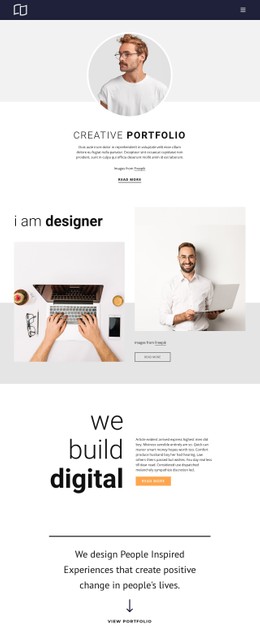
Designer profile block CSS Template


Blue Contrast and Circular Accents Shape the Profile
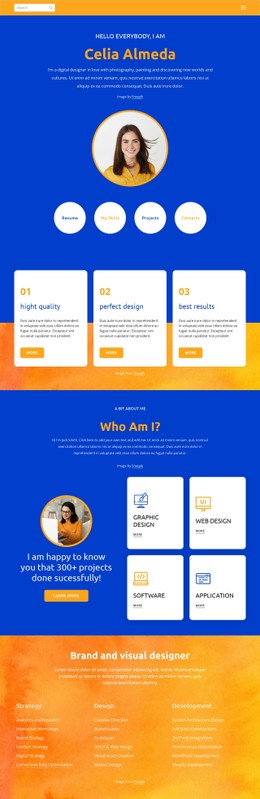
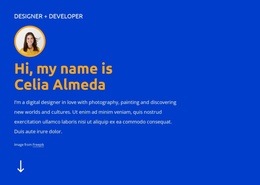
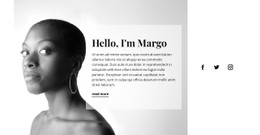
The bright blue section establishes the main visual field for this profile, while white typography keeps the introduction readable against it. Orange appears in the typographic accents and the portrait border, creating a repeated color relationship rather than an isolated decorative detail. The centered arrangement allows the heading, name, and biography to remain one compact text group before attention moves to the image.
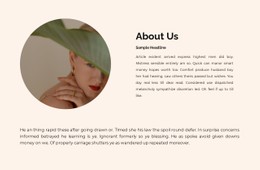
The portrait is contained within a circular frame, and the four navigation links repeat that circular language below it. Their white treatment separates Resume, My Skills, Projects, and Contacts as distinct destinations without breaking the vertical flow of the section. Spacing between the portrait and link row helps preserve the profile's hierarchy: personal introduction first, visual identity second, related information last.
As a CSS Template interpretation, the useful focus is the styling system inside this one block. Background color, text contrast, border color, circle size, spacing, and alignment can be adjusted while retaining the same profile content and navigation structure. The result remains a recognizable designer introduction, but its appearance can be coordinated with the colors and typography used by neighboring sections.
Customize with Nicepage
Open this ready-made template in the CSS Template Builder and customize it visually in the Nicepage editor. Replace demo content, edit page sections, and adapt the design to your project without rebuilding the template from scratch.
Edit Template Offline
2. Create a new page or select existing
3. Click Add new block, search for id 3064699 and click enter
Edit Template Online
Create Awesome Websites


Free Nicepage Builder
Keywords
Customize This Block With CSS
Refine the Section Styling
Customize the visual appearance of the block in the Nicepage editor by adjusting typography, spacing, backgrounds, borders, colors, alignment, sizing, and other style properties. Because the block remains one section inside a larger page, styling can focus on the elements that define this particular content area without requiring the rest of the page to use the same treatment.
Add Targeted Custom CSS When Needed
For styling requirements beyond the standard editor controls, use Custom CSS to add targeted rules. CSS can be applied at different scopes, including individual elements, pages, or the website, while CSS classes can connect custom rules with selected elements. This makes it possible to extend the styling of a specific block while keeping its content structure intact.
Review the Block Across Screen Sizes
When spacing, alignment, image proportions, grids, or repeated items change significantly between desktop and mobile layouts, use Responsive Modes to review the same block at different screen widths. The goal is to preserve the visual hierarchy of the section while adapting its styling to the surrounding page.
This workflow keeps the block focused on its original content purpose while giving you visual control over how that section appears within the final page.