
Motion HTML Templates
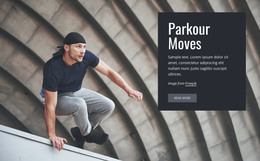
An indoor parkour class can feature balance practice, landings, and obstacle transitions without providing a do-it-yourself tutorial. Motion HTML templates organize each supervised activity into labeled sections, with scroll effects that support, not replace, the explanation.




















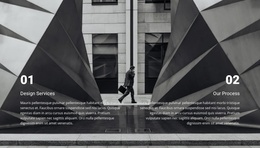

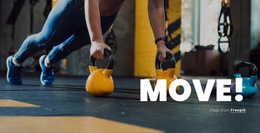
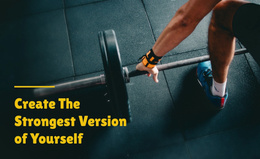

More HTML Templates from Sports Category
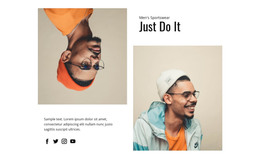
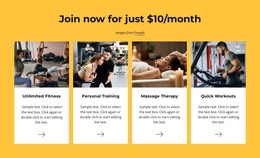
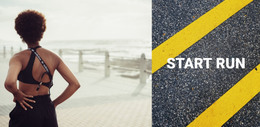

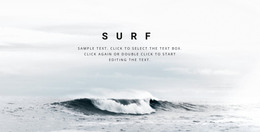
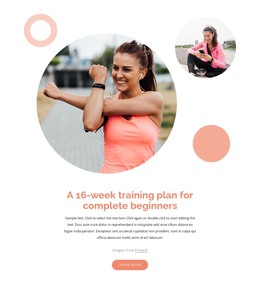
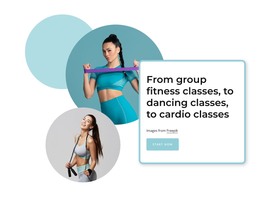
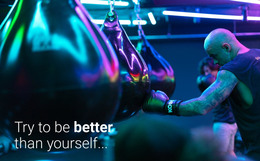
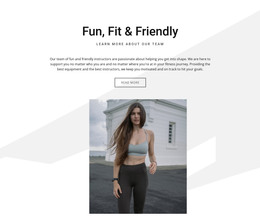

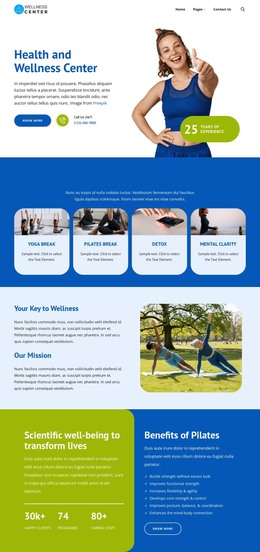



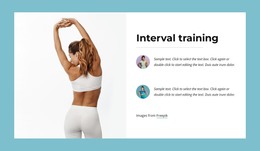
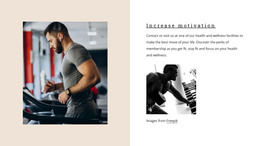
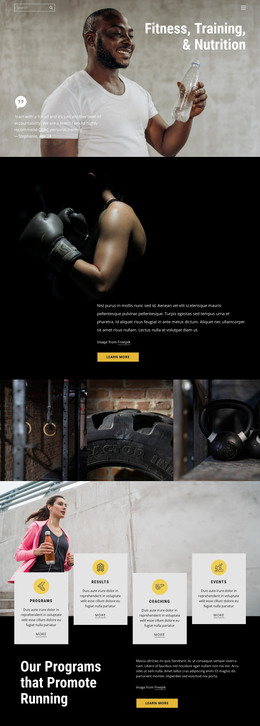
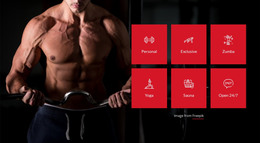


Other Sports HTML Templates
Creative Motion HTML Templates for Projects Built Around Movement
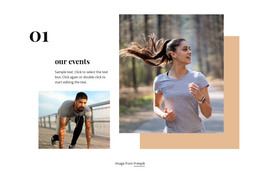
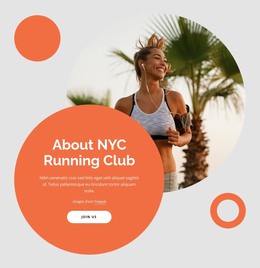
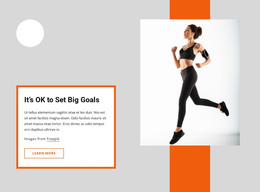
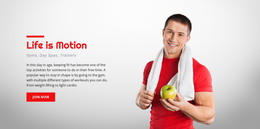
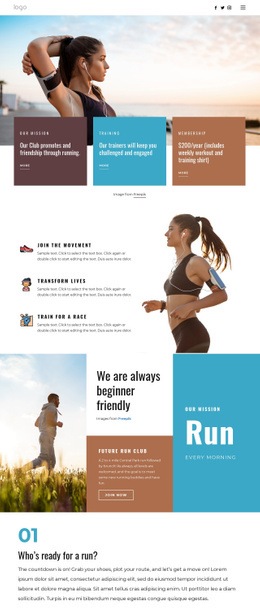
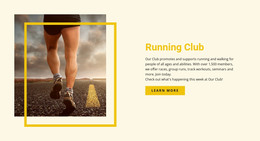
Motion HTML templates give you a ready starting point for a site where movement matters, whether that means athletes, vehicles, or graphics that seem to move on their own. Some designs treat motion as the subject and suit running clubs, cycling shops, or transportation companies. Others build it into the composition through diagonal lines and cropped action photos. Interactive effects are a third, optional layer, since plenty of templates feel fast without any animation.
Choosing a Visual Direction by Project Type
Each kind of project leans on different parts of the layout:
- A running or cycling club needs room for an event calendar and a signup button, plus photos of real group rides.
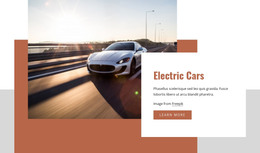
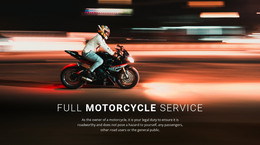
- A motorcycle repair shop or courier service gets more from services and contacts placed high, with vehicles in the main image.
- A motion design studio depends on large previews of its work and easy jumps between projects.
An indoor parkour gym can open with an action shot from a real beginner class, then add a short block on levels and coaching, plus a booking button.
Full Pages, Single Blocks, and Your Own Content
The category mixes full page designs with separate blocks, so a new club can take a whole page while an existing site adds one bold section. Either way, the layout work is already done. In the live preview, a good match leaves room for your headline and main button, and your information fits without cramming.
A template that looks thrilling with a diagonal action shot can turn ordinary once a posed group photo replaces it. After swapping images or colors in the editor, make sure the headline and button still read clearly, since a busy frame swallows white text fast.
Animation Effects Before Publishing
Nicepage animation can run on display, react on hover, or sync with scroll, and a template may use any of these or none. Use Animation Sync With Scroll to make an opening headline drift into place as the visitor scrolls. Scroll effects often need taller sections, so a phone test shows whether they slow people down on the way to the schedule. The published site is worth viewing with reduced motion turned on, since not every template handles that setting.
The finished project exports as HTML files with scripts and images for your own hosting, though you may need to review the contact form settings.
Picture the template with every effect switched off. If the layout still feels quick and the main button is easy to spot, you have the right base, and effects can go only where they help.