
Swimming HTML Templates
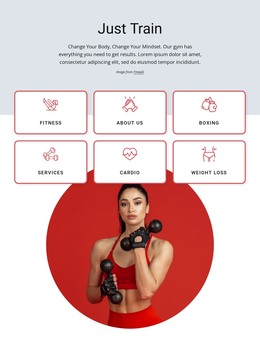
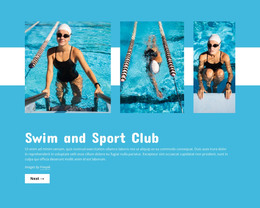
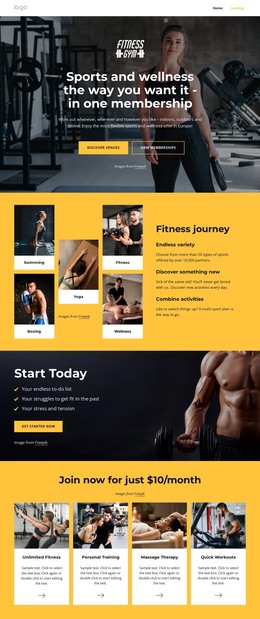
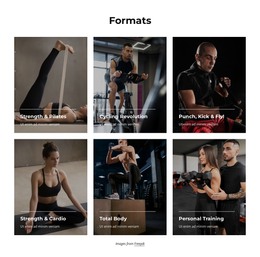
Swim schools and aquatic clubs need clear sections for lesson levels, coach profiles, schedules, pricing, and pool information. A ready-made HTML structure keeps those content blocks reusable and easier to review across desktop, tablet, and phone layouts.
-

-

-
-
-
-
-
-
-
-
-
Free Website Builder SoftwareDownload
-
-
-
-
-
-
-
-
-
-
-
-








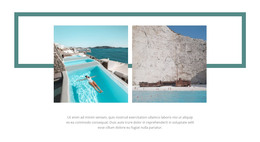
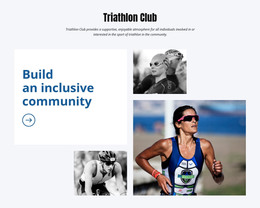


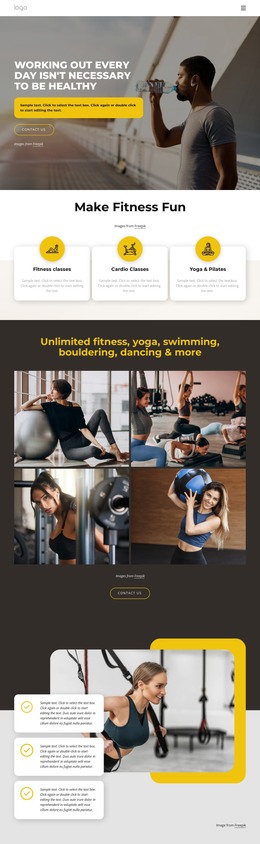
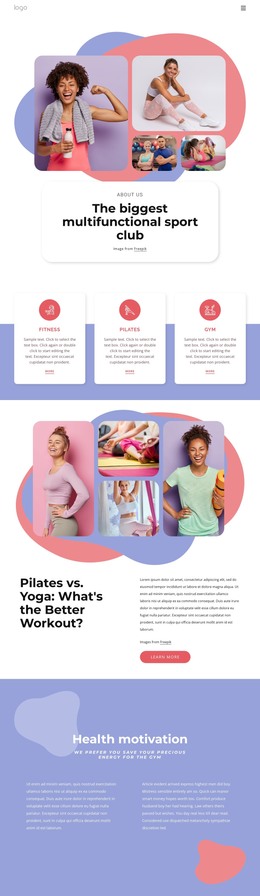







More Website & HTML Templates for Swimming



More HTML Templates from Sports Category















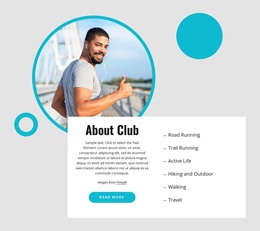

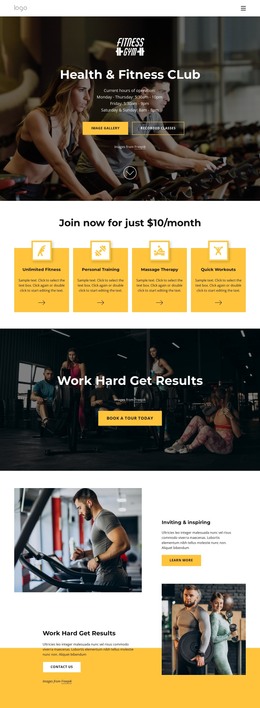

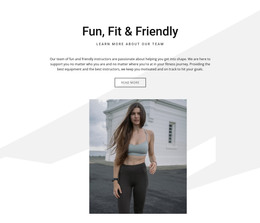


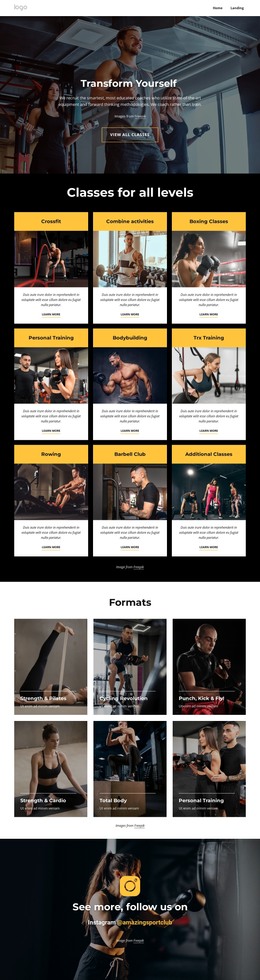






Other Sports HTML Templates
Swimming HTML Templates You Can Edit and Publish Yourself
A swimming HTML template arrives as a set of ready-coded pages. You open the files, replace the demo text with your own lesson names and session times, swap the photos, and publish the result on a hosting service you control. The source stays open afterward, so a club that later needs an extra squad page or a second pool address can add it without starting over.
Swim Program Blocks Worth Checking
The quickest way to judge a template is to read its demo pages as though they already belonged to you. A beginner class needs an age range and a note about prerequisite skills. A competitive squad needs training times, a coach name, and a short explanation of what a swimmer should be able to do before joining. Those sections are the ones you will keep, so they deserve more attention than the opening photograph.
Blocks that are usually worth looking for in a swimming demo:
- lesson levels with age ranges and eligibility notes
- weekly lane and session times for each pool
- coach profiles with roles and qualifications
- trial booking, enrollment, or inquiry forms
Nicepage Grid Element keeps such repeated groups in order once editing begins, since lesson cards, instructor tiles, and location blocks sit in rows and columns that reflow as the width changes. The Grid Element documentation covers how that works.
Phone Screens and Real Timetables
A parent checking whether the Tuesday beginner class starts at five usually does it from a phone, standing somewhere between two other errands. Narrow the browser window on the demo before you commit to anything and watch the schedule: a class name should stay attached to its time, a price should stay attached to its program, and the registration button should remain reachable without a long scroll. Swimming pages fail this test more often than most, because timetables carry more columns than a typical service site ever needs.
Judging a Demo Before Download
Two templates with similar screenshots can behave very differently once real content goes in. A private coach with four lesson packages will be comfortable on a compact single page, while an academy running eight levels across two pools needs room for a timetable, several instructor biographies, and separate location details. Try the demo against the longest headline, the biggest class list, and the widest schedule you would realistically publish. The template worth downloading is the one where most of your swimming content already has a place to go, and the files stay simple enough to edit as the season changes.