
Basket HTML Templates
An online store basket must make selected products, quantities, prices, totals, and the purchase path easy to scan. Ready-made HTML templates provide a structured cart foundation you can adapt to the store’s product and order flow.
-
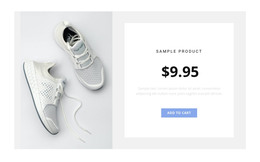
-

-
-
-
-
-
-
-
-
Free Website Builder SoftwareDownload
-
-
-
-
-
-
-
-
-
-
-
-














More HTML Templates from Sports Category




















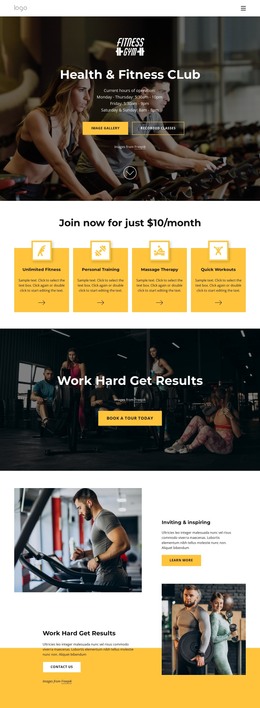




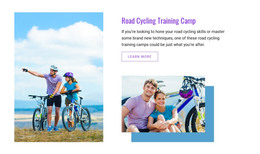



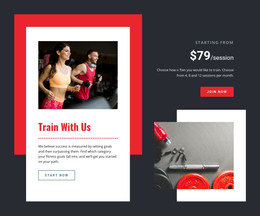

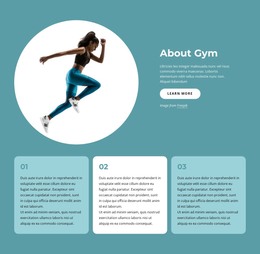














Other Sports HTML Templates
Use Readily Available Basket HTML Templates for Online Store Carts
A basket HTML template handles the cart work people often underestimate: deciding which elements exist and how they nest. Product rows, quantity fields, and remove links already sit in the markup. The order summary and checkout button have their own places too, so a store owner starts by adding real products.
How Product Rows Repeat
Most of a basket is one small unit copied over and over. A shopper with a single item and a shopper with ten see the same row structure, so that one row matters more than a demo with two sample products suggests. Price and quantity live inside it, while the total belongs to the whole order and sits outside the repeating list.
A well-built row usually keeps these pieces grouped:
- a product container that holds the image, the title, and the chosen variant;
- a quantity field whose update and remove controls belong to that exact item;
- separate spots for the unit price and line subtotal, with room for an old price.
Blocks Outside the Item List
Below or beside the rows sit the areas that describe the order as a whole. In a solid template, each one is its own markup section, easy to locate when you edit the file later.
Look for these blocks outside the repeating list:
- an order summary that collects the subtotal, any discount or delivery line, and the final total;
- a checkout area set up as its own form or action block, giving the order a defined exit toward payment;
- an empty basket section that replaces the rows with a short message and a link back to the catalog.
A small notice area for messages about an item that went out of stock is worth having too, since adding one later means squeezing new markup between existing blocks.
Which Parts Are Already Coded
Nicepage supports e-commerce sites for HTML output, and the cart is part of that store functionality. The official Shopping Cart For E-Commerce documentation explains how the Nicepage shopping cart feature works and where it fits in an e-commerce project.
Before comparing demos, list what your store shows in a basket. If customers pick variants and apply discounts, each of those needs an existing area in the markup. A template that lacks them usually requires restructuring every line item after you connect the catalog. A demo may look nothing like your brand yet still be the right base, as long as its structure matches your order data. Checkout is a separate step, so the basket only needs to end with a block that cleanly hands off the order.