
Assessment HTML Templates
Clear assessments depend on ordered instructions, criteria, questions, and response areas. These HTML templates provide reusable markup for training checks, self-evaluations, screening forms, and feedback-focused assessment pages.





More HTML Templates from Sports Category



















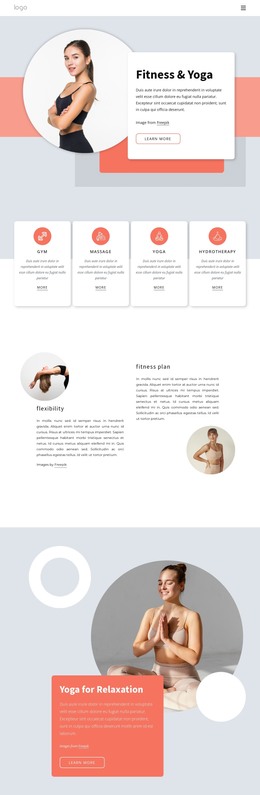





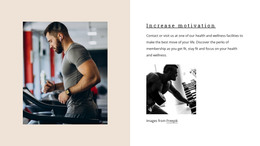


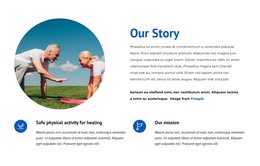
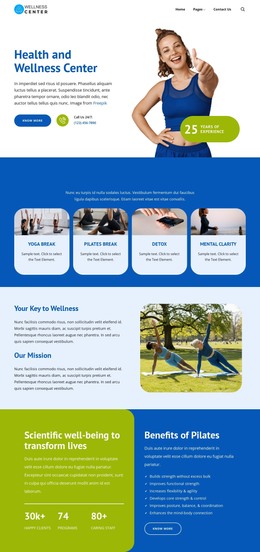











Other Sports HTML Templates
Advanced Assessment HTML Templates
An assessment HTML template provides a complete page design and supporting files. Some of these layouts introduce a fitness assessment service. Others present a coaching practice, a counseling office, or an internal competency review. A questionnaire with response fields is one option, and many assessment pages explain what is measured, who the evaluation is for, and what follows.
Three Assessment Scenarios Worth Planning
Assessment content usually arrives in one of a few recognizable shapes:
- a competency review with skill categories, proficiency levels, and a note on how each rating is earned;
- a fitness assessment that moves from goals to measurements and the recommendations a trainer gives afterward;
- a client needs assessment that runs from the situation description toward eligibility criteria and a booking step.
Only the last one needs a form on the page itself. The first two often work better as informational layouts, with the evaluation taking place in a gym, an office, or on a video call. Sections that stand on their own let you swap one model for another without touching the rest of the design.
Semantic Markup and Editable Sections
Headings, labeled groups, and short explanatory blocks do the real work on an assessment page. They separate the dimensions being evaluated from how to read the results, and they keep guidance next to the item it applies to. Visitors want to know what the assessment covers, how the criteria are interpreted, and what they receive at the end. A contact form never has to answer any of that, so an assessment page carries a heavier explanatory load and needs the room for it.
Reusable sections pay off when an organization runs multiple types of evaluations. The same content block can hold a competency category with its criteria on one page and an assessment area with a result explanation on another, saving you from rebuilding a working composition. Exported files remain editable, so a developer can take the page further once it's on your own hosting.
Narrow Screens, Stacked Blocks
Layouts like this often set service cards in a row or place criteria beside their explanations, and both get cramped on a phone when the order of blocks is left to chance. Nicepage Responsive Modes help designers review layouts across different screen sizes so that criteria groups, instructions, and supporting text remain readable rather than becoming compressed.
One common case calls for less. A page built to generate inquiries can skip the built-in questionnaire entirely, since a clear overview of what the evaluation covers and a visible contact block already do the job.