
Track HTML Templates
When sprinters and distance runners share a meet, the schedule needs more than a simple list of events. Track HTML templates organize race distances, heat times, lane assignments, and results in reusable page sections.
-
-

-
-
-
-
-
-
Free Website Builder SoftwareDownload
-
-
-
-







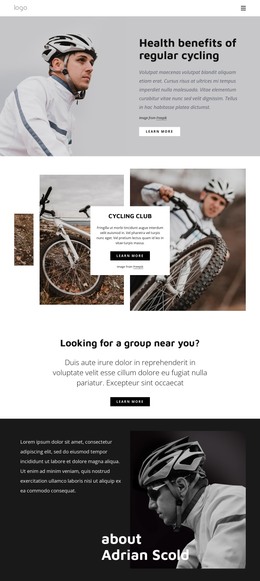
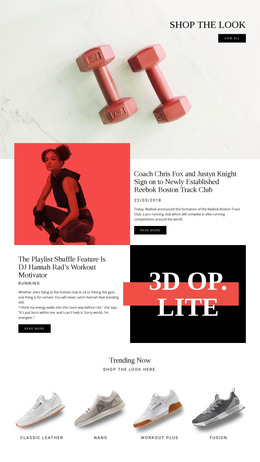

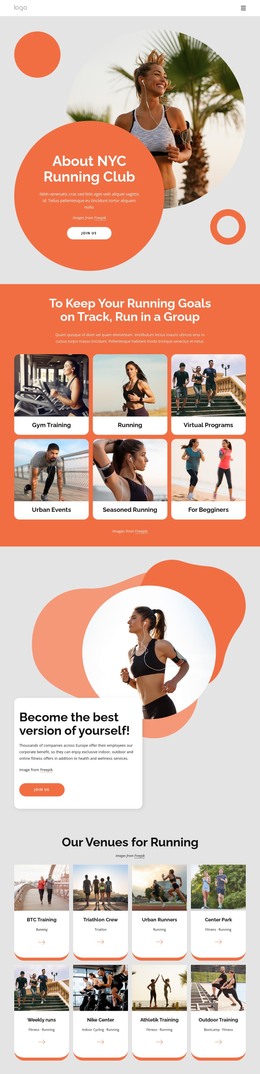



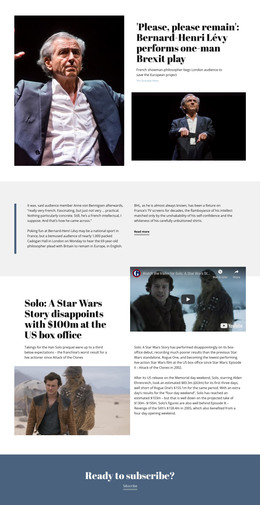
More Website & HTML Templates for Track

More HTML Templates from Sports Category









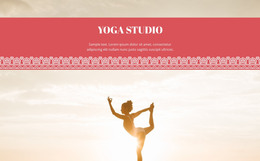
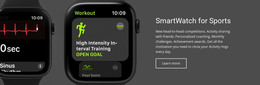

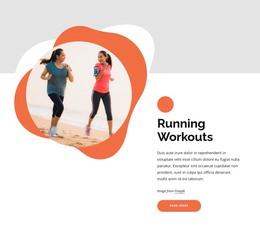
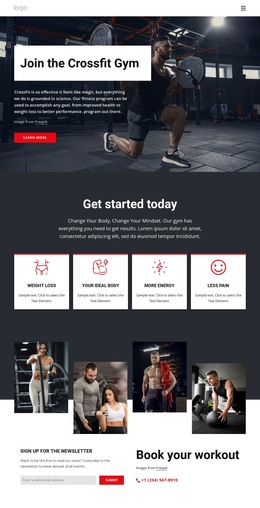















Other Sports HTML Templates
Clean Track HTML Templates
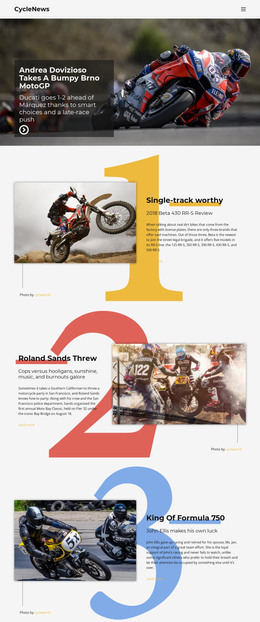
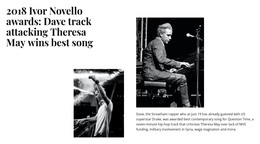
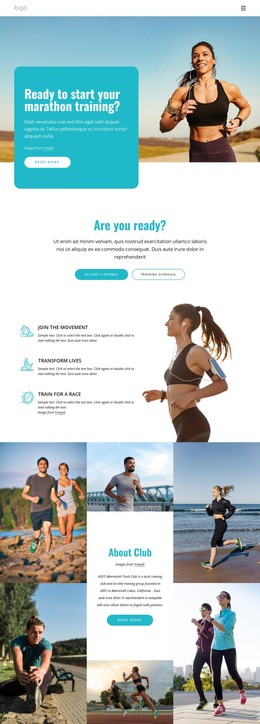
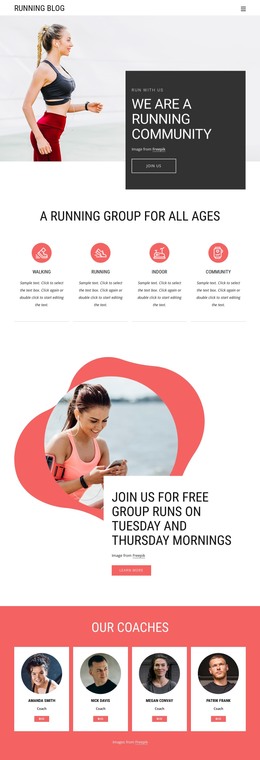
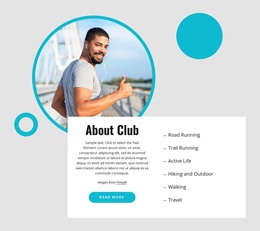
The word "track" covers a lot of ground in this catalog, so it helps to know which meaning your project uses before comparing HTML layouts. Running clubs and race organizers will find plenty here, and podcasters can start from Track Your Podcast. Track Travel And Tours suits tour operators, and several designs focus on motorcycle racing. A few business titles use the word figuratively, including Fast Track To Victory.
Picking a Track Layout by Its Sections
The Pages tab contains complete layouts for a new project, and the Blocks tab provides individual sections for an existing site. Whichever tab you browse, compare the demo sections with the material you have:
- A race or club event needs room for the program, participant details, and the results that come later.
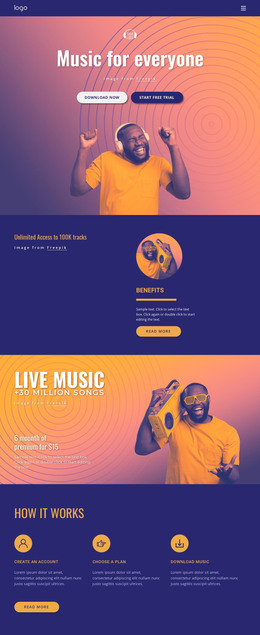
- A podcast leans on a repeating episode entry with cover art, a title, and a short description.
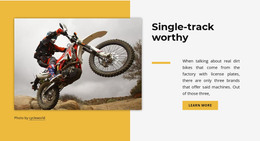
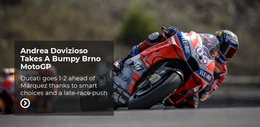
- A motorsport news site does well with one big lead story above smaller numbered cards, as in one of the motorcycle designs here.
A show with years of archived episodes needs a layout built around repetition, whereas a single race weekend fits on a single page.
Swapping Demo Content for Your Own
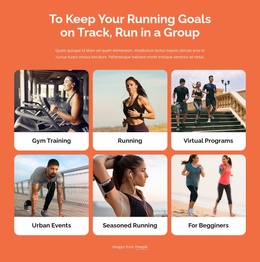
The Nicepage editor lets you replace any headline or photo in a chosen design. Whole sections can be moved, duplicated, or deleted as well. Picture a running club that starts from a design with a hero photo, a row of club benefits, and cards for race categories. The opening headline can announce the next race, while the category cards can become trail runs or weekly group sessions.
Keep the race schedule and the official results in separate sections. The schedule shifts in the weeks leading up to the event, and the results appear only afterward, so each part follows its own timeline. For the results, the Table Element lets you add rows and columns and fill them in by hand. The table doesn't connect to the timing equipment, so a team member enters the finishing times after the race.
On a phone, sections follow one another in the order you set, so put what most visitors look for near the top.
Where Finished Pages Go Next
When the content is ready, the HTML Export option produces the files needed for deployment. The exported pages work without the Nicepage editor, so you can upload them to your own hosting or hand them to a developer. A track layout whose sections already match your material leaves you mostly to write copy and swap photos, and that is the whole point of a ready design.