
Colors Website Templates
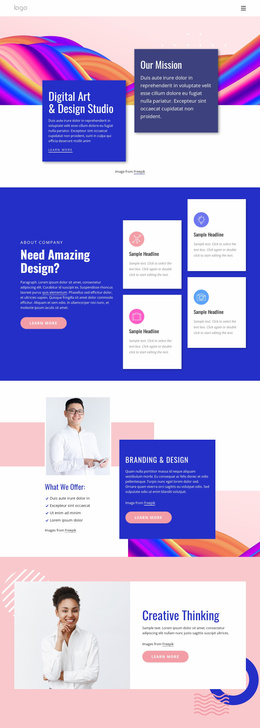
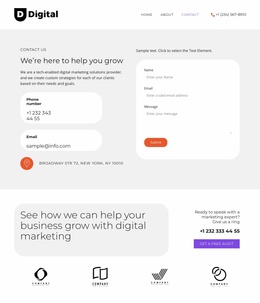
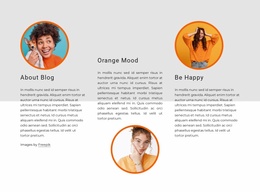
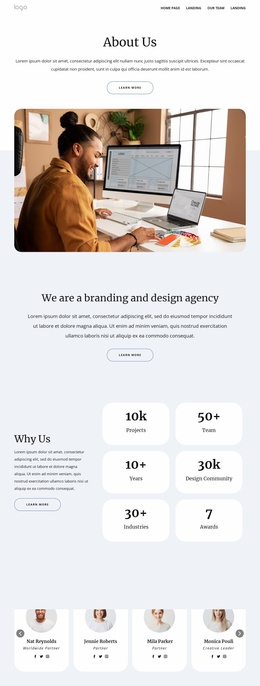
A mismatched palette can disrupt the path from portfolio pages to service details and contact forms. Coordinated multi-page layouts keep accent colors, navigation, and content hierarchy connected for creative brands.
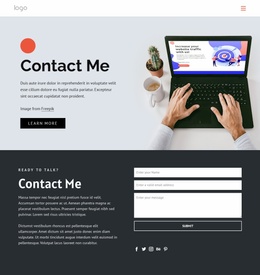
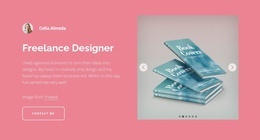
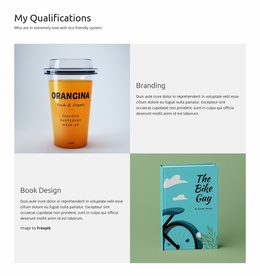

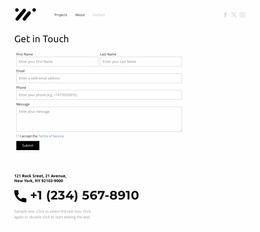



























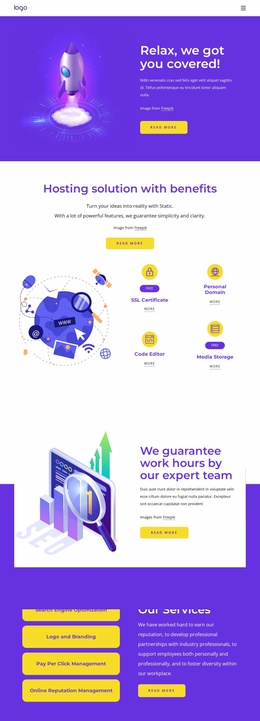
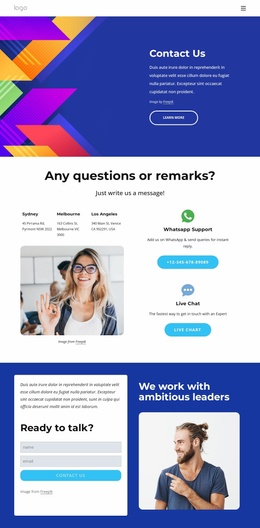



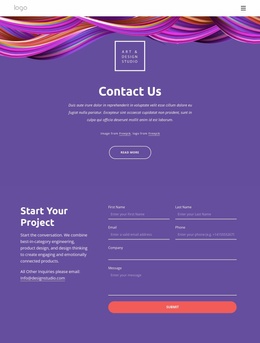



















Other Art & Design Website Templates
Unique Colors Website Templates for Different Visual Styles
Color website templates are organized around the palette, so you can browse by mood first and think about structure later. The category includes full pages as well as separate Blocks, which helps when you only need a colored pricing table or a header that matches your logo. Settle on an aesthetic first, then compare designs by how they actually use color.
Choosing a Palette Direction
The same portfolio or shop reads very differently once the palette changes, and most designs here lean one of three ways:
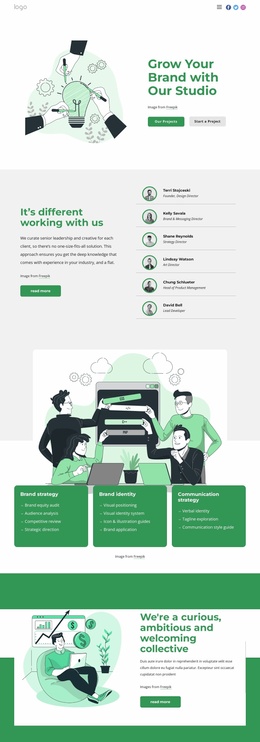
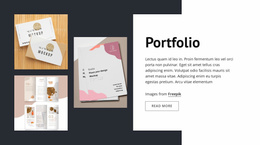
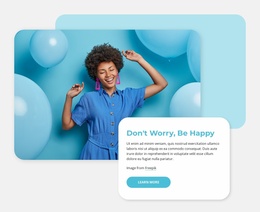
- Pastel and muted tones, as in Flowers And Pastel Colors, feel calm and suit florists, wedding planners, or personal projects.
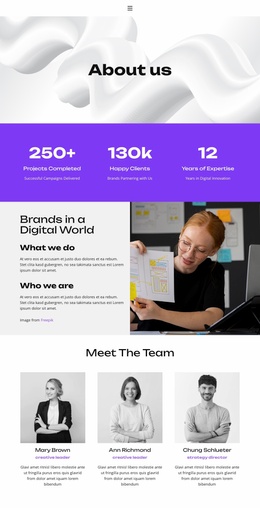
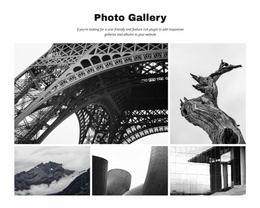
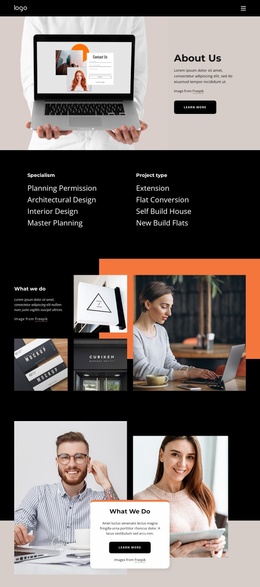
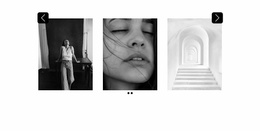
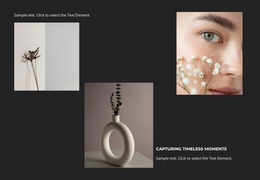
- Black and white palettes like Black And White Colors Of Art push typography and shapes forward for architects and art projects.
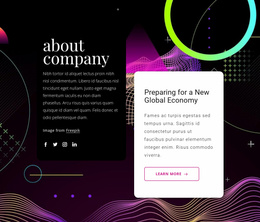
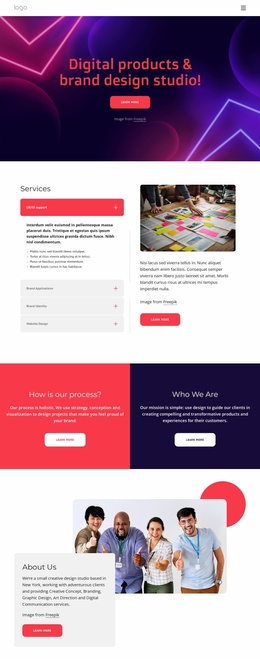
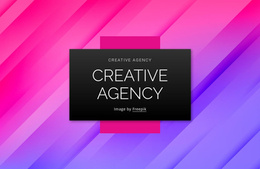
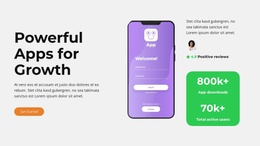
- Neon accents on a dark background, seen in Neon Photo, give game studios and product launches a bold digital look.
Restrained palettes belong here as much as loud ones, and they often suit projects with lots of text.
What Separates Two Similar Previews
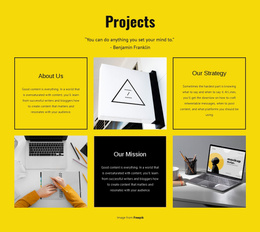
Two designs built on blue and white can look nothing alike. One fills the first screen with deep blue, while the other keeps a white background and saves blue for buttons and a few headings. How much space a color covers shapes a design's character as much as the hue itself.
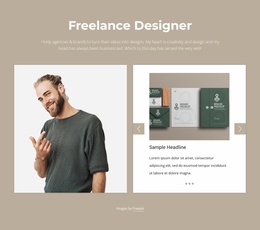
A photography portfolio usually needs neutral backgrounds so the images carry the emotion, though a saturated backdrop works if framing and spacing keep each photo distinct. A ceramics shop might pair terracotta and cream to echo its products, letting muted surfaces stay quiet behind product photos while one warmer accent marks prices and buy buttons.
When two designs look equally good, compare the first screen, the background behind the main content, and how buttons look next to your photos.
Adjusting Template Colors in Nicepage
Nicepage Theme Colors let you update a shared color scheme across site pages from Theme Settings. Its official Site Colors documentation explains the difference between global Theme Colors and local Custom Colors, along with preset palettes. Switching a preset replaces the whole scheme at once, so you can try a warmer or darker version before swapping shades by hand. If one promo section needs its own accent while the brand shade changes everywhere else, give that section a Custom Color.
On a phone, large colored areas can fill the entire screen, and an accent button may get lost among nearby elements. Shortlist two or three palette directions in the catalog and keep the design that fits your content with the fewest changes.