
Graphic Website Templates
Unlike a single HTML page, a complete graphic website template connects portfolio projects, studio services, team context, and inquiries across a cohesive set of pages. It gives creative businesses a structured base for a full web presence.
-
-

-
-
-
-
-
-
-
-
-
-
-
-
-
-
-
-
-
-
Customize Any TemplateDownload
-
-
-
-
-
-
-
-
-
-
-
-
-
-










More Website & HTML Templates for Graphic


More Website Templates from Art & Design Category













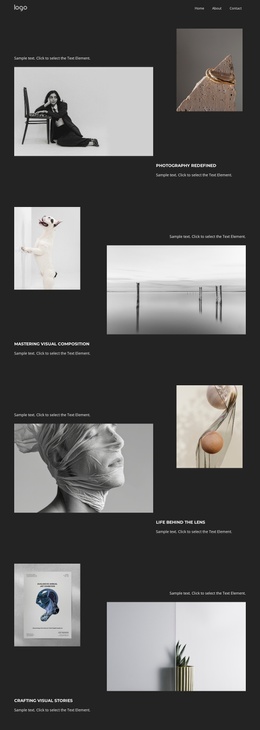

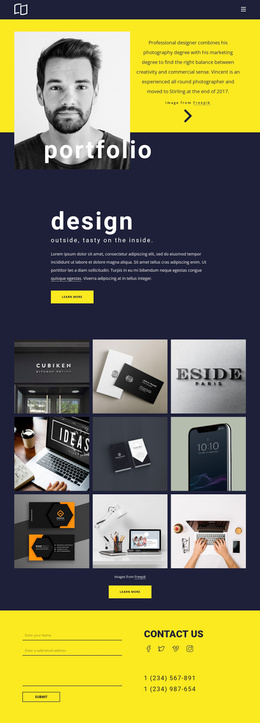
Other Art & Design Website Templates
Minimal Graphic Website Templates
A client who likes one of your posters usually wants to learn more before writing to you: what else you do, who is behind the studio, and how to start a project. Graphic website templates give that path a ready design. Some arrive as compact portfolios, and others spread work, services, and contact details across separate pages. In both cases, the visual system is already in place, so customizing the template mostly means adding your projects and your own words.
How Many Pages Graphic Designers Need
The page count follows the size of the practice, and a few setups come up often:
- A solo designer can usually manage with Work, About, and Contact, keeping the portfolio as the main destination.
- A small studio tends to add a Services page that names its disciplines, for example, identity, packaging, and editorial design.
- A larger team may split the work into category pages, so a packaging client can skip past book covers and go straight to relevant projects.
A good template links these pages through the menu, so a visitor who finishes one project moves on to a related case or to the inquiry form.
Signs a Template Will Hold Up
Demo images are picked to flatter the layout, so it pays to look past them at a few details:
- Enough room for large visuals, so a project image does not compete with the menu or decorative elements.
- Flexible image proportions, since tall posters, wide editorial spreads, and square packaging shots rarely share one ratio.
- Project pages that can present a whole identity system as one case, from the logo to stationery and signage.
- Space in captions for the client, the discipline, and the year, so each project keeps its context.
Neutral Framing for Client Brands
A graphic portfolio holds many brands at once, each with its own colors and fonts. The template's styling should remain calm enough that a bright campaign for one client sits comfortably alongside a muted identity for another. Nicepage Theme Settings keep global colors, fonts, and the header and footer consistent on every page, so the frame stays the same as projects come and go. You manage sites and pages from the Nicepage Dashboard, which makes adding a new category page quick when a discipline grows.
The best sign of a good match shows up early. Once you replace the demo content, you spend your time on the projects themselves, with very little spent moving blocks around.