Custom web development Website Template



Edit Template Offline
2. Create new page and search for id 5201439
Edit Template Online
Create Awesome Websites


Free Nicepage Builder
Keywords
Architectural Specialisms and Creative Capabilities Establish a Site Foundation
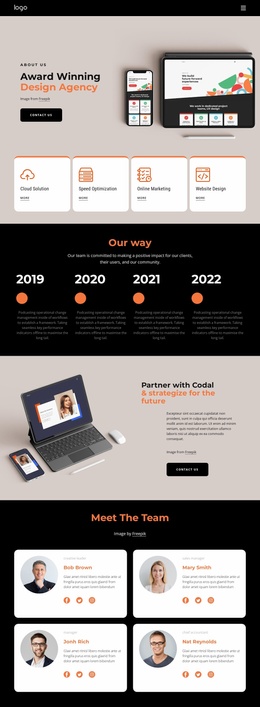
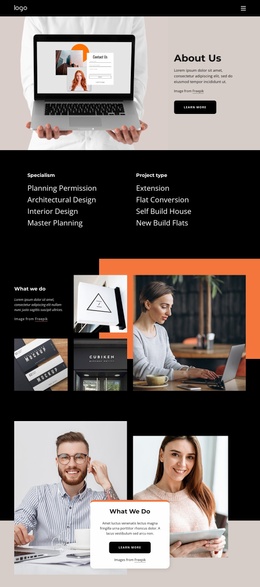
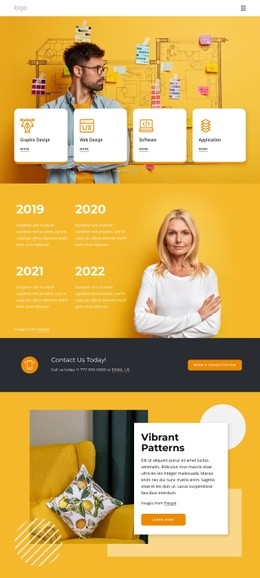
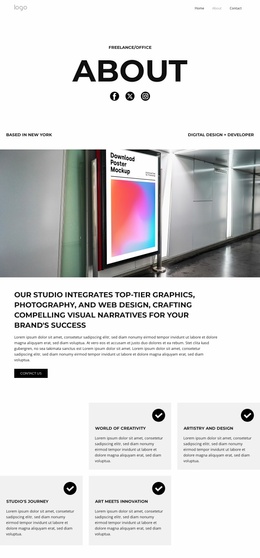
The page already identifies several major content areas that can anchor a broader website project. The category section separates professional specialisms from project types, with planning permission, architectural design, interior design, master planning, extensions, flat conversions, self-build houses, and new-build flats. Those groups could inform future service or project pages because they describe distinct subjects without requiring the homepage to carry every detail.
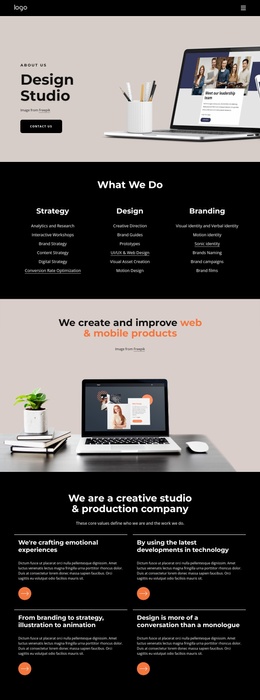
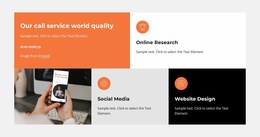
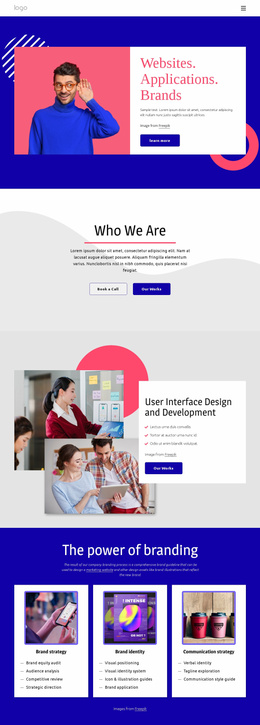
The capability sections provide a second layer for site expansion. Strategy, Design, and Branding are presented as three primary groups, with supporting items including analytics and research, creative direction, brand strategy, content strategy, digital strategy, UI/UX and web design, visual asset creation, motion design, social media, and website design. This gives a larger project a clear basis for separating service information while keeping related offerings within the same visual direction.
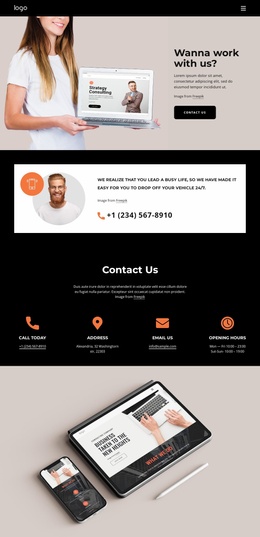
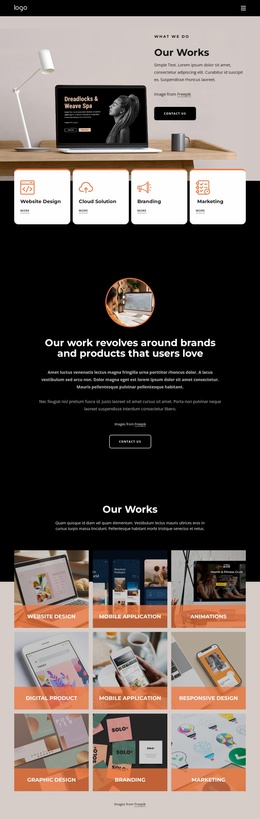
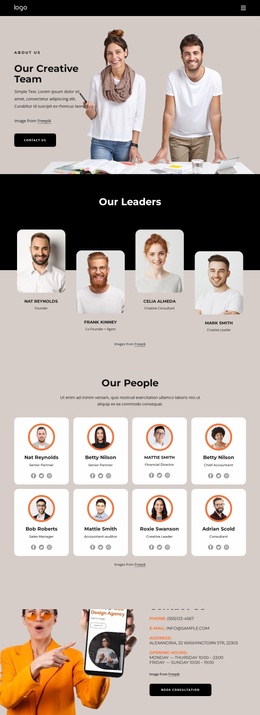
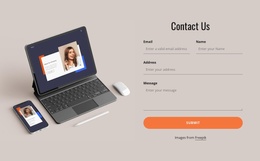
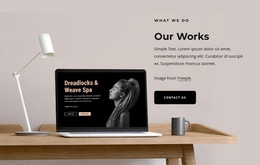
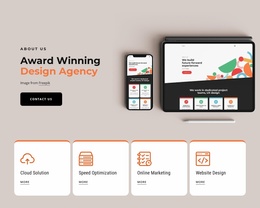
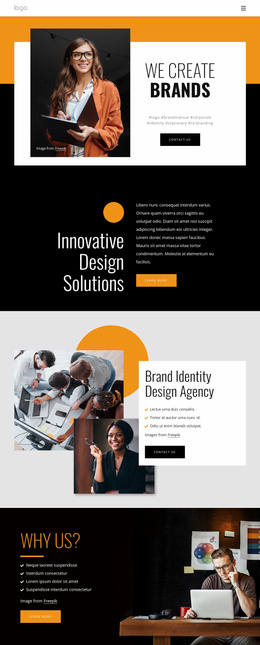
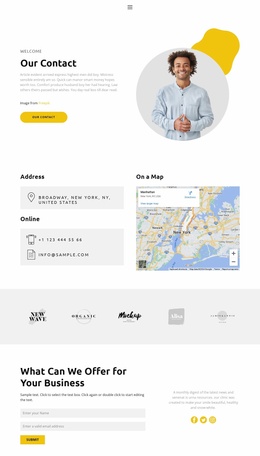
The image-led showcases, service tiles, and Brand Identity Design Agency section add reusable presentation patterns for work, case studies, or organizational information. The final Contact Us area supplies a shared response role through phone, email, address, opening-hours content, and Book Consultation. Although the analysis confirms one About page rather than a complete multi-page set, its navigation, content taxonomy, recurring cards, layered imagery, and contact structure provide a credible foundation for extending the project into additional pages with related purposes.
Customize with Nicepage
Open this ready-made template in the Website Template Builder and customize it visually in the Nicepage editor. Replace demo content, edit page sections, and adapt the design to your project without rebuilding the template from scratch.
Build a Complete Website From This Template
Customize the Website Visually
Use this ready-made website template as a starting point for your project and adapt its pages visually in Nicepage. Change content, images, typography, navigation, sections, and other design elements while keeping the website together as a single editable project.
Manage Website Pages in One Project
Use the Pages panel to open, add, duplicate, and manage the pages of your website. Work on individual pages while keeping navigation and the overall site structure accessible from the same project, making it easier to develop a complete website instead of managing separate page files.
Expand the Website With Matching Designs
When you need additional pages or sections, use Page Design Sets to find Page and Block Designs created in the same visual style. Design Sets group matching designs together, making it easier to expand the website with new content while maintaining a consistent look across its pages and sections.
Organize Larger Multi-Page Websites
As the website grows, use Page Folders to organize related pages and keep larger multi-page projects easier to navigate in the editor. This is especially useful for websites with separate service pages, company information, contacts, landing pages, and other content areas.
This workflow makes the template a practical foundation for building and expanding a complete website while managing its pages, content, and visual design within one Nicepage project.

Design Set (22)
-

-
-
-
-
-
-
-
-
-
-
-
-
-
-
Customize Any TemplateDownload
-
-