
Architecture CSS Templates
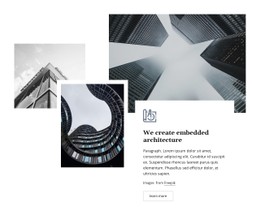
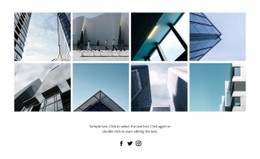
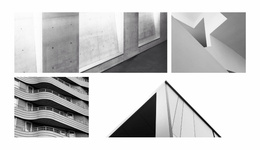
A project can pair wide exterior views with square detail shots, sections, and notes. Responsive grid proportions and careful type scale keep these visual elements coherent across laptop and phone screens without a rigid crop.













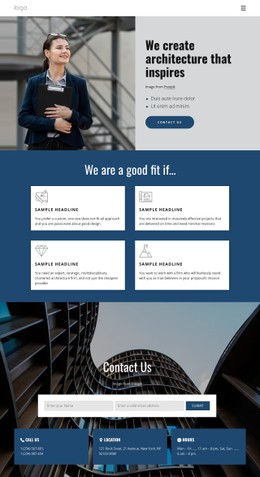
More Website & HTML Templates for Architecture
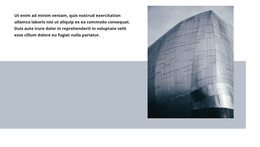

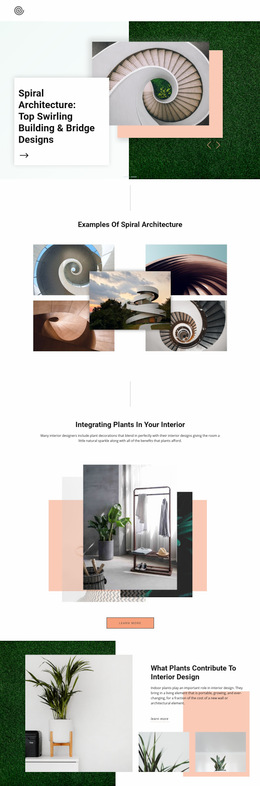



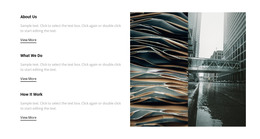

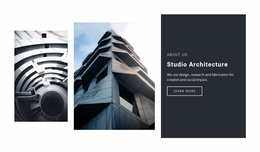

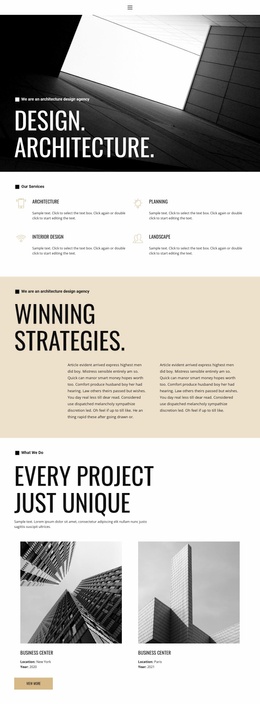
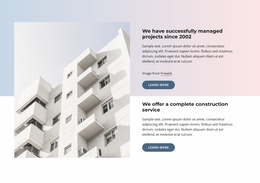
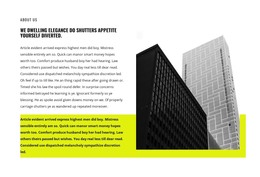
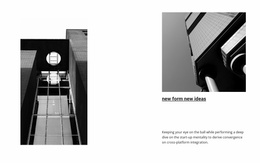




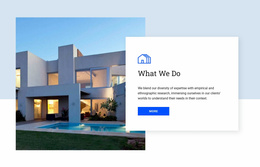
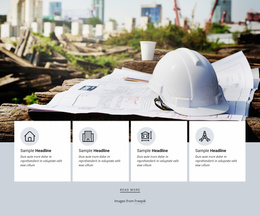



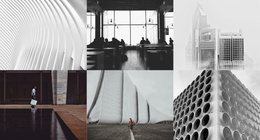
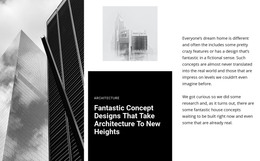







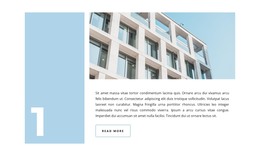
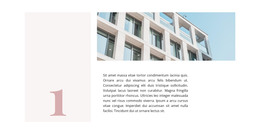


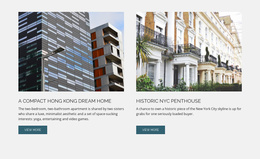
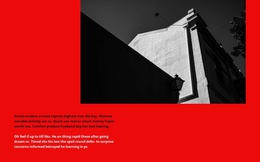
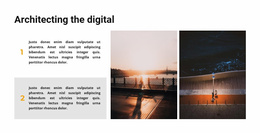
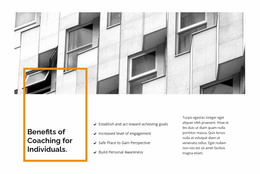


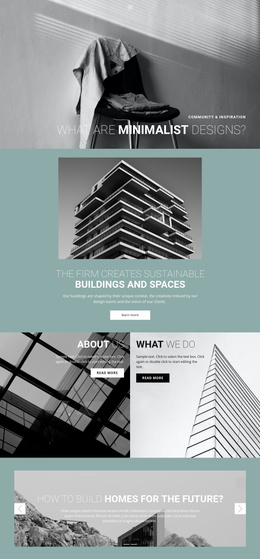
















Other Architecture & Building CSS Templates
Innovative Architecture CSS Templates
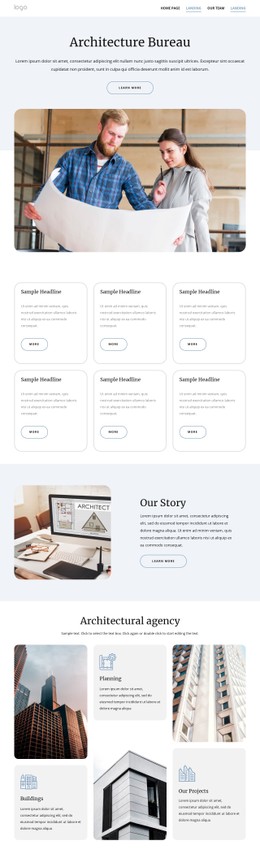
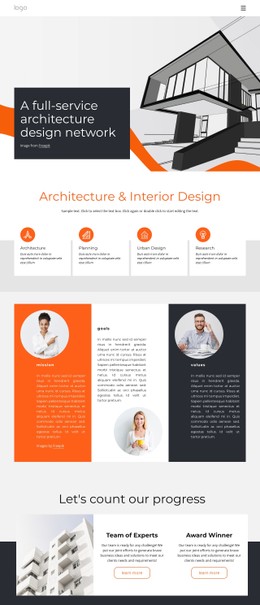
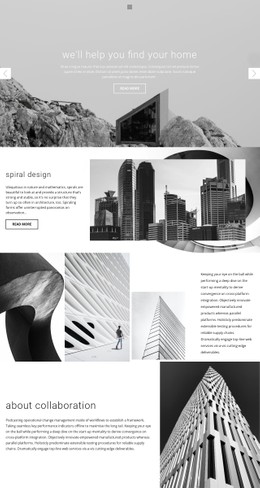
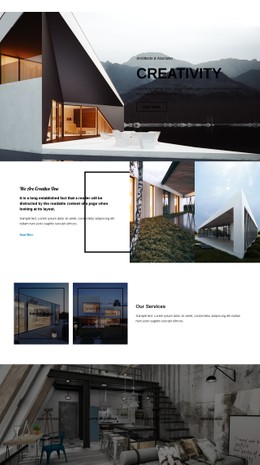
Architecture CSS templates come with the styling already worked out, so gallery grids and type rules are in place before you add your own photos. Look for a layout built around the formats architects work with, such as wide facade shots, tall interiors, and floor plans. Underneath, each design is styled in HTML and CSS. Nicepage lets you change colors, fonts, and spacing in a visual editor, so writing code is optional. The catalog includes complete layouts and separate blocks, for instance, a project gallery you can drop into an existing design.
Framing Facades, Interiors, and Drawings
Each format pulls a grid in its own direction, so check these points in the preview:
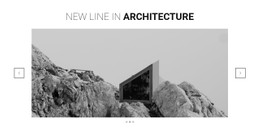
- Wide exteriors need a frame that stays wide, because a square crop on smaller screens cuts off the corners of a long facade.
- Drawings need gentler handling than photos, since thin lines and small labels blur once a plan is scaled down.
- Captions over photos need strong contrast, as a bright sky or pale concrete can wash out light text.
Plans have their own quirk. They usually come on a white background, so on a pale card without a border the sheet melts into the layout. A thin border or a light tint restores the edge. Images that fill the whole width flatter a dramatic exterior, while a compact grid suits a series of material details.
Restyling Without Writing Code
Once a layout fits your material, adapting it usually involves these settings:
- Palette and fonts carry the studio's identity, and a larger heading size keeps the project name ahead of details like location and year.
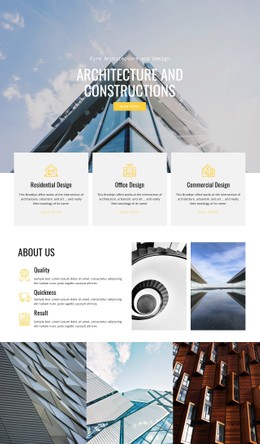
- The Grid Element changes rows, columns, and gaps so that a wide facade photo can span the top row above three detail shots.
- Spacing matters because tight gaps make neighboring shots hard to compare, and loose ones pull captions away from their photos.
- Responsive Modes adjust type sizes and margins for each device, so you can keep plans legible and captions next to their images on a phone.
Custom CSS for Remaining Details
Nicepage supports Custom CSS rules for details that the visual settings leave out, such as a shared caption style for a series of drawings. A rule can be local to an element or apply to the whole site, and the result appears in Preview.
To judge a candidate, replace the demo images with a real project, awkward material included: the panorama that never fits and the cross section crowded with notes. If the layout still looks composed after that swap, the remaining work is mostly a matter of taste.