
Building Website Templates
Property owners comparing builders need proof of past work, clear service boundaries, and a way to discuss their plans. Building website templates bring company credentials, project portfolios, and inquiry pages together in one coherent construction site.
























































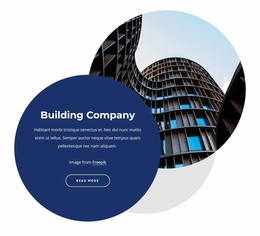











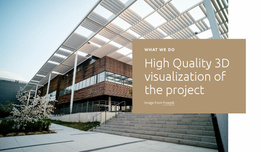



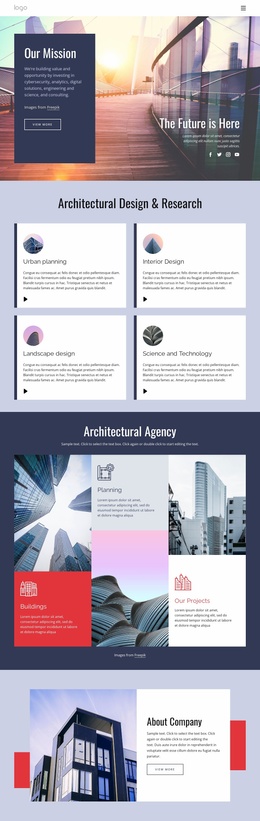











Other Architecture & Building Website Templates
Fast-Loading Building Website Templates
Building website templates let a construction company skip the blank canvas and start with a design built for the trade. A striking photo of a tower at dusk can't carry a site alone; what follows decides whether anyone calls. A typical layout pairs service sections with project cards and a contact area. Later on, you can add more page designs or separate blocks. Beyond general contractors, the category covers architecture studios and green building firms.
Your own business narrows the field. A firm with dozens of jobs across several trades needs a different design from a roofer with one core service.
Matching the Design to Your Services
A general contractor handling additions, structural repairs, and tenant improvements needs navigation that keeps each service easy to find. While comparing construction website layouts, see whether each one covers these basics:
- A first screen that states your specialty over a big photo or next to service links
- Service cards with room for long names and a short description
- An About section with space for licenses, key people, and client reviews
- A quote button repeated further down the page
That roofer can fit the whole pitch on one page, while the bigger firm needs separate service and project pages.
Portfolio Grids for Finished Buildings
For a home renovation contractor, two shots of the same kitchen, before and after, do most of the persuading. A commercial builder has fewer, larger jobs and needs a big lead image for each, with a few lines on scope.
Nicepage's Image Gallery Element documentation explains how to arrange photos in rows and columns, add captions, and open them larger in a lightbox. One hotel project can then show its facade, lobby, and rooftop terrace in a single entry.
A caption like "Kitchen Remodel and Rear Addition on Maple Street" should stay readable without crowding the card. Picture the grid with two projects and with twenty. Keep renders labeled as renders, too.
Testing with Real Job Photos
Follow a client's route from a project card to its details and then to your contact area. If it ends in a hunt for the phone number, the layout will cost you inquiries. A form asking for property type and rough scope helps, if the design includes one. Then drop in a few of your own job photos. Demo galleries favor sunny architectural shots, while real ones often come from a phone on a gray morning, dumpster and all. Those photos, your logo, and a mobile screen will tell you more about a design than any preview.