
Island Website Templates
Resorts and island destinations often need separate spaces for stays, activities, beaches, transport, and visitor advice. A complete website template connects those pages through a single navigation system instead of compressing every task into one layout.
-

-

-
-
-
-
-
-
-
-
-
-
-
-
-
-
-
Customize Any TemplateDownload
-
-
-
-
-
-
-
-
-
-
-
-
-
-
-
-
-





More Website Templates from Travel & Hotels Category





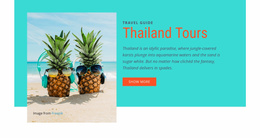
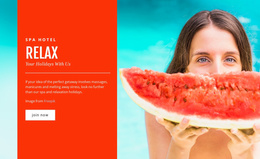
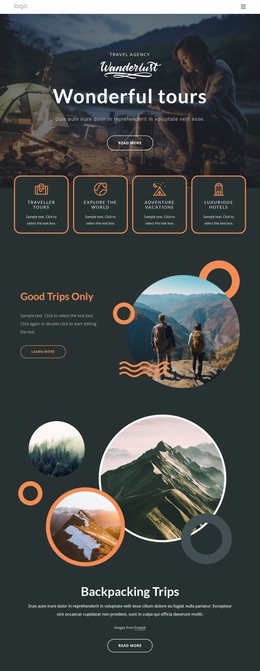
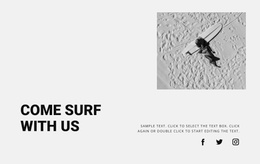







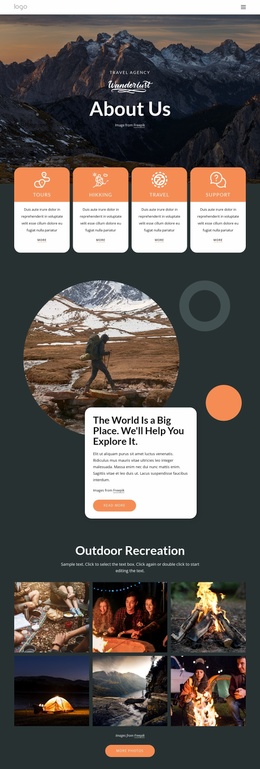
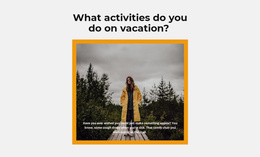

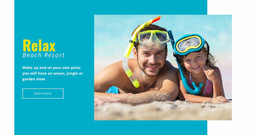
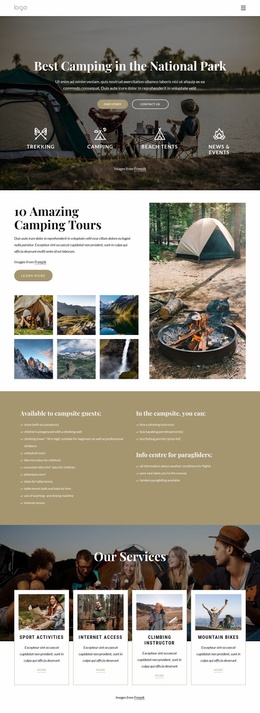

Other Travel & Hotels Website Templates
Readily Available Island Website Templates
Does your island website need to serve guests who want rooms, beach details, and ferry times without cramming it all onto one page? Island website templates let you give each task its own page. The menu then keeps the trip connected, from the first beach photo to the transfer booking. Resorts, tourism boards and island guides arrange those pages in their own ways.
Menus Shaped by Business Type
Two island sites can share the same lagoon photos and still need very different menus. The business behind the site decides which pages lead and which sit a level down, so it helps to know your model before browsing designs.
Here is how the main menu tends to differ between island projects:
- a resort site, where rooms, dining and experiences lead the menu and a location page explains the crossing;
- a tourism board portal, which opens with beaches, villages and attractions and keeps practical information close behind;
- an independent island guide, where long articles about walks and hidden coves send readers on to transport pages.
When a demo menu already looks like one of these, you've done most of the planning before you change a single word.
Beach Guides That Lead Somewhere
Plenty of island visitors never see the home page. They land on a single beach guide from a search result. From there, they want to know where to stay nearby, which boat trips leave from that bay, and how to get there from the airport. Templates built for island travel make those next steps visible, with links from the beach page to nearby rooms and from the rooms to transfer details.
Below the main menu, supporting pages do the detailed work. A villa type, a single excursion, or the ferry crossing can each have its own pages,s updated independently. When a resort adds a spa or a new villa category, the new page is added to the same Nicepage project. It picks up the shared header, footer, and visual style, so the site grows without a redesign.
Clicking Through Like a Real Visitor
Walk through the demo the way a guest would, starting on an inner page. Try to reach a room, an excursion, and the contact page, and notice how many clicks each one takes. Check whether you can reuse the villa layout for a new room type, because reusable inner pages keep later growth simple. Then open the menu on a phone. Many island trips are planned on a small screen, and a crowded mobile menu hides the pages you worked hardest on.