
Client Website Templates
Agencies, consultants, and service teams often need more than one client-facing page. A coordinated website template can separate services, proof, team information, resources, and contact routes while keeping navigation and brand rules consistent across the project.























Other Travel & Hotels Website Templates
Complete Client Website Templates for Every Client Relationship
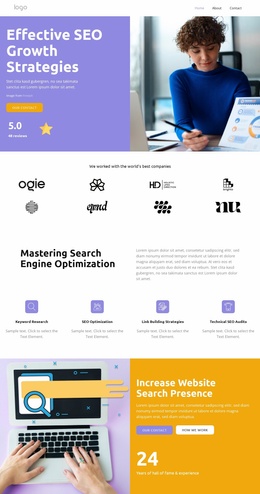
A client website template arrives as a coordinated set. The home screen comes with sections around it, and all of them share a single header, a single footer, and a menu that already works on a phone. Which set you need depends on where the client relationship actually lives: out in the open, where prospects compare studios, or behind a sign-in, where existing clients check projects and invoices.
Public Site or Private Client Portal
Realistic options split into public and authenticated sets:
- agency sites leading with services, work, and contact;
- consulting sites where industries and expertise outweigh a project gallery;
- portfolio-first sets for creative studios, built around projects and their details;
- client portals holding a dashboard, documents, and billing.
The familiar home, services, and contact lineup is one example among many. A creative studio can drop half of it and lead with work. A consultancy needs sector sections that the studio never touches. And a firm whose value only becomes apparent after the contract is signed may get more out of the portal than from the brochure.
Shared Header, Navigation, Repeated Interface Components
Comparing full sets is easier when you look at the parts that repeat everywhere:
- a header holding the logo, the menu, and one primary action;
- a footer with contact details, legal links, and secondary navigation;
- one type scale and color set applied throughout, never re-picked per section;
- buttons, cards, and forms that look identical wherever they turn up.
Nicepage documents the Header Block as a block that appears across the entire site, so the logo, menu, and contact action stay in place as visitors move around. Site Settings apply shared project properties consistently, which is what keeps a set feeling like one product rather than files that happen to share a folder.
Which Prebuilt Bundle Fits Your Workflow
Start from how you actually work with clients. If most of the relationship happens before the contract, the public set earns its keep with work, proof, and an easy way to get in touch. If most of it happens afterward, the portal is where your hours go, and a handsome public site will not stop the weekly "where are we?" email. Plenty of teams need both, which works fine as long as the two halves share a header, a menu, and one visual language, so signing in feels like staying on the same site.