Agency specializing in luxury adventure travel Website Template


Edit Template Offline
2. Create new page and search for id 6000635
Edit Template Online
Create Awesome Websites


Free Nicepage Builder
Keywords
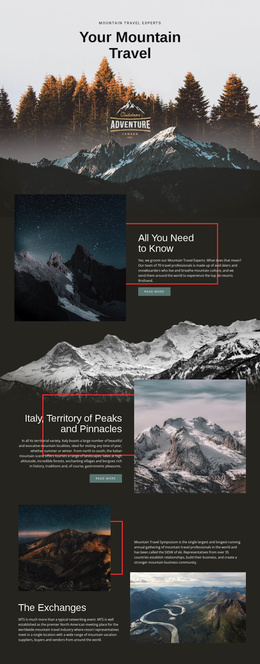
Six Travel Principles Provide a Foundation Beyond the Hero
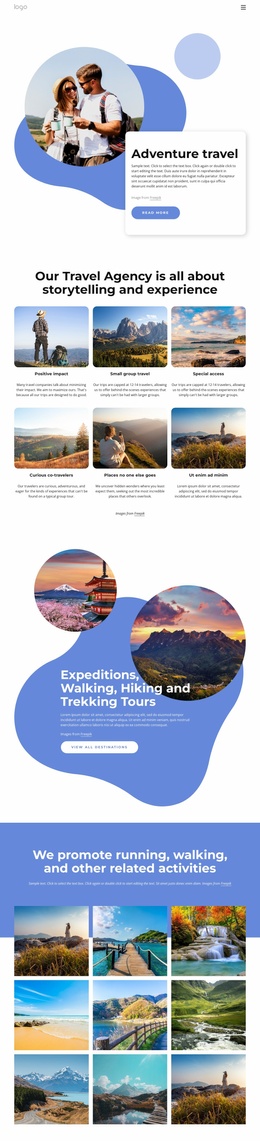
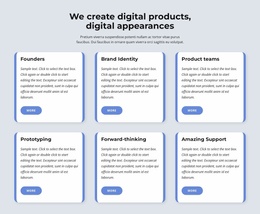
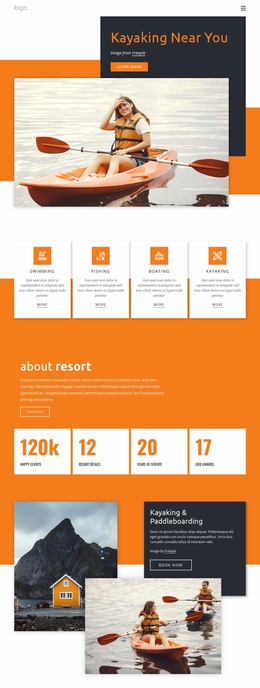
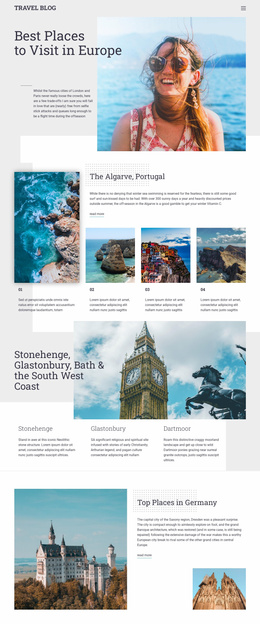
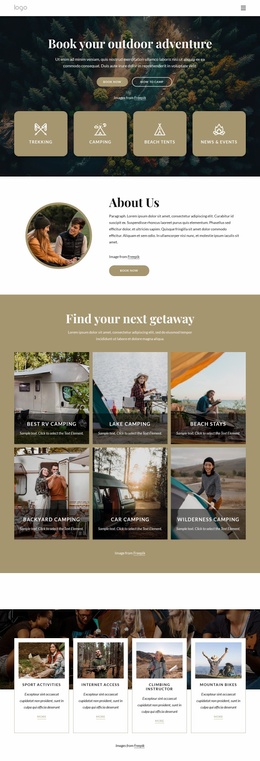
The template already defines several major content areas for an adventure travel project. The hero introduces the subject with a destination photograph, a compact text card, and a “Read more” action. Beneath it, six repeated feature cards turn broad travel principles into separate informational units, including small-group travel, special access, curious co-travelers, positive impact, and places no one else goes. These cards can serve as a central explanation of the agency’s approach rather than leaving the site foundation dependent on one opening statement.
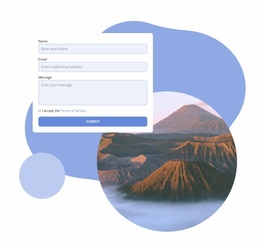
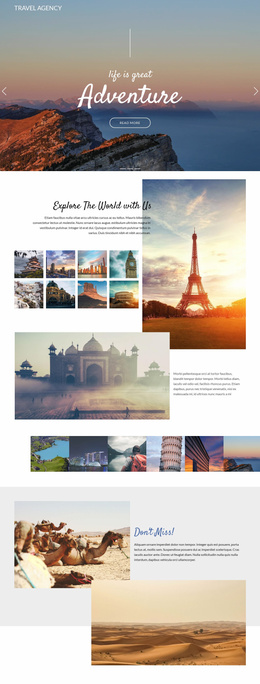
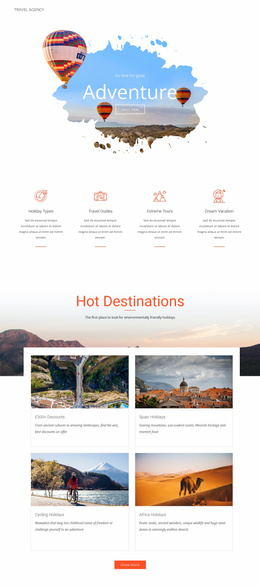
The blue expedition panel adds a more specific offering area for walking, hiking, and trekking tours. Its two destination images and “View all destinations” action establish a natural category that could connect to more detailed destination or tour content as a project grows, without claiming that those additional pages already exist. The nine-image gallery contributes a portfolio-like visual area for running, walking, and related activities, while the contact section provides a clear inquiry destination with name, email, and message fields. Navigation for Home, About Us, and Portfolio gives the broader project a starting information structure, and the dark footer closes the shared visual system. Together, these areas make the design more than an isolated decorative hero: they provide a practical set of content roles from which a larger travel website could be developed.
Customize with Nicepage
Open this ready-made template in the Website Template Builder and customize it visually in the Nicepage editor. Replace demo content, edit page sections, and adapt the design to your project without rebuilding the template from scratch.
Build a Complete Website From This Template
Customize the Website Visually
Use this ready-made website template as a starting point for your project and adapt its pages visually in Nicepage. Change content, images, typography, navigation, sections, and other design elements while keeping the website together as a single editable project.
Manage Website Pages in One Project
Use the Pages panel to open, add, duplicate, and manage the pages of your website. Work on individual pages while keeping navigation and the overall site structure accessible from the same project, making it easier to develop a complete website instead of managing separate page files.
Expand the Website With Matching Designs
When you need additional pages or sections, use Page Design Sets to find Page and Block Designs created in the same visual style. Design Sets group matching designs together, making it easier to expand the website with new content while maintaining a consistent look across its pages and sections.
Organize Larger Multi-Page Websites
As the website grows, use Page Folders to organize related pages and keep larger multi-page projects easier to navigate in the editor. This is especially useful for websites with separate service pages, company information, contacts, landing pages, and other content areas.
This workflow makes the template a practical foundation for building and expanding a complete website while managing its pages, content, and visual design within one Nicepage project.