
Voucher HTML Templates
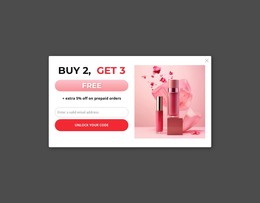
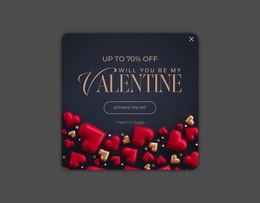
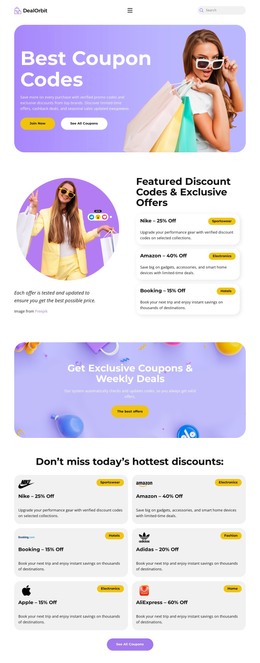
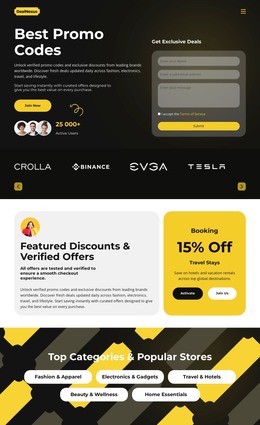
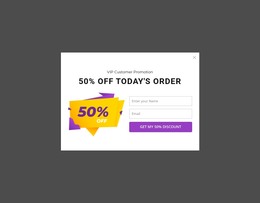
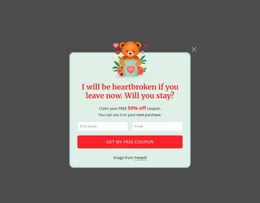
Voucher campaigns need more than an attractive discount badge. A structured HTML layout keeps offer value, codes, validity rules, and redemption actions clear while adapting the same promotional content to different screens.
-
-

-
-
-
-
-
-
-
Free Website Builder SoftwareDownload
-
-
-
-
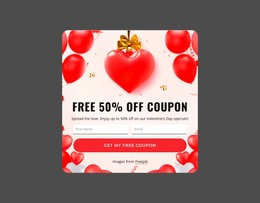
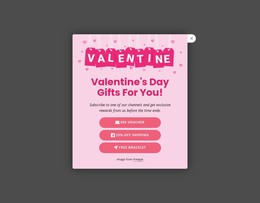
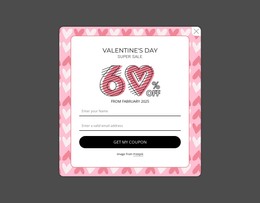
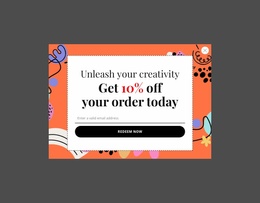
More HTML Templates from Sale Category



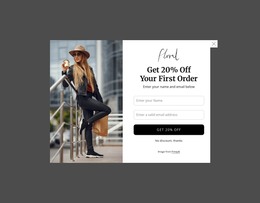
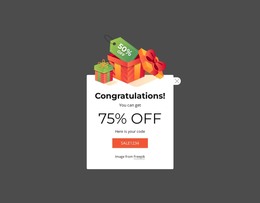


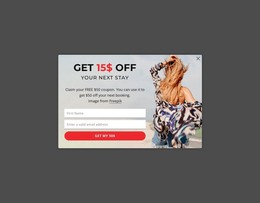












Other Sale HTML Templates
Responsive Voucher HTML Templates
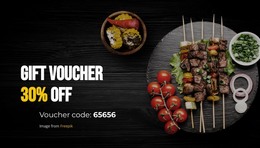
People glance at a voucher before reading a word of its terms, so the offer, the code, and the expiry date need to come first. Voucher HTML templates put those pieces into editable blocks and leave room below for conditions and a claim button. One template can then carry a whole series of promotions, each new voucher built from the same file.
Swapping Values Between Promotions
Take a day spa that ran a spring discount and now sells holiday gift vouchers. The design barely changes, and only a few blocks get new content:
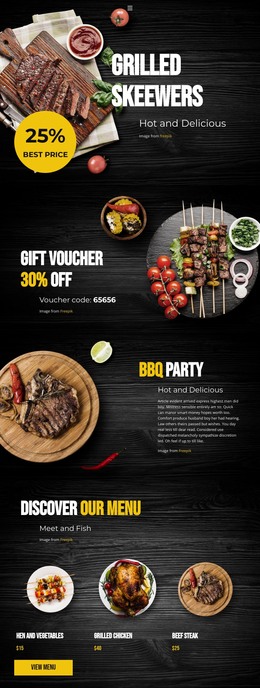
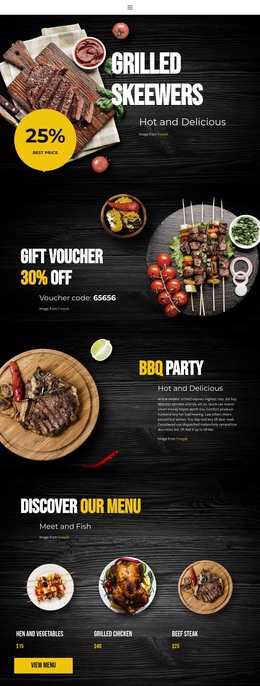
- The value and the code, switching from a percentage discount to a fixed amount.
- The dates and the terms, now covering the holiday weeks.
- The photo and the button text, so the voucher reads as a present.
The rest stays put because the markup fixes the position of each block. Nicepage can export the result as HTML for your own server, and a developer can edit those files directly.
Fine Print That Runs Long
Vouchers vary in length far more than a demo suggests. A restaurant coupon may need only a code and an expiry date. Travel vouchers add booking conditions and blackout dates. Rigid templates tend to break on content like this:
- Terms that run to a full paragraph or longer.
- Redemption in stages, such as booking online, showing the code, and paying on arrival.
- A campaign page with several vouchers of different values and restrictions.
In a campaign, each voucher can be a copy of a repeated HTML section, so offers follow the same order and visitors can compare them without relearning the page. Adding a fourth voucher takes one more copy with new text.
Phone Screens and Copyable Codes
A voucher usually opens on a phone, accessed via email, a QR code, or a social post. The important part is keeping the offer, redemption code, and claim action easy to spot even when the terms run long. Nicepage's Button Element documentation covers button text, links, styling, and placement, which is useful when the voucher needs a clear claim, booking, or checkout action beside the offer.
Typed into the markup as text, the code can be copied by long-pressing. Baked into a decorative image, it has to be retyped, and one typo gets it rejected at checkout. Badges and background art are welcome as long as the code and date stay uncovered.
Typed into the markup as text, the code can be copied by long-pressing. If baked into a decorative image, it must be retyped, and one typo will get it rejected at checkout. Badges and background art are welcome as long as the code and date stay uncovered.
A template that fits both a two-line coupon and a voucher with long terms, without manual fixes for each screen size, is a reusable HTML layout for future campaigns.