
Purchase CSS Templates
Product offers become harder to compare when price, badges, options, and purchase controls compete for attention. CSS templates establish consistent spacing, grids, color emphasis, and button states across purchase-focused interfaces.












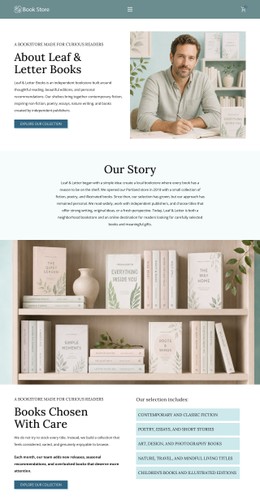

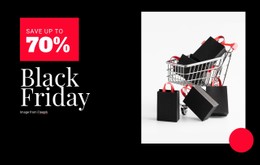


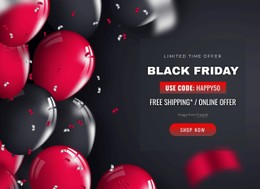




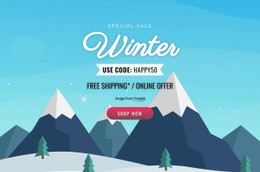


























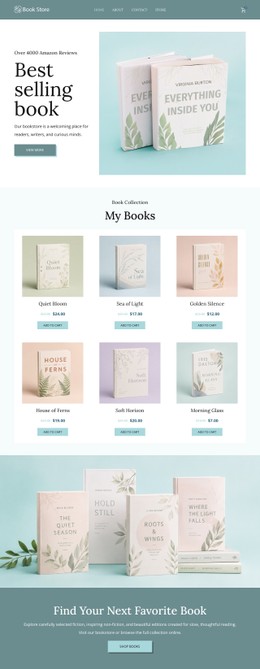























Other Sale CSS Templates
Modern Purchase CSS Templates
A crossed-out price, a bright sale badge, and a button that fades when a size runs out all come from the stylesheet. Purchase CSS templates give you those styles in advance for product cards, price blocks, and option controls. You adjust the palette and spacing to fit your brand, and the visual rules for each buying situation are already in place.
Visual States Customers Notice
The price and the buy button carry the most weight on a product card. Good styles give them priority through font weight, size, and spacing. A short spec line or a shipping note stays smaller and lighter, easy to read and just as easy to skip. The states below show up in most stores, and each needs a look of its own:
- a sale price set next to the old one, which is struck through and toned down;
- a selected option that stands apart from the unselected sizes beside it;
- an unavailable variant or a disabled button that reads as inactive at a glance;
- hover and focus styles that show a control is ready to press, including for keyboard users.
Stock notes and discount badges are for informational purposes only. Option selectors and the buy button ask for a click instead. Good styling keeps that difference visible, so a red badge never looks like something to press.
Uneven Descriptions, Narrow Screens
Grid and Flexbox rules determine how a row of cards handles products with uneven descriptions. A long product name can push the price and the button lower than on the neighboring card, making the row hard to compare. Solid templates pin both to the bottom of each card, so they line up across the row no matter what the text above them does. On a phone, cards drop into fewer columns, and the button often stretches to the full width of the card, making it easy to tap. Price, options, and the button then stack in the order a buyer reads them.
Reusable Classes for Dense Card Grids
Since the same pieces repeat across dozens of cards, the styles work best as reusable classes for the card, the price, and the sale badge. Nicepage Theme Colors apply a global color scheme across project pages, keeping button and price accents consistent while each offer still gets its own emphasis. A compact catalog calls for dense cards and short buttons.
Products with several options need taller cards, more room between selectors, and a button placed below the last choice. The best match is usually the template whose styles already cover your busiest card, badges, and states.