

Seller Website Templates
Handmade accessories and licensed photographs require different buyer information. Seller website templates let small merchants separate product details, delivery or usage terms, and contact routes while keeping every page connected through a recognizable store identity.
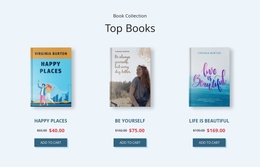

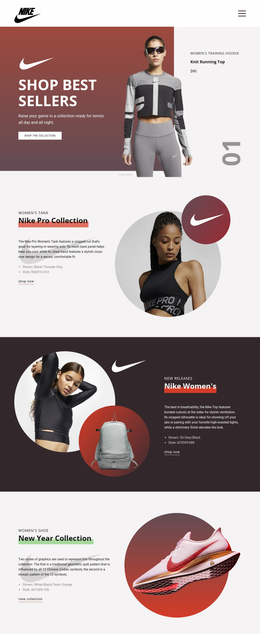
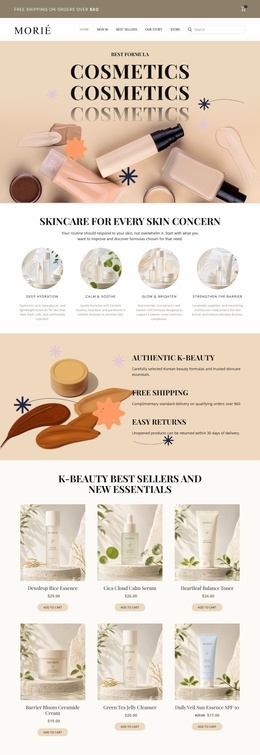
More Website Templates from Sale Category




Other Sale Website Templates
User-Friendly Seller Website Templates
An independent seller usually needs a storefront that looks complete, supports a small range, and still works when new collections arrive. Seller website templates give you a ready design with the homepage, collection areas, and product cards already arranged, so you can start adding your own items. In the preview, check how visible the prices are on every card.
How the Storefront Introduces a Seller
A banner, a line about your specialty, and a clear store name on the first screen tell visitors what kind of shop they have found. A stationery seller might want journals, greeting cards, and gift sets grouped under the header. A stock photographer needs image sets sorted by subject, with licensing notes beside each set.
While you scroll through a demo, a few details are worth checking:
- The store name and contact block stay visible without a hunt through menus.
- Collections can grow from a handful of items to several categories without crowding the homepage.
- Product cards leave space for size, color, or license notes near the price.
- An About section has room for verified facts about who runs the shop.
Make Product Discovery Lead Somewhere Useful
A sale headline can draw attention, but visitors still need an easy path from the homepage into a category and to an order action. A compact showcase suits a short list of items, while a broad catalog needs collection pages and menus that stay readable as the range grows. To connect product pages through menus and configure cart and payment options, see Nicepage's guide to building an online store.
Once a design feels right, swap demo items for your own names and images in the Products Panel, where descriptions and prices are edited too. After you set up e-commerce and payment methods, the Shopping Cart feature can handle purchases, so place a test order before you announce the shop.
Testing Designs With Real Inventory
Demo cards tend to have short titles and neatly cropped photos. Add a few products with long names, multiple variants, or portrait-format photos, and see whether the grid still holds together. On a phone, prices should stay easy to scan, and order buttons should be easy to tap.
Buyer terms need a visible spot, with shipping and returns linked from product cards or the footer. A photographer would replace parcel details with file access and license terms.
A seller website template is a good fit when its catalog matches your range and size, and its product blocks have room for real details. It should also offer phone-friendly navigation and a cart you can configure to match how you sell.