Licensed professional counselors Template



Edit Template Offline
2. Create new page and search for id 310800
Edit Template Online
Create Awesome Websites


Free Nicepage Builder
Keywords
Circular Therapy Imagery Supports a Broad Counseling Presentation
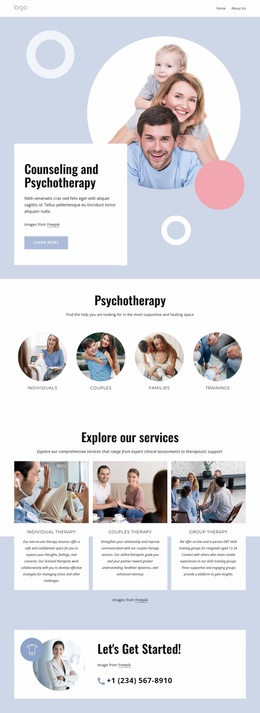
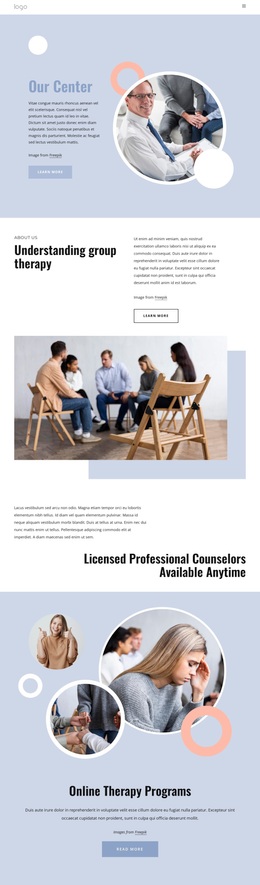
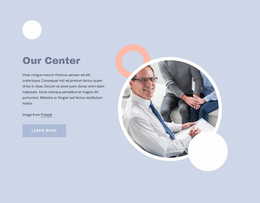
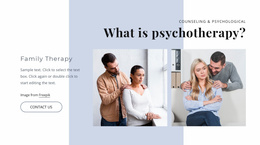
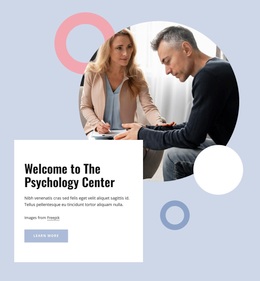
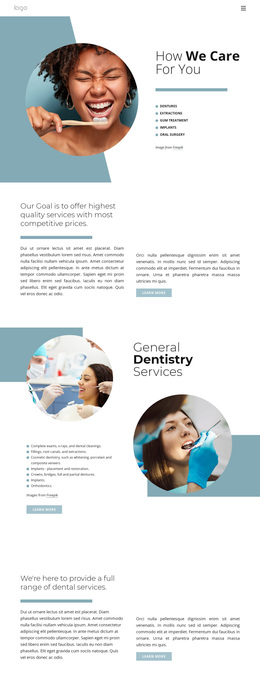
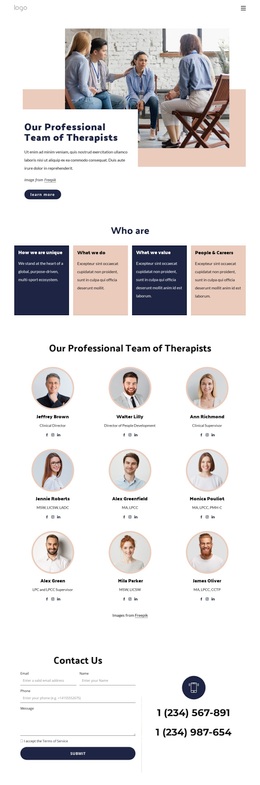
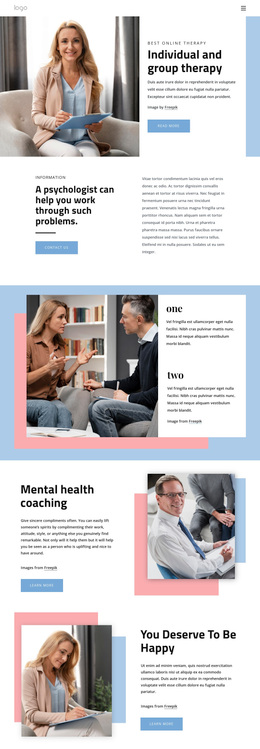
The design’s strongest distinguishing feature is the way it combines service coverage with circular and overlapping photography. Our Center uses a large circular photographic arrangement to introduce the therapy setting, while the Family therapy section repeats the layered image idea beside descriptive text. Online Therapy Programs uses several circular photographs around centered copy, giving the page a different presentation from layouts that rely only on cards or long paragraphs.
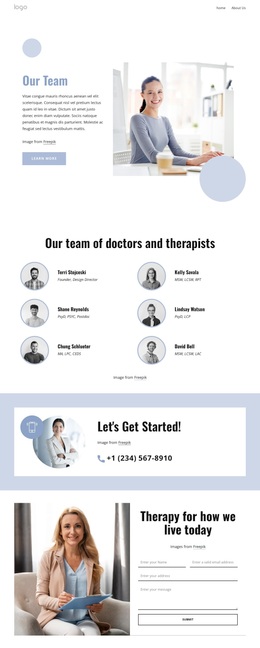
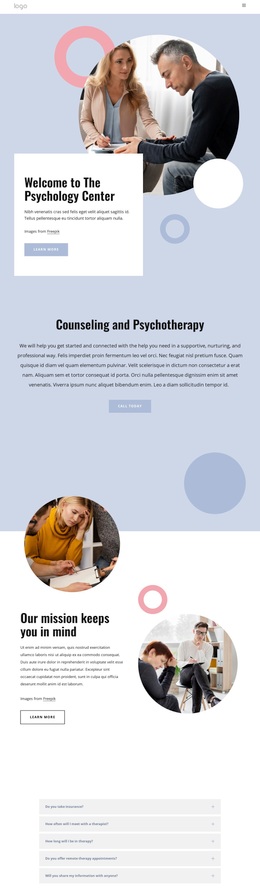
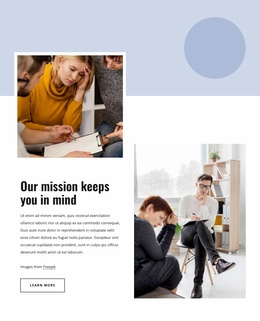
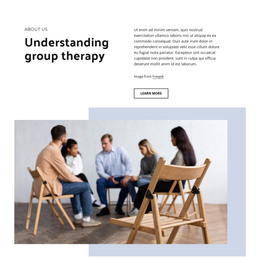
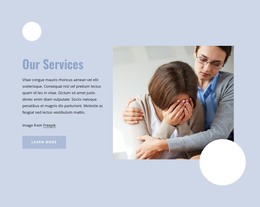
The content coverage is equally clear. Group therapy, online therapy programs, family therapy, and psychotherapy each receive recognizable treatment, so the design can accommodate several counseling subjects within one coherent direction. The What is psychotherapy? section adds a three-part arrangement of service text and images, while the sparse counselor-availability statement creates visual relief between denser sections. Pale blue, white, black, and soft coral tones connect these changes without making every section look identical.
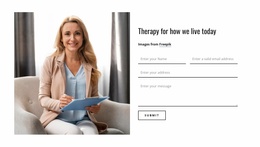
A final image-and-form block completes the choice for projects that need both explanation and response. Therapy for how we live today places inquiry copy and a Submit action next to a therapist photograph, giving visitors a visible way to continue the conversation. The template is therefore most distinctive when a counseling project needs emotionally considerate imagery, several related service areas, and a clear closing inquiry point, while keeping all demo wording and sample claims replaceable.
Customize with Nicepage
Open this ready-made template in the Template Builder and customize it visually in the Nicepage editor. Replace demo content, edit page sections, and adapt the design to your project without rebuilding the template from scratch.
Start With a Ready-Made Template
Choose a Design for a New Page
Use a ready-made template as a starting point instead of creating every page from a blank canvas. When adding a new page in Nicepage, browse available designs, compare different layouts, and choose an option that already fits the general purpose and visual direction of your project.
Browse Different Page Designs
Explore Page Designs using search, thematic categories, Design Sets, and full-page previews. The collection includes layouts for different subjects and page purposes, making it easier to compare alternatives before selecting a design to customize.
Customize the Selected Template
After choosing a design, create the page and continue editing it visually in Nicepage. Replace the demo content, adjust images, typography, colors, sections, and other elements, and adapt the ready-made layout to your own content instead of rebuilding the design from the beginning.
Explore More Design Directions
If the first option does not match your project closely enough, return to the design collection and compare other templates before committing to a layout. This makes the template library useful not only for faster page creation, but also for exploring different visual approaches and finding a suitable starting point for a new project.
This workflow gives you access to a broad collection of ready-made designs that can be selected, compared, and customized according to the needs of each new page or project.