
Drug Website Templates
Pharmacy and pharmaceutical websites often need product information, company credentials, FAQs, research or manufacturing pages, and clear contact routes. A complete template should connect those sections through consistent navigation and reusable page layouts.



More Website Templates from Medicine & Science Category




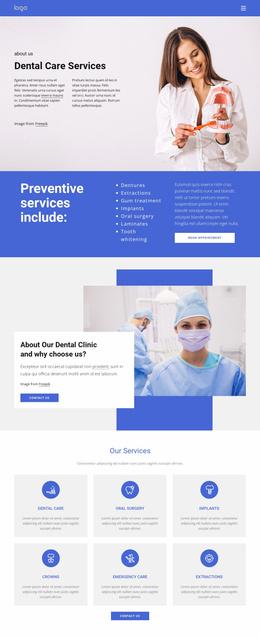










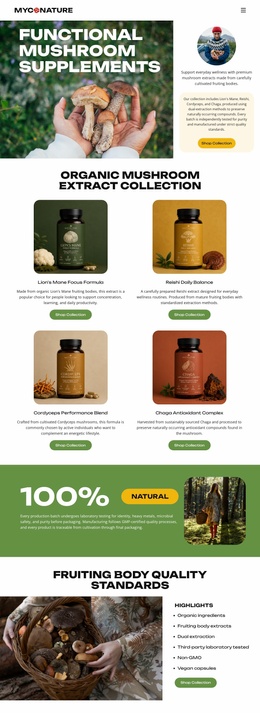





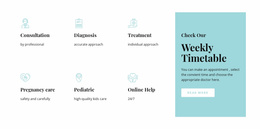







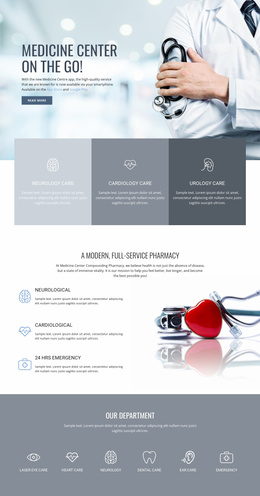


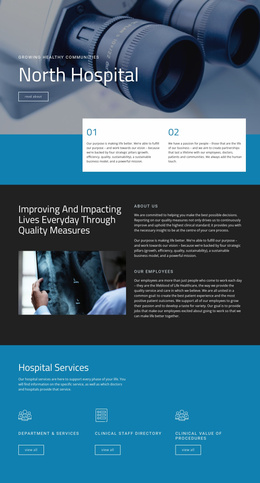
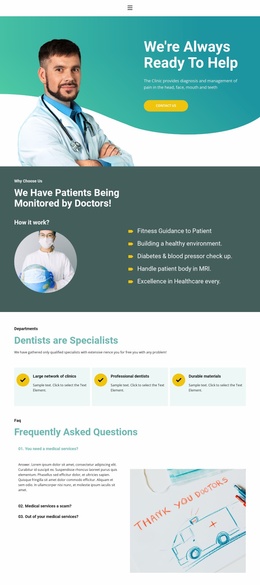

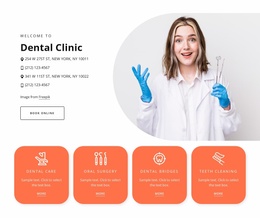

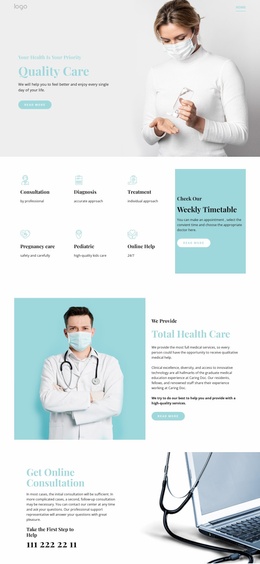











Other Medicine & Science Website Templates
Fast-Loading Drug Website Templates
Drug website templates in this category mostly serve two kinds of projects: retail pharmacies that sell OTC products online and pharmaceutical companies that present a product portfolio to partners. A smaller group of designs suits contract labs and R&D teams. Each template provides a finished visual layout, so most of the work goes into your catalog, company story, and contact details.
Matching Layouts With Your Type of Business
A pharmacy customer and a distributor come to the site for very different reasons, and the right template depends on who you need to serve first. Here is how the main project types usually differ:
- A pharmacy or drugstore needs a medicine catalog grouped by therapeutic area and product pages with prices and delivery options.
- A pharmaceutical manufacturer leans on a product portfolio and company pages about research, facilities, and production.
- A lab or R&D group puts research areas and publications first, while the catalog plays a minor role or disappears entirely.
Prescription medicines usually fall under stricter sales rules than OTC items, so many pharmacies list them as information cards with an inquiry button and no cart. Check that the catalog design you like still works in both versions.
Core Pages Worth Having Ready
Look for designs where the key pages already exist and only need your own text and photos. For a drug or pharmacy project, these tend to matter most:
- A homepage with a hero area, featured categories, and a trust block for licenses or certifications.
- Catalog and product layouts with space for dosage form, strength, and manufacturer.
- An FAQ covering shipping, stock availability, and store policies.
- A contact page with an inquiry form.
For that last page, the Contact Form Element lets you add and rename fields, which helps when wholesale buyers need to leave a company name and an expected order volume.
Comparing Designs Before Committing
Open each demo on a phone and try to reach a product from the homepage through the category menu, because a deep therapeutic taxonomy is often where mobile navigation gets awkward. Then check how much of the look is controlled globally. In Nicepage, Theme Settings hold the main colors and fonts for the whole site, and the header and footer are managed there as well. You only need to set a clinical blue or green palette once.
A pharmacy planning to add new therapeutic categories should be able to duplicate an existing category page, swap in the products, and keep the same look. If you plan to take orders online, give extra weight to designs that already include product list and product detail layouts.