Pharmacy and medicine Template


Edit Template Offline
2. Create new page and search for id 16713
Edit Template Online
Create Awesome Websites


Free Nicepage Builder
Keywords
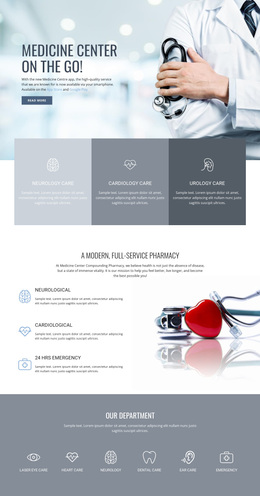
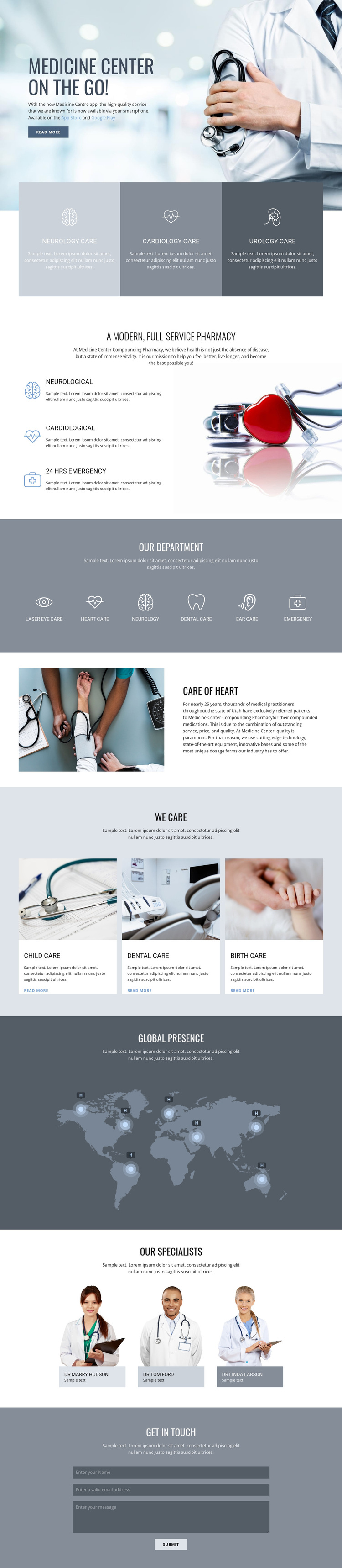
A Pharmacy-Led Healthcare Layout Covers Broad and Focused Care
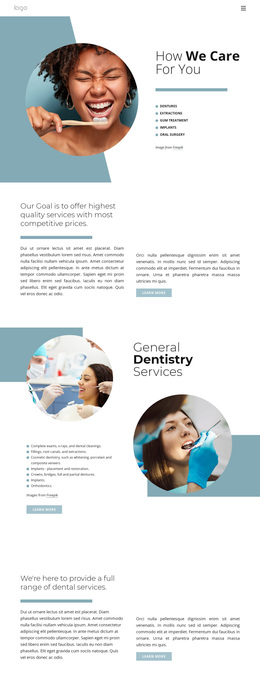
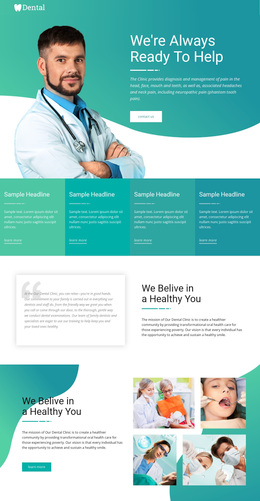
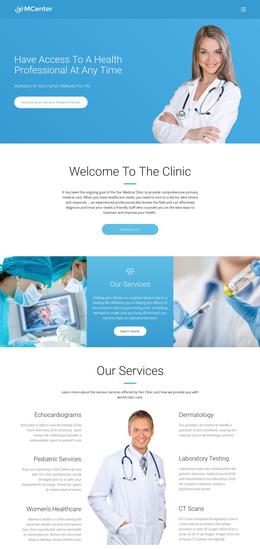
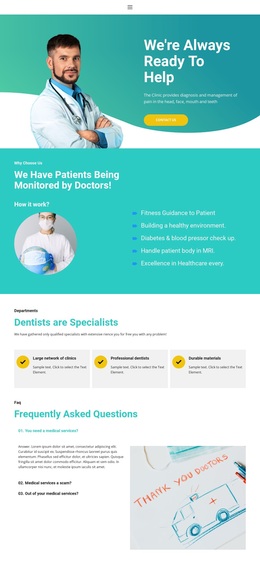
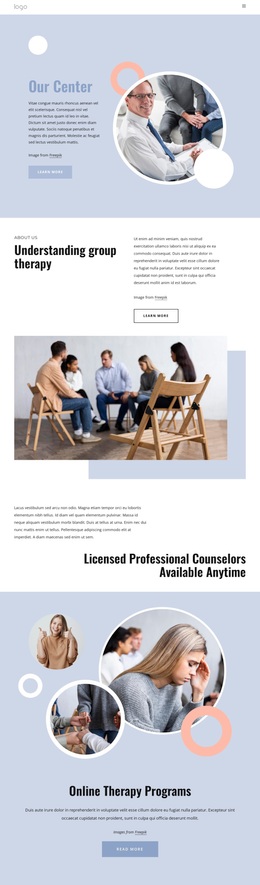
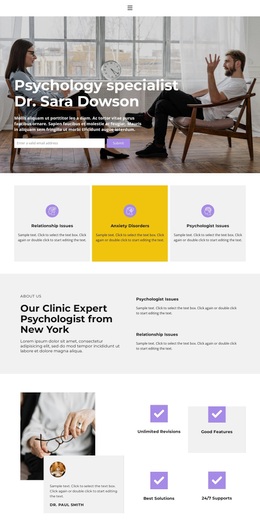
The design begins with a doctor-focused hero and then quickly shows what kind of information it can carry. Three equal cards introduce ambulatory, cardiology, and urology care, giving the page a compact service overview instead of relying on a single general statement. The pharmacy section adds neurological, cardiological, and 24 Hrs Emergency content beside medicines imagery, making the clinical subject visible through both text and photography.
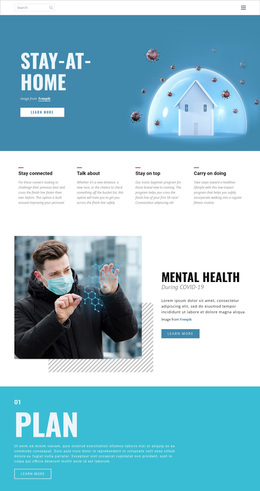
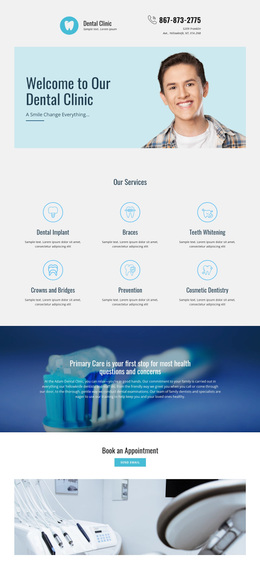
Its six-item department band is a particularly useful distinguishing feature. Laser eye care, heart care, neurology, dental care, skin care, and emergency care appear together as a broad directory, while the separate heart-care feature gives one category a more detailed presentation. The later child, dental, and birth care cards add another layer of care coverage through image-led content rather than repeating the department row.
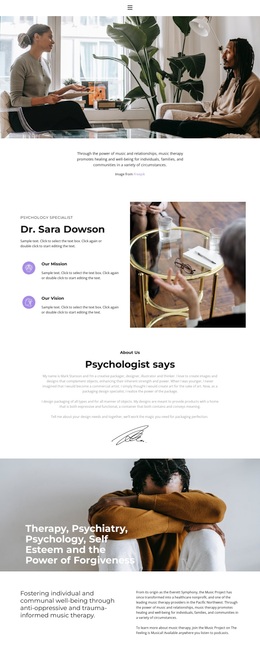
A world map with location markers, three specialist portraits, and a closing contact form complete the page’s range. That combination makes the design a useful choice for a medical-center project that needs to present many departments, show a human specialist presence, and retain a visible inquiry point. Its value lies in the relationship between broad service coverage and clearly separated visual sections, not in unsupported claims about actual locations or medical results.
Customize with Nicepage
Open this ready-made template in the Template Builder and customize it visually in the Nicepage editor. Replace demo content, edit page sections, and adapt the design to your project without rebuilding the template from scratch.
Start With a Ready-Made Template
Choose a Design for a New Page
Use a ready-made template as a starting point instead of creating every page from a blank canvas. When adding a new page in Nicepage, browse available designs, compare different layouts, and choose an option that already fits the general purpose and visual direction of your project.
Browse Different Page Designs
Explore Page Designs using search, thematic categories, Design Sets, and full-page previews. The collection includes layouts for different subjects and page purposes, making it easier to compare alternatives before selecting a design to customize.
Customize the Selected Template
After choosing a design, create the page and continue editing it visually in Nicepage. Replace the demo content, adjust images, typography, colors, sections, and other elements, and adapt the ready-made layout to your own content instead of rebuilding the design from the beginning.
Explore More Design Directions
If the first option does not match your project closely enough, return to the design collection and compare other templates before committing to a layout. This makes the template library useful not only for faster page creation, but also for exploring different visual approaches and finding a suitable starting point for a new project.
This workflow gives you access to a broad collection of ready-made designs that can be selected, compared, and customized according to the needs of each new page or project.