Therapy for depression Template



Edit Template Offline
2. Create new page and search for id 6108561
Edit Template Online
Create Awesome Websites


Free Nicepage Builder
Keywords
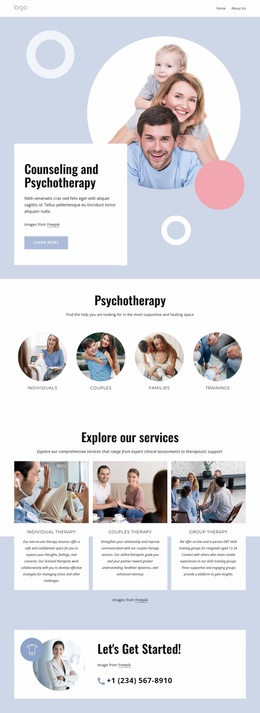
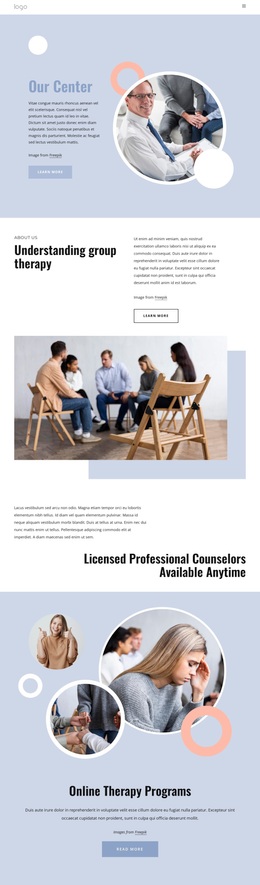
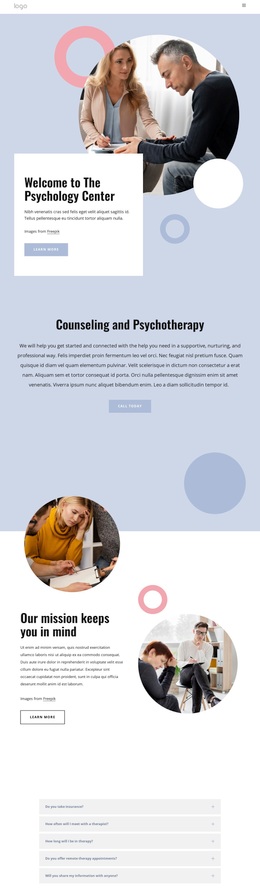
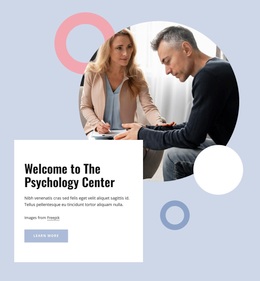
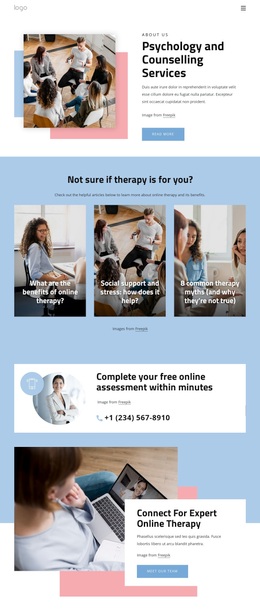
Circular imagery and layered counseling content define this design choice
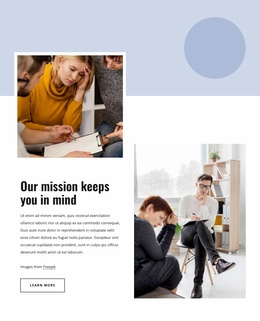
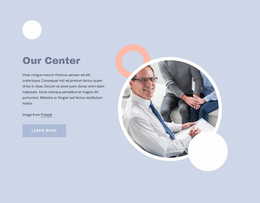
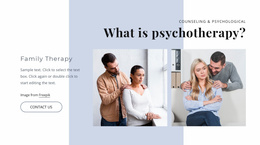
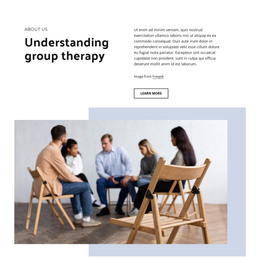
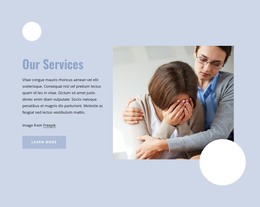
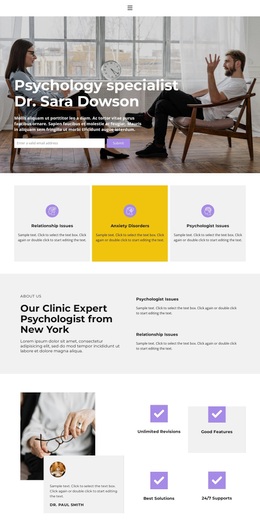
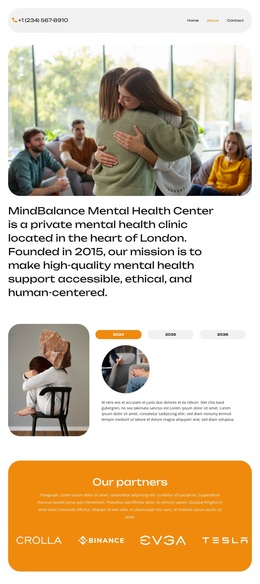
The design is worth considering when a psychology or counseling project needs a calm introduction followed by progressively more detailed support. Its circular photography appears in the welcome hero, mission area, and decorative transition, creating a repeated visual motif rather than treating images as isolated decoration. Pale blue and white surfaces, pink and muted blue accents, generous spacing, and dark bold typography reinforce a composed visual direction that leaves room for explanatory content.
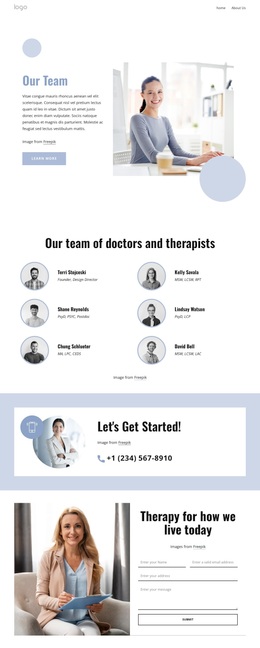
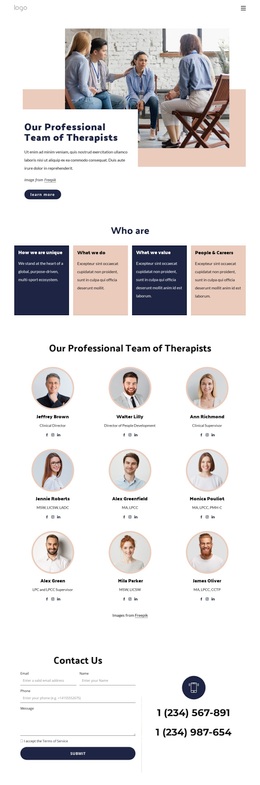
The content coverage is also more specific than a simple service introduction. Counseling and Psychotherapy is named directly, Our mission keeps you in mind gives the center a values-oriented section, and Facts & Questions provides five therapy-related question rows. Three testimonial entries add a separate proof-oriented block before the final contact area. Since the displayed names, quotes, and FAQ answers are placeholders, the structure is the reliable selection reason; real project content should replace the samples.
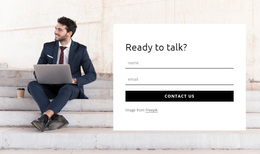
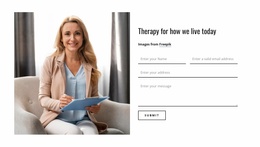
The closing form makes the layout useful for projects that need to move from reassurance to inquiry. Name, email, address, and message inputs support a clear contact task, while Home and About Us links keep the page connected to a small site context. This template therefore suits a counseling presentation that wants visual calm, service explanation, questions, testimonials, and contact content without relying on dense corporate styling.
Customize with Nicepage
Open this ready-made template in the Template Builder and customize it visually in the Nicepage editor. Replace demo content, edit page sections, and adapt the design to your project without rebuilding the template from scratch.
Start With a Ready-Made Template
Choose a Design for a New Page
Use a ready-made template as a starting point instead of creating every page from a blank canvas. When adding a new page in Nicepage, browse available designs, compare different layouts, and choose an option that already fits the general purpose and visual direction of your project.
Browse Different Page Designs
Explore Page Designs using search, thematic categories, Design Sets, and full-page previews. The collection includes layouts for different subjects and page purposes, making it easier to compare alternatives before selecting a design to customize.
Customize the Selected Template
After choosing a design, create the page and continue editing it visually in Nicepage. Replace the demo content, adjust images, typography, colors, sections, and other elements, and adapt the ready-made layout to your own content instead of rebuilding the design from the beginning.
Explore More Design Directions
If the first option does not match your project closely enough, return to the design collection and compare other templates before committing to a layout. This makes the template library useful not only for faster page creation, but also for exploring different visual approaches and finding a suitable starting point for a new project.
This workflow gives you access to a broad collection of ready-made designs that can be selected, compared, and customized according to the needs of each new page or project.