Qualified help from a psychologist Template


Edit Template Offline
2. Create new page and search for id 6225101
Edit Template Online
Create Awesome Websites


Free Nicepage Builder
Keywords
Human connection, mission content, and practical support in one choice
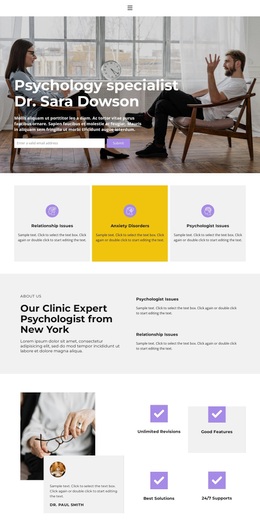
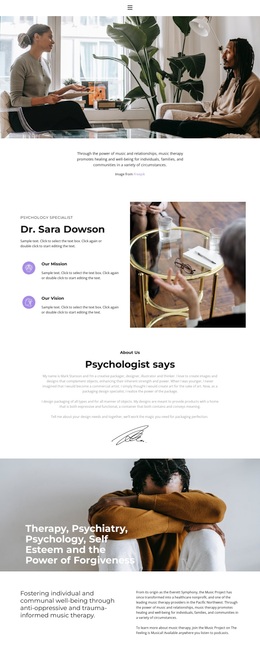
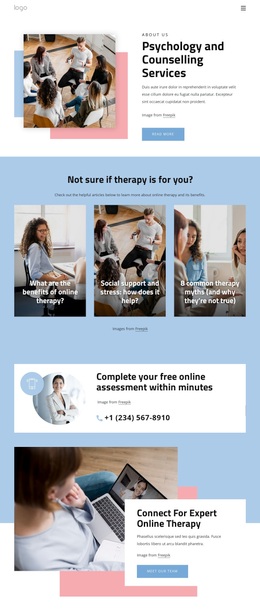
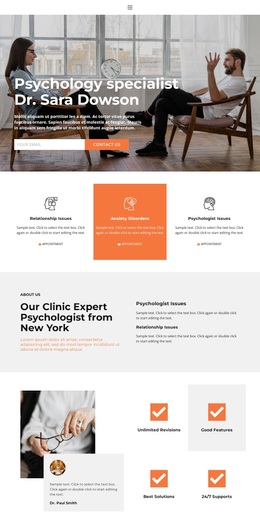
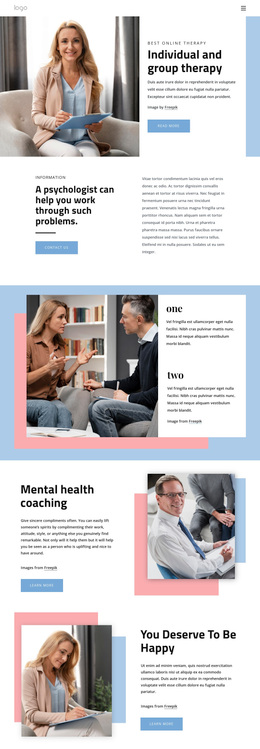
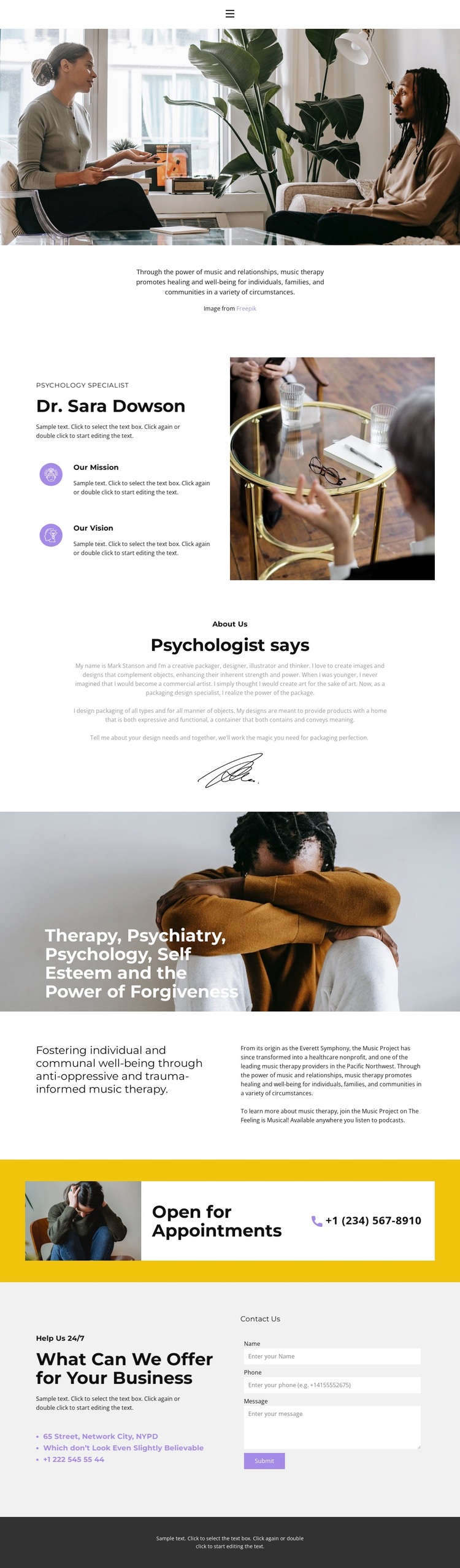
The design’s strongest point is the way it carries a human-centered subject through several different kinds of content. A wide therapy-session photograph introduces music therapy visually, and the centered statement beneath it makes healing and well-being the opening message. The specialist profile then adds a named psychology role, mission, and vision, giving the page organizational context instead of relying on imagery alone.
The middle of the page broadens the subject without losing that focus. The heading covering therapy, psychiatry, psychology, self-esteem, and the power of forgiveness creates a wide thematic frame, while the anti-oppressive and trauma-informed music therapy statement gives the organization a more specific position. A podcast reference to “The Feeling is Musical!” adds another communication detail, although the template does not establish it as a verified service or business result.
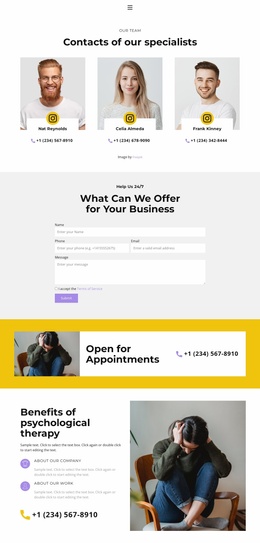
Practical response elements complete the choice. The yellow appointment strip stands apart from the pale neutral sections, and the lower form places contact information beside an inquiry action. This combination suits projects that need to explain a supportive mission before inviting appointments or questions. The overall visual direction—muted photography, purple accents, dark text, geometric headings, and generous spacing—keeps the page approachable without turning the subject into a generic corporate layout.
Customize with Nicepage
Open this ready-made template in the Template Builder and customize it visually in the Nicepage editor. Replace demo content, edit page sections, and adapt the design to your project without rebuilding the template from scratch.
Start With a Ready-Made Template
Choose a Design for a New Page
Use a ready-made template as a starting point instead of creating every page from a blank canvas. When adding a new page in Nicepage, browse available designs, compare different layouts, and choose an option that already fits the general purpose and visual direction of your project.
Browse Different Page Designs
Explore Page Designs using search, thematic categories, Design Sets, and full-page previews. The collection includes layouts for different subjects and page purposes, making it easier to compare alternatives before selecting a design to customize.
Customize the Selected Template
After choosing a design, create the page and continue editing it visually in Nicepage. Replace the demo content, adjust images, typography, colors, sections, and other elements, and adapt the ready-made layout to your own content instead of rebuilding the design from the beginning.
Explore More Design Directions
If the first option does not match your project closely enough, return to the design collection and compare other templates before committing to a layout. This makes the template library useful not only for faster page creation, but also for exploring different visual approaches and finding a suitable starting point for a new project.
This workflow gives you access to a broad collection of ready-made designs that can be selected, compared, and customized according to the needs of each new page or project.