The psychology center Template


Edit Template Offline
2. Create new page and search for id 6108688
Edit Template Online
Create Awesome Websites


Free Nicepage Builder
Keywords
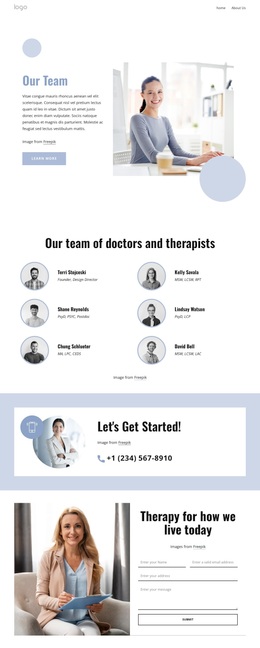
A Six-Person Therapy Directory Gives the Design Its Focus
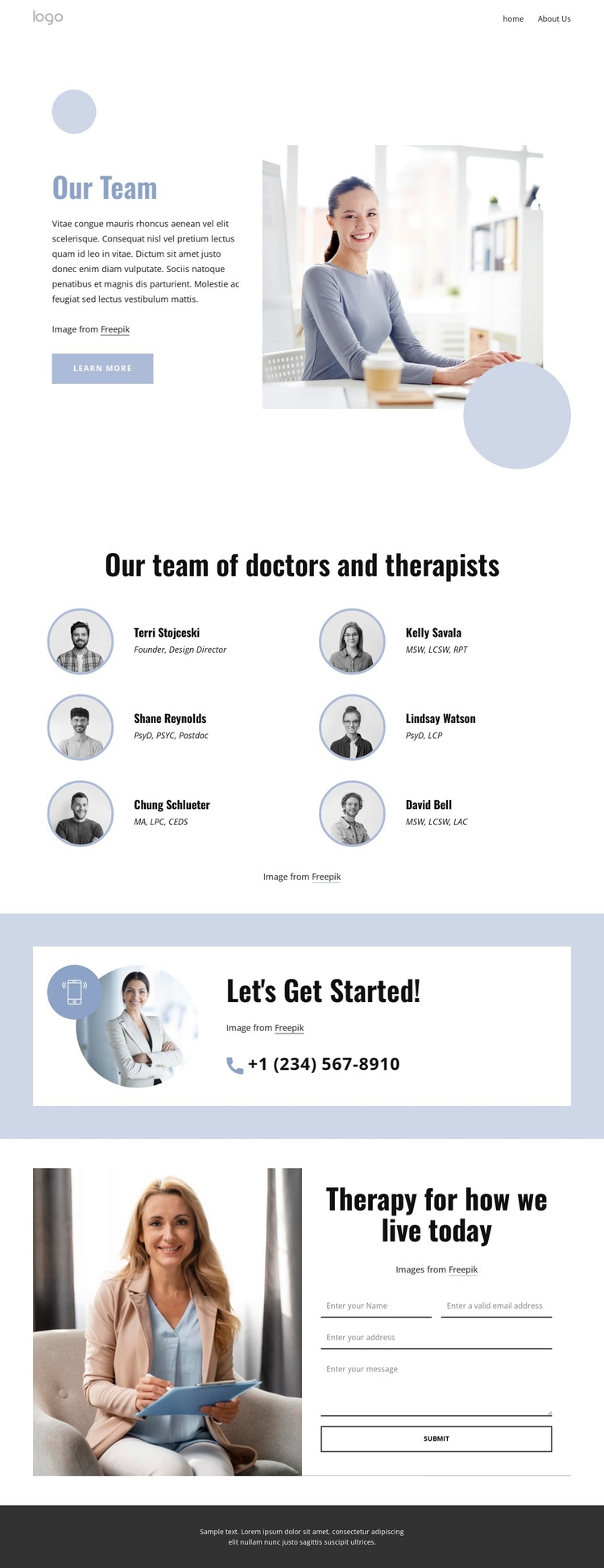
The six-person directory is the clearest reason to choose this design over a generic therapy layout. The page does not rely only on broad wellness imagery or long service descriptions; it places doctors and therapists at the center through six compact profile items, circular portraits, and role labels. That people-first presentation gives the design a specific content identity and makes it suitable for projects that need to introduce a care team before asking visitors to make contact.
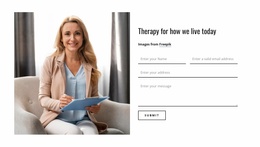
The surrounding sections support that choice without overwhelming it. The “Our Team” hero establishes the subject with a large lifestyle photograph, introductory text, a learn more button, and pale blue circular accents. Below the directory, the “Let’s Get Started!” contact prompt supplies a phone route, while the final therapy section adds a form beside an image and the heading “Therapy for how we live today.” The page therefore covers recognition, team context, and direct inquiry in one continuous arrangement.
Its light, airy treatment also distinguishes the option visually. Generous spacing, dark typography, white panels, pale blue bands, and circular imagery create a calm healthcare-oriented tone. The result is a focused starting point for a therapy team presentation where personal profiles and accessible contact routes matter more than dense navigation or product-style content.
Customize with Nicepage
Open this ready-made template in the Template Builder and customize it visually in the Nicepage editor. Replace demo content, edit page sections, and adapt the design to your project without rebuilding the template from scratch.
Start With a Ready-Made Template
Choose a Design for a New Page
Use a ready-made template as a starting point instead of creating every page from a blank canvas. When adding a new page in Nicepage, browse available designs, compare different layouts, and choose an option that already fits the general purpose and visual direction of your project.
Browse Different Page Designs
Explore Page Designs using search, thematic categories, Design Sets, and full-page previews. The collection includes layouts for different subjects and page purposes, making it easier to compare alternatives before selecting a design to customize.
Customize the Selected Template
After choosing a design, create the page and continue editing it visually in Nicepage. Replace the demo content, adjust images, typography, colors, sections, and other elements, and adapt the ready-made layout to your own content instead of rebuilding the design from the beginning.
Explore More Design Directions
If the first option does not match your project closely enough, return to the design collection and compare other templates before committing to a layout. This makes the template library useful not only for faster page creation, but also for exploring different visual approaches and finding a suitable starting point for a new project.
This workflow gives you access to a broad collection of ready-made designs that can be selected, compared, and customized according to the needs of each new page or project.