Pro health and medicine Template


Edit Template Offline
2. Create new page and search for id 16719
Edit Template Online
Create Awesome Websites


Free Nicepage Builder
Keywords
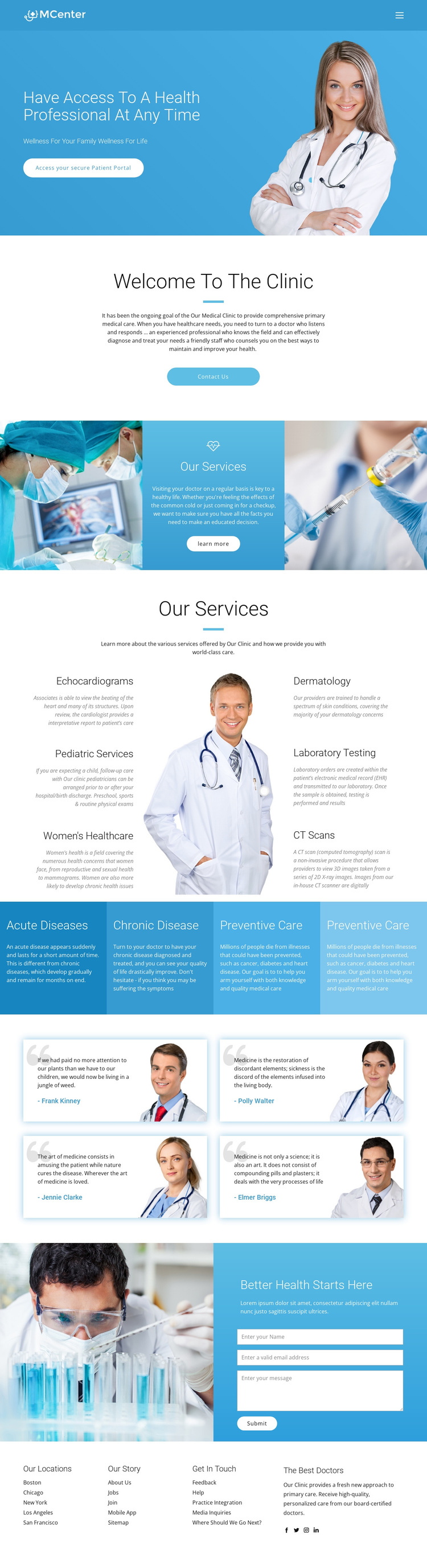
Six named services connect portal access with a broad clinic presentation
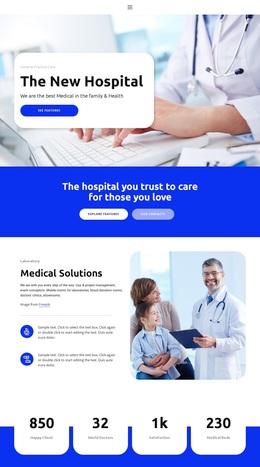
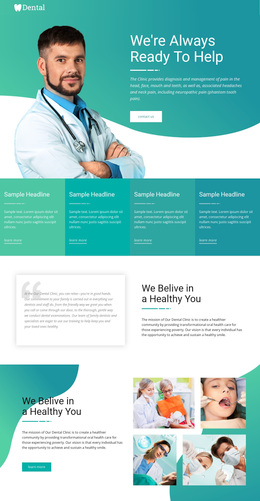
The secure Patient Portal action gives this design a distinctive starting point because patient access appears directly within the opening healthcare message rather than being hidden in the footer or a secondary section. A clinician photograph reinforces that first impression, while the centered clinic introduction and Contact Us action provide a straightforward transition from access to explanation.
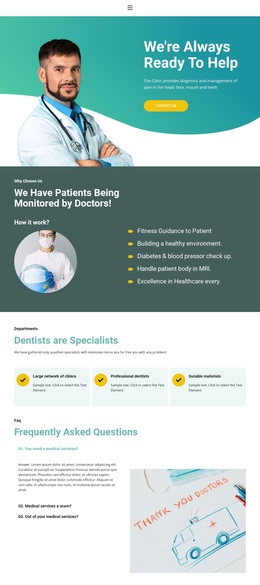
The strongest selection reason is the breadth of the service directory. Echocardiograms, Pediatric Services, Women’s Healthcare, Dermatology, Laboratory Testing, and CT Scans are arranged around a central doctor photograph, creating a recognizable medical focus with both diagnostic and specialty content. The four colored care-category panels add another layer by addressing acute disease, chronic disease, and preventive care. This gives the page more coverage than a design centered only on a generic clinic introduction.
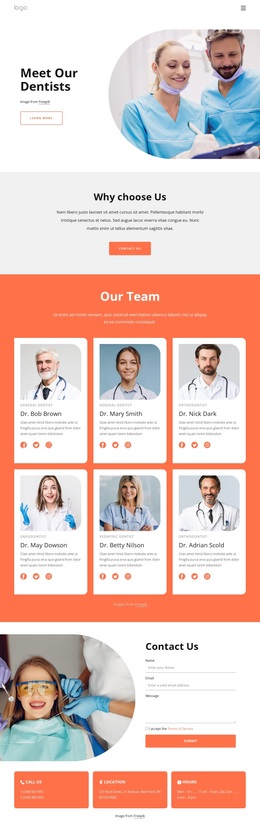
Four testimonial cards contribute a patient-facing section, and the final laboratory image beside the contact form returns the visitor to a direct health inquiry context. The names and quotations shown in those cards are sample content, so they demonstrate structure rather than verified patient outcomes. For projects seeking a ready-made healthcare direction, the combination of access, service coverage, category summaries, social footer links, and contact response makes this design a focused option among broader template choices.
Customize with Nicepage
Open this ready-made template in the Template Builder and customize it visually in the Nicepage editor. Replace demo content, edit page sections, and adapt the design to your project without rebuilding the template from scratch.
Start With a Ready-Made Template
Choose a Design for a New Page
Use a ready-made template as a starting point instead of creating every page from a blank canvas. When adding a new page in Nicepage, browse available designs, compare different layouts, and choose an option that already fits the general purpose and visual direction of your project.
Browse Different Page Designs
Explore Page Designs using search, thematic categories, Design Sets, and full-page previews. The collection includes layouts for different subjects and page purposes, making it easier to compare alternatives before selecting a design to customize.
Customize the Selected Template
After choosing a design, create the page and continue editing it visually in Nicepage. Replace the demo content, adjust images, typography, colors, sections, and other elements, and adapt the ready-made layout to your own content instead of rebuilding the design from the beginning.
Explore More Design Directions
If the first option does not match your project closely enough, return to the design collection and compare other templates before committing to a layout. This makes the template library useful not only for faster page creation, but also for exploring different visual approaches and finding a suitable starting point for a new project.
This workflow gives you access to a broad collection of ready-made designs that can be selected, compared, and customized according to the needs of each new page or project.