Different types of group therapy Template



Edit Template Offline
2. Create new page and search for id 308686
Edit Template Online
Create Awesome Websites


Free Nicepage Builder
Keywords
Four Training Features Balance Education With Counseling Content
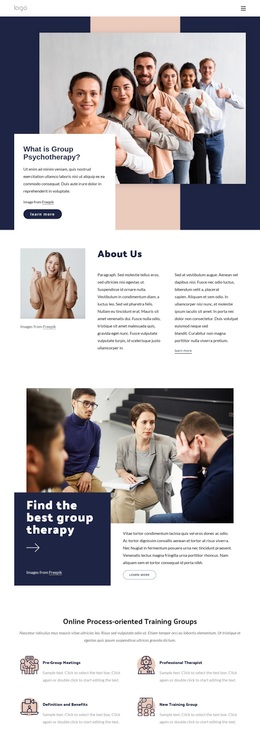
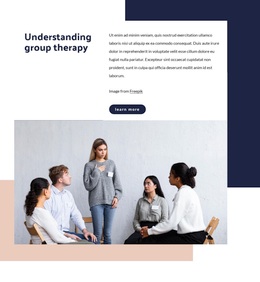
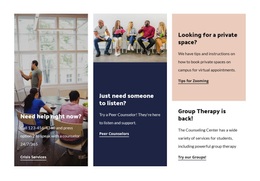
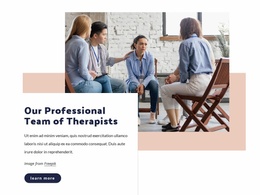
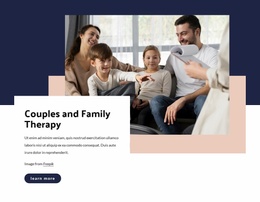
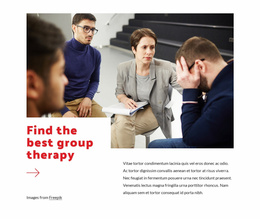
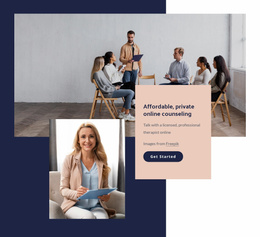
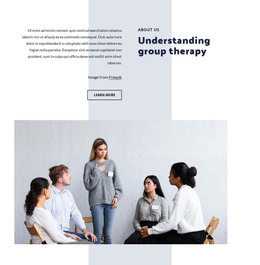
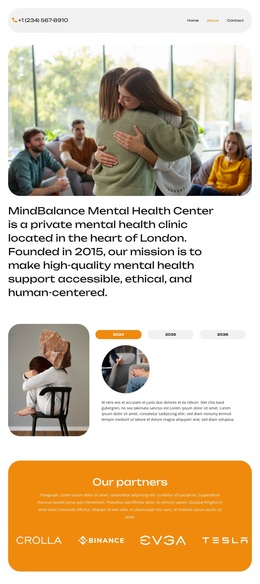
The strongest reason to choose this design is its ability to present several related group psychotherapy subjects without reducing them to one service statement. The opening image and white text panel establish the topic immediately, while the About Us and “Find the best group therapy” sections provide a progression from introduction to explanation. This makes the page suitable for projects that need educational context before presenting a service or invitation.
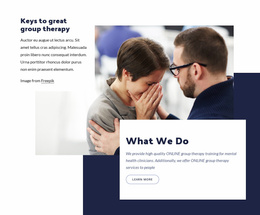
The four repeated training items are a particularly useful point of distinction. Pre-group meetings, professional therapist support, definitions and benefits, and a new training group give online process-oriented training a visible information structure. Nearby overlapping cards add a second layer by describing what the organization does and the keys to effective group therapy. Together, these sections can speak to mental health clinicians while keeping the broader subject understandable to people seeking therapy or counseling.
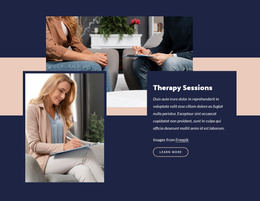
The four-image gallery and comparison of group therapy versus support groups add a more specific educational angle than a design centered only on generic service cards. The later private online counseling section, session description, and contact form then extend the design toward inquiries from prospective clients. Its dark navy, peach, white, and muted blue palette, combined with bold headings and generous space, supports an editorial and approachable presentation. This combination of subject coverage, visual storytelling, training content, comparison material, and response points makes the page a distinctive option for mental health communication.
Customize with Nicepage
Open this ready-made template in the Template Builder and customize it visually in the Nicepage editor. Replace demo content, edit page sections, and adapt the design to your project without rebuilding the template from scratch.
Start With a Ready-Made Template
Choose a Design for a New Page
Use a ready-made template as a starting point instead of creating every page from a blank canvas. When adding a new page in Nicepage, browse available designs, compare different layouts, and choose an option that already fits the general purpose and visual direction of your project.
Browse Different Page Designs
Explore Page Designs using search, thematic categories, Design Sets, and full-page previews. The collection includes layouts for different subjects and page purposes, making it easier to compare alternatives before selecting a design to customize.
Customize the Selected Template
After choosing a design, create the page and continue editing it visually in Nicepage. Replace the demo content, adjust images, typography, colors, sections, and other elements, and adapt the ready-made layout to your own content instead of rebuilding the design from the beginning.
Explore More Design Directions
If the first option does not match your project closely enough, return to the design collection and compare other templates before committing to a layout. This makes the template library useful not only for faster page creation, but also for exploring different visual approaches and finding a suitable starting point for a new project.
This workflow gives you access to a broad collection of ready-made designs that can be selected, compared, and customized according to the needs of each new page or project.