
Pregnancy Website Templates
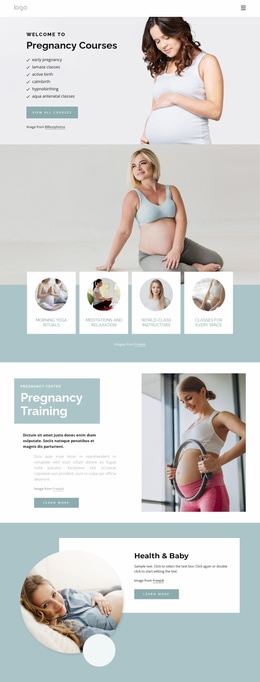
Expectant parents may need care details, practitioner profiles, classes, resources, and contact information at different moments. A complete pregnancy website template separates these needs into connected pages with clear navigation.
-
-

-
-
-
-
-
-
-
-
-
-
-
-
-
-
-
-
-
Customize Any TemplateDownload
-
-
-
-
-
-






More Website Templates from Medicine & Science Category










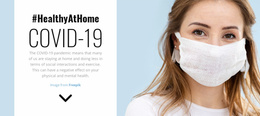
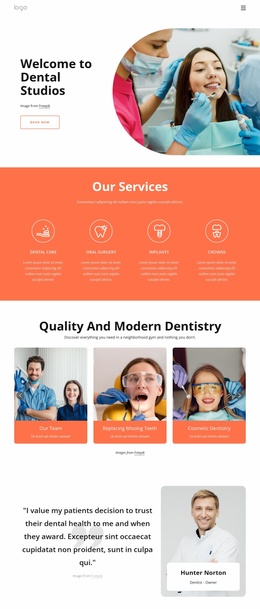
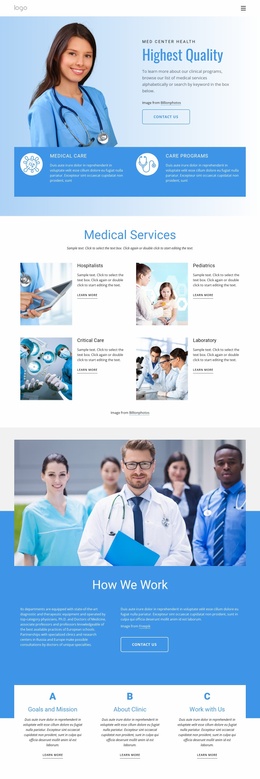
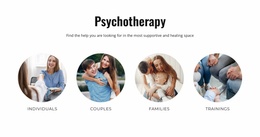


Other Medicine & Science Website Templates
Clean Pregnancy Website Templates for Maternity Care Providers
A pregnancy website template gives you a set of connected pages, so the choice is structural before it is visual. A maternity clinic, an independent doula, and a childbirth educator arrange their services, their people, and their resources differently, and that shows up the moment you look past the home page. The page set is what you are really shopping for.
Page Sets Behind Three Pregnancy Projects
Most pregnancy sites settle at five to seven pages. A home page and one or two service pages carry the care you offer. After that come the people providing it, a resource area, and a contact page with appointment details.
The three most common projects arrange those pages in their own order:
- A prenatal clinic runs deep on services, so the route goes from prenatal care through diagnostics to the physicians. Patient resources and an appointment page close it.
- A doula practice leads with support packages, then an about page that explains her approach. Testimonials, a short FAQ, and a consultation form finish the path.
- A childbirth educator puts classes and schedules in front and gives the instructor a page of her own. Preparation resources sit beside the registration step.
Clinical Detail Versus Course Content
That split decides which template survives contact with your material. A clinic needs a service architecture with room for several care programs, each deserving its own page. An education project leans on schedules and a resource library, and its service list stays short.
An expectant parent usually moves through a pregnancy site in the same order:
- The visit starts on the service or the class that brought her there.
- Next comes the question of who provides it, since credentials carry unusual weight here.
- A resource page or an FAQ tells her whether the practice speaks her language.
- The appointment or registration step comes last, often on a phone.
Fit Beats Size in a Demo
Twenty pages look generous until you count the ones you would quietly delete. The better measure is how much of that structure you would actually use. A template where eight or nine of the ten pages match material you already have will require far less work than a showier one. Nicepage documentation on responsive websites with blocks covers how repeated page areas hold one look across a growing site, which matters once you add a second class or another care program.
Put two finalists side by side and compare their page sets first. The one that already has a home for your services, practitioners, and resources will still make sense a year from now.