Wellness starts here Template



Edit Template Offline
2. Create new page and search for id 6560228
Edit Template Online
Create Awesome Websites


Free Nicepage Builder
Keywords
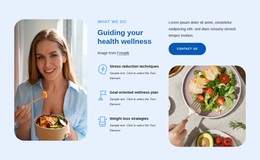
Four Program Cards Connect Broad Wellness Content With Practical Choices
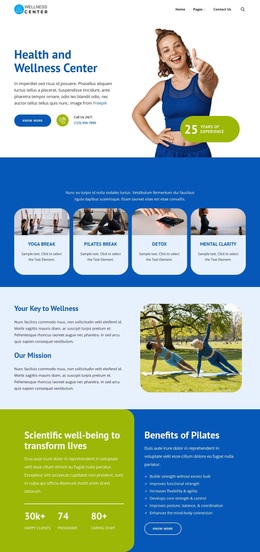
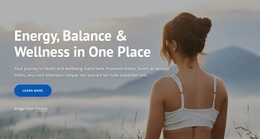
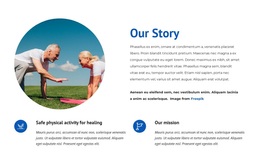
The page brings together several wellness subjects without making the design depend on one narrow offering. The four program cards establish an accessible starting point through Yoga Break, Pilates Break, Detox, and Mental Clarity. They are followed by mission content and a Pilates-focused benefits section, so the design can introduce a general wellness direction before moving toward a particular activity. That combination is a useful reason to choose this option for projects that need both broad positioning and recognizable program entry points.
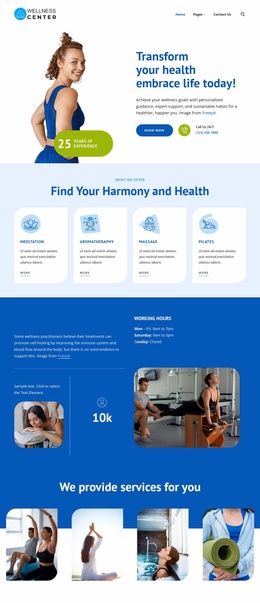
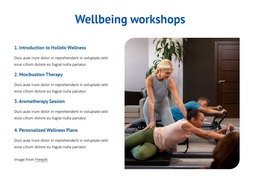
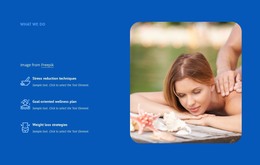
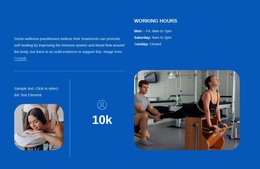
The offering becomes more distinctive in the later content groups. Meditation, Aromatherapy, Massage, and Pilates appear as featured services, while the integrative treatment tiles extend the scope through Acupuncture, Moxibustion, Acupressure, Massage, Herbal Medicine, and Reflexology. Workshops add an educational layer with introductory holistic wellness, moxibustion therapy, aromatherapy sessions, and personalized wellness plans. These relationships make the page more than a simple class or clinic layout; it can communicate programs, treatments, learning, and ongoing support within one visual direction.
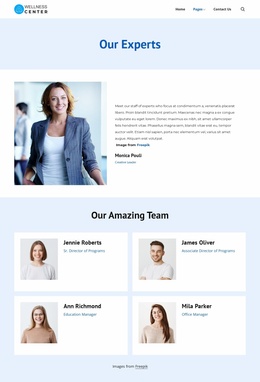
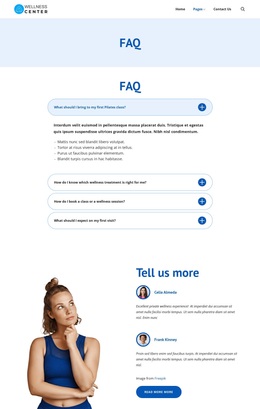
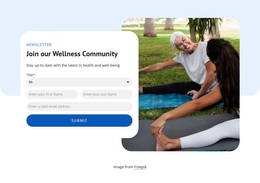
The design also covers the questions and responses that accompany this subject. An FAQ accordion addresses first visits, classes, treatment selection, and booking. Testimonials provide personal context, and the newsletter form invites visitors into the wellness community. Together with the calm blue-and-green palette, rounded cards, and soft photography, this content coverage makes the template a strong choice when a wellness project needs an informative, approachable, and participation-oriented starting point.
Customize with Nicepage
Open this ready-made template in the Template Builder and customize it visually in the Nicepage editor. Replace demo content, edit page sections, and adapt the design to your project without rebuilding the template from scratch.
Start With a Ready-Made Template
Choose a Design for a New Page
Use a ready-made template as a starting point instead of creating every page from a blank canvas. When adding a new page in Nicepage, browse available designs, compare different layouts, and choose an option that already fits the general purpose and visual direction of your project.
Browse Different Page Designs
Explore Page Designs using search, thematic categories, Design Sets, and full-page previews. The collection includes layouts for different subjects and page purposes, making it easier to compare alternatives before selecting a design to customize.
Customize the Selected Template
After choosing a design, create the page and continue editing it visually in Nicepage. Replace the demo content, adjust images, typography, colors, sections, and other elements, and adapt the ready-made layout to your own content instead of rebuilding the design from the beginning.
Explore More Design Directions
If the first option does not match your project closely enough, return to the design collection and compare other templates before committing to a layout. This makes the template library useful not only for faster page creation, but also for exploring different visual approaches and finding a suitable starting point for a new project.
This workflow gives you access to a broad collection of ready-made designs that can be selected, compared, and customized according to the needs of each new page or project.