Oral care and dental medicine Template


Edit Template Offline
2. Create new page and search for id 29405
Edit Template Online
Create Awesome Websites


Free Nicepage Builder
Keywords
Four Dental Services Give the Design a Clear Starting Direction
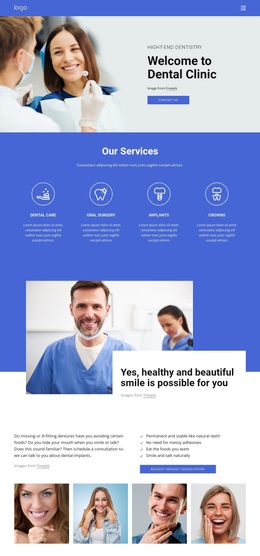
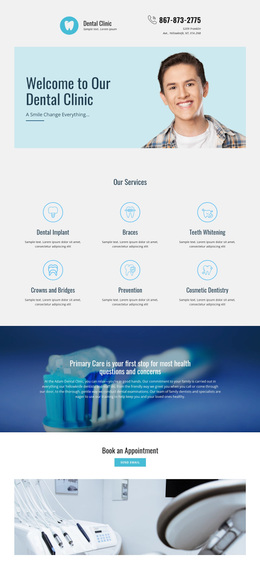
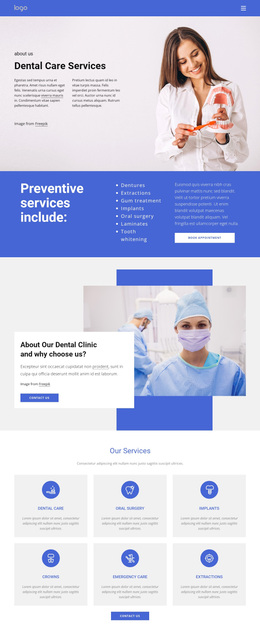
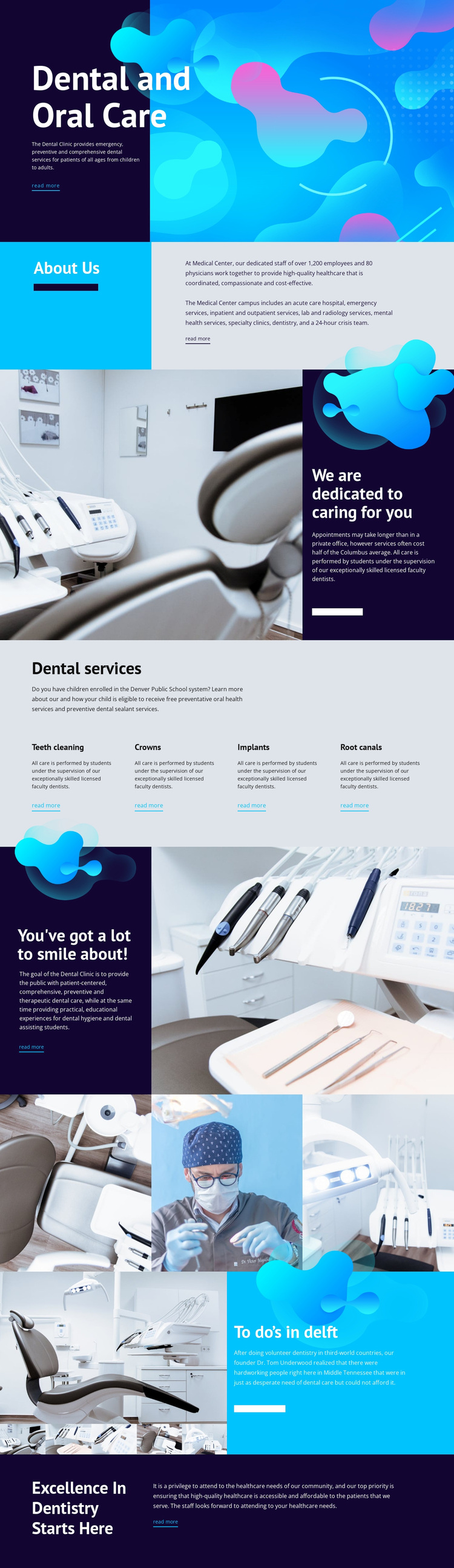
The strongest reason to choose this design is the way it combines recognizable dental services with a visual story about care. Teeth cleaning, crowns, implants, and root canals are arranged as four equal service categories, so the page can speak to different treatment interests without becoming a dense clinical list. Each item has a read-more path, giving the central block a practical relationship between overview and further information.
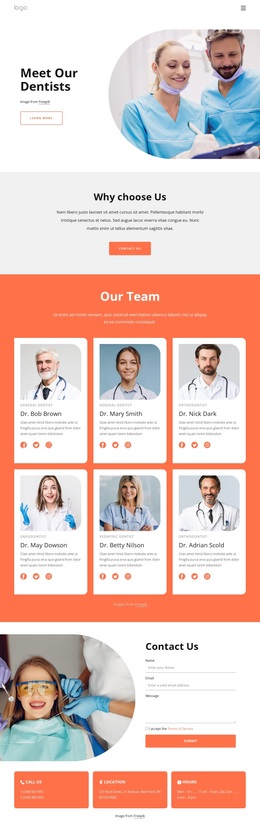
That service coverage is supported by a more distinctive visual system. Bright cyan, deep navy, white, and coral accents create strong color blocks, while large high-contrast headings and generous spacing keep the editorial layouts open. Dental treatment and equipment photographs make the subject concrete, and abstract organic graphics prevent the page from feeling like a plain medical directory. The three-image gallery extends that image-led direction with a compact group of related clinical views.
The design also balances institutional and patient-centered material. About Us content establishes the organization, while statements about dedication, accessible care, and having a lot to smile about give the service categories a human context. The final Excellence In Dentistry Starts Here section provides a clear close after the service and story content. This makes the template a useful option for projects that need to explain dental offerings while presenting care as approachable and visually engaging, rather than relying only on procedure names.
Customize with Nicepage
Open this ready-made template in the Template Builder and customize it visually in the Nicepage editor. Replace demo content, edit page sections, and adapt the design to your project without rebuilding the template from scratch.
Start With a Ready-Made Template
Choose a Design for a New Page
Use a ready-made template as a starting point instead of creating every page from a blank canvas. When adding a new page in Nicepage, browse available designs, compare different layouts, and choose an option that already fits the general purpose and visual direction of your project.
Browse Different Page Designs
Explore Page Designs using search, thematic categories, Design Sets, and full-page previews. The collection includes layouts for different subjects and page purposes, making it easier to compare alternatives before selecting a design to customize.
Customize the Selected Template
After choosing a design, create the page and continue editing it visually in Nicepage. Replace the demo content, adjust images, typography, colors, sections, and other elements, and adapt the ready-made layout to your own content instead of rebuilding the design from the beginning.
Explore More Design Directions
If the first option does not match your project closely enough, return to the design collection and compare other templates before committing to a layout. This makes the template library useful not only for faster page creation, but also for exploring different visual approaches and finding a suitable starting point for a new project.
This workflow gives you access to a broad collection of ready-made designs that can be selected, compared, and customized according to the needs of each new page or project.