Welcome to dental clinic Template



Edit Template Offline
2. Create new page and search for id 5588853
Edit Template Online
Create Awesome Websites


Free Nicepage Builder
Keywords
Four Treatment Categories Anchor a Patient-Focused Design Choice
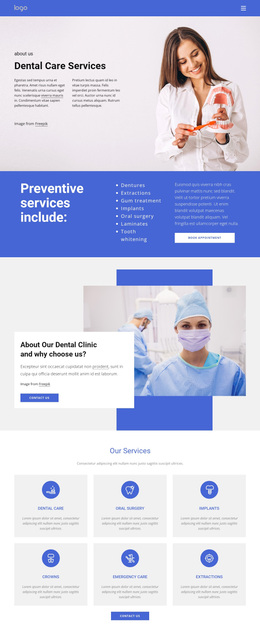
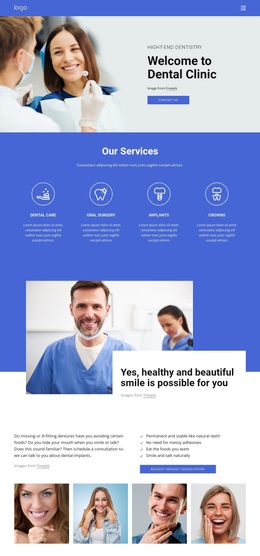
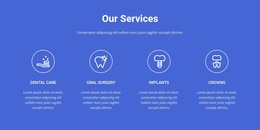
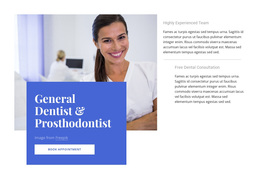
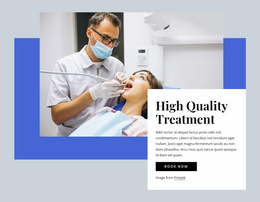
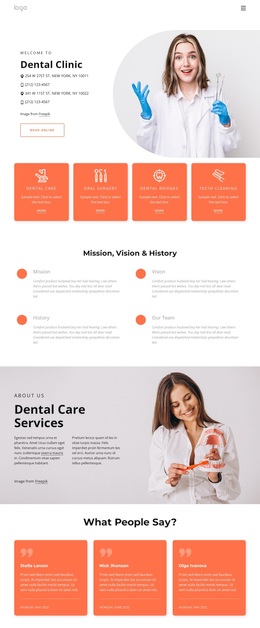
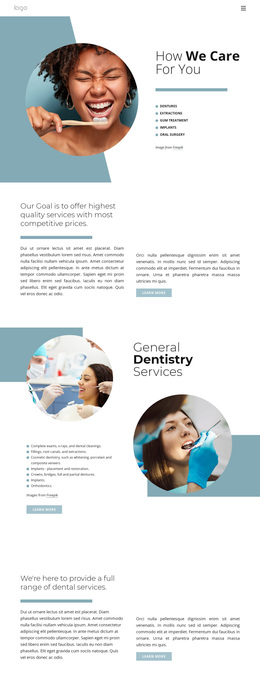
The page’s strongest distinguishing feature is the way it combines a concise dental treatment overview with several forms of reassurance. The four service categories—Dental Care, Oral Surgery, Implants, and Crown—give the design a specific subject and make the initial content easy to recognize. They are supported by a large dentist photograph and an overlapping panel about achieving a healthy and beautiful smile, so the page does not rely on service labels alone to communicate its purpose.
Visual storytelling is another reason to consider this design. Four patient smile photographs create a repeated image group, while the blue testimonial band contains three separate entries. Together, these sections make patient experience and smile imagery central to the page’s character. The result is more treatment- and reassurance-oriented than a layout built mainly around dense medical text or a long service catalogue.
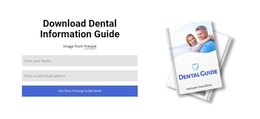
The design also covers several practical response situations. Visitors can use the opening contact button, request the dental information guide, respond to the question-focused contact prompt, or reach the later form and telephone details. Two visible contact forms and repeated buttons provide flexibility without changing the page’s core identity. These relationships make the template a useful option for a clinic that needs to explain key services, present a patient-centered visual message, offer educational material, and invite appointment-related inquiries within one coordinated design.
Customize with Nicepage
Open this ready-made template in the Template Builder and customize it visually in the Nicepage editor. Replace demo content, edit page sections, and adapt the design to your project without rebuilding the template from scratch.
Start With a Ready-Made Template
Choose a Design for a New Page
Use a ready-made template as a starting point instead of creating every page from a blank canvas. When adding a new page in Nicepage, browse available designs, compare different layouts, and choose an option that already fits the general purpose and visual direction of your project.
Browse Different Page Designs
Explore Page Designs using search, thematic categories, Design Sets, and full-page previews. The collection includes layouts for different subjects and page purposes, making it easier to compare alternatives before selecting a design to customize.
Customize the Selected Template
After choosing a design, create the page and continue editing it visually in Nicepage. Replace the demo content, adjust images, typography, colors, sections, and other elements, and adapt the ready-made layout to your own content instead of rebuilding the design from the beginning.
Explore More Design Directions
If the first option does not match your project closely enough, return to the design collection and compare other templates before committing to a layout. This makes the template library useful not only for faster page creation, but also for exploring different visual approaches and finding a suitable starting point for a new project.
This workflow gives you access to a broad collection of ready-made designs that can be selected, compared, and customized according to the needs of each new page or project.