Qualified psychologist help Template



Edit Template Offline
2. Create new page and search for id 1428794
Edit Template Online
Create Awesome Websites


Free Nicepage Builder
Keywords
Therapy Services and Specialist Content Give This Design a Clear Direction
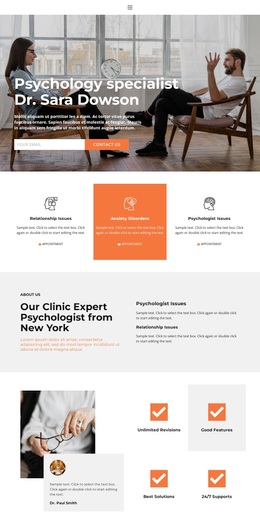
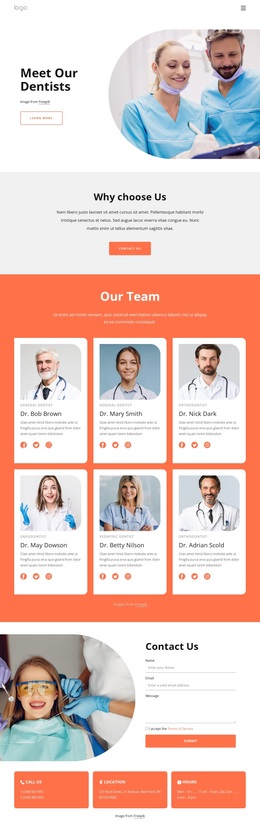
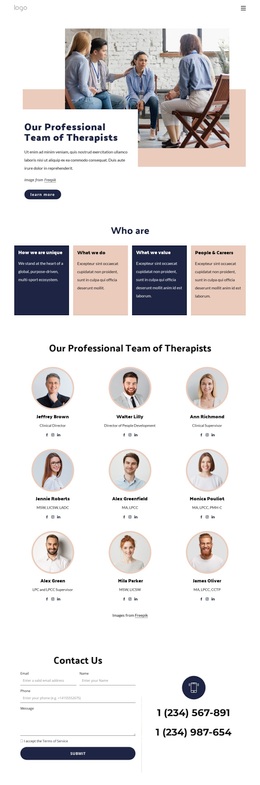
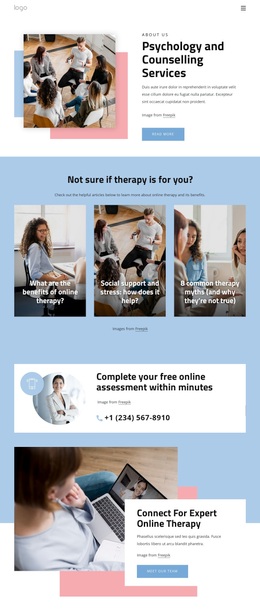
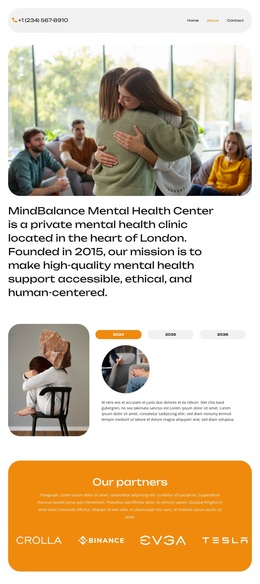
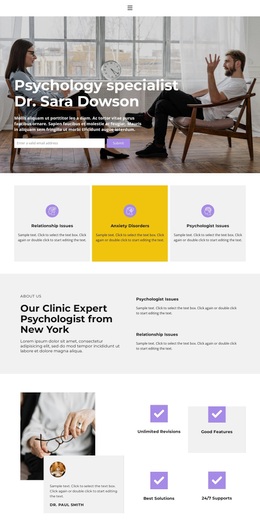
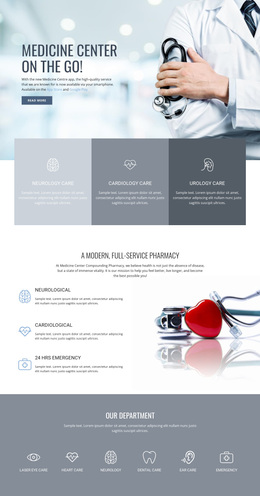
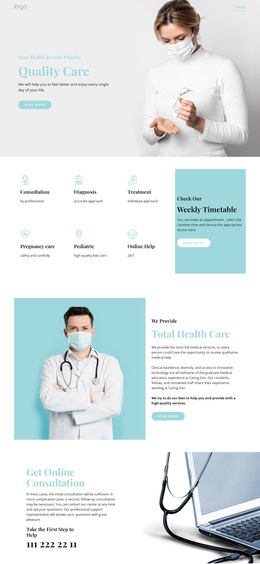
Large consultation and wellness photographs carry much of the page's emotional and contextual message, while the surrounding text explains what the clinic presents. The design is not limited to a generic healthcare introduction: three repeated service cards specifically identify Relationship Issues, Anxiety Disorders, and Psychologist Issues, creating an immediate subject focus. The clinic introduction and Dr. Sara Dowson profile then reinforce that focus with mission and vision content rather than leaving the page as an image-only presentation.
The template also covers several practical stages of a clinic visitor's evaluation. An appointment banner makes availability visible, the accordion creates space for expandable supporting topics, and three pricing cards introduce a comparison area. The benefits section returns to the value of psychological therapy before the final contact block combines contact details with a quote request form. This combination makes the design a useful option for projects that need both a warm visual presentation and a substantial information path toward appointment or inquiry requests. The Home, About, and Contact navigation links help connect those areas, while the sample prices, names, phone numbers, address, and unrelated placeholder topics should be replaced with accurate project content. Its strongest distinction is the relationship between therapy imagery, categorized concerns, specialist positioning, plans, and direct contact.
Customize with Nicepage
Open this ready-made template in the Template Builder and customize it visually in the Nicepage editor. Replace demo content, edit page sections, and adapt the design to your project without rebuilding the template from scratch.
Start With a Ready-Made Template
Choose a Design for a New Page
Use a ready-made template as a starting point instead of creating every page from a blank canvas. When adding a new page in Nicepage, browse available designs, compare different layouts, and choose an option that already fits the general purpose and visual direction of your project.
Browse Different Page Designs
Explore Page Designs using search, thematic categories, Design Sets, and full-page previews. The collection includes layouts for different subjects and page purposes, making it easier to compare alternatives before selecting a design to customize.
Customize the Selected Template
After choosing a design, create the page and continue editing it visually in Nicepage. Replace the demo content, adjust images, typography, colors, sections, and other elements, and adapt the ready-made layout to your own content instead of rebuilding the design from the beginning.
Explore More Design Directions
If the first option does not match your project closely enough, return to the design collection and compare other templates before committing to a layout. This makes the template library useful not only for faster page creation, but also for exploring different visual approaches and finding a suitable starting point for a new project.
This workflow gives you access to a broad collection of ready-made designs that can be selected, compared, and customized according to the needs of each new page or project.