Recycling Today for Tomorrow Template


Edit Template Offline
2. Create new page and search for id 6453650
Edit Template Online
Create Awesome Websites


Free Nicepage Builder
Keywords
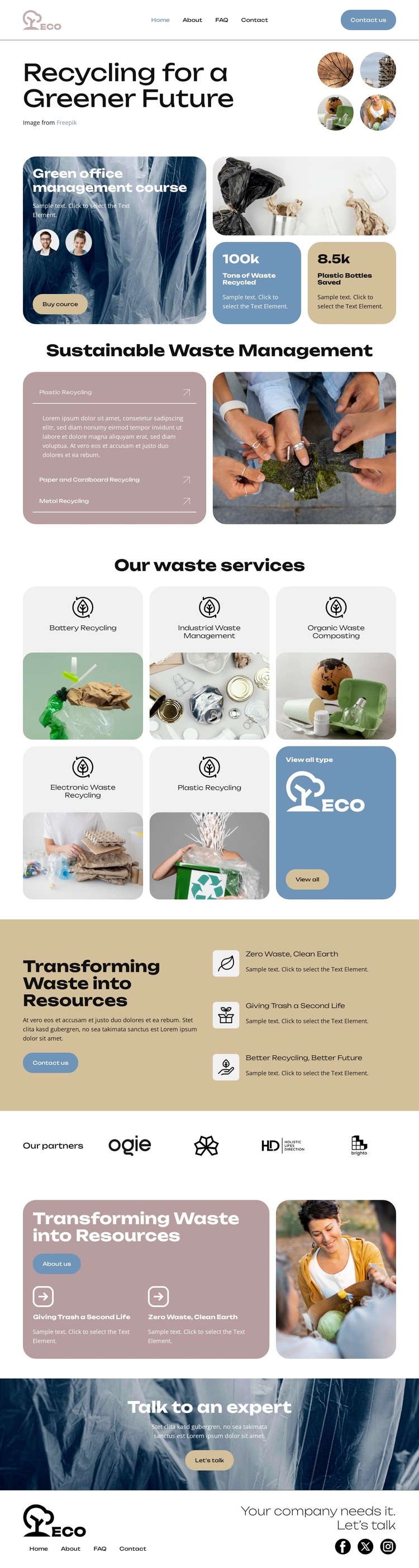
Five Waste Services Give the ECO Design a Distinctive Starting Point
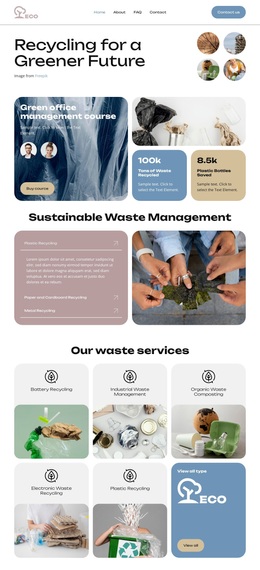
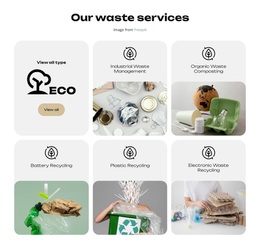
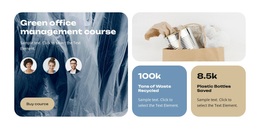
The combination of five clearly named recycling categories and a separate green office management course gives this design more specific content coverage than a generic environmental homepage. Battery Recycling, Industrial Waste Management, Organic Waste Composting, Electronic Waste Recycling, and Plastic Recycling make the service offer immediately recognizable, while the course card adds an educational route for visitors who need guidance as well as operational support.
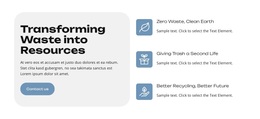
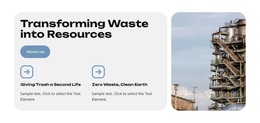
The surrounding sections reinforce that choice. A sustainable waste-management overview introduces the subject, the benefit band connects waste transformation with statements such as Zero Waste and Better Recycling, and the partner row adds a dedicated space for organizational associations. The resource card and “Talk to an expert” banner extend the page beyond a simple list of services by connecting information with a direct conversation. Contact us, View all types, Buy our course, and Let’s talk actions reflect those different forms of engagement.
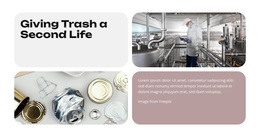
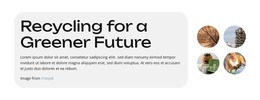
Visually, muted sage, dusty pink, slate blue, cream, and tan blocks soften the industrial subject, while large recycling photographs keep the topic concrete. This makes the template suitable for an organization that wants sustainability to feel accessible, structured, and service-oriented rather than purely technical or corporate.
Customize with Nicepage
Open this ready-made template in the Template Builder and customize it visually in the Nicepage editor. Replace demo content, edit page sections, and adapt the design to your project without rebuilding the template from scratch.
Start With a Ready-Made Template
Choose a Design for a New Page
Use a ready-made template as a starting point instead of creating every page from a blank canvas. When adding a new page in Nicepage, browse available designs, compare different layouts, and choose an option that already fits the general purpose and visual direction of your project.
Browse Different Page Designs
Explore Page Designs using search, thematic categories, Design Sets, and full-page previews. The collection includes layouts for different subjects and page purposes, making it easier to compare alternatives before selecting a design to customize.
Customize the Selected Template
After choosing a design, create the page and continue editing it visually in Nicepage. Replace the demo content, adjust images, typography, colors, sections, and other elements, and adapt the ready-made layout to your own content instead of rebuilding the design from the beginning.
Explore More Design Directions
If the first option does not match your project closely enough, return to the design collection and compare other templates before committing to a layout. This makes the template library useful not only for faster page creation, but also for exploring different visual approaches and finding a suitable starting point for a new project.
This workflow gives you access to a broad collection of ready-made designs that can be selected, compared, and customized according to the needs of each new page or project.