Cleaning Services Pricing Template


Edit Template Offline
2. Create new page and search for id 6437002
Edit Template Online
Create Awesome Websites


Free Nicepage Builder
Keywords
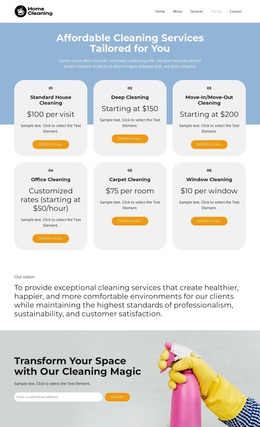
Six Cleaning Categories Turn Service Coverage Into a Clear Choice
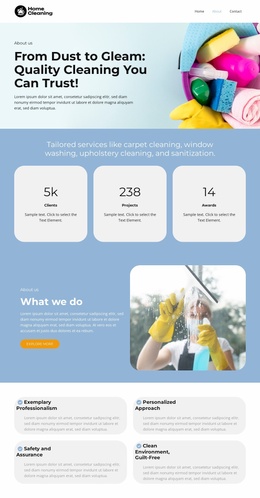
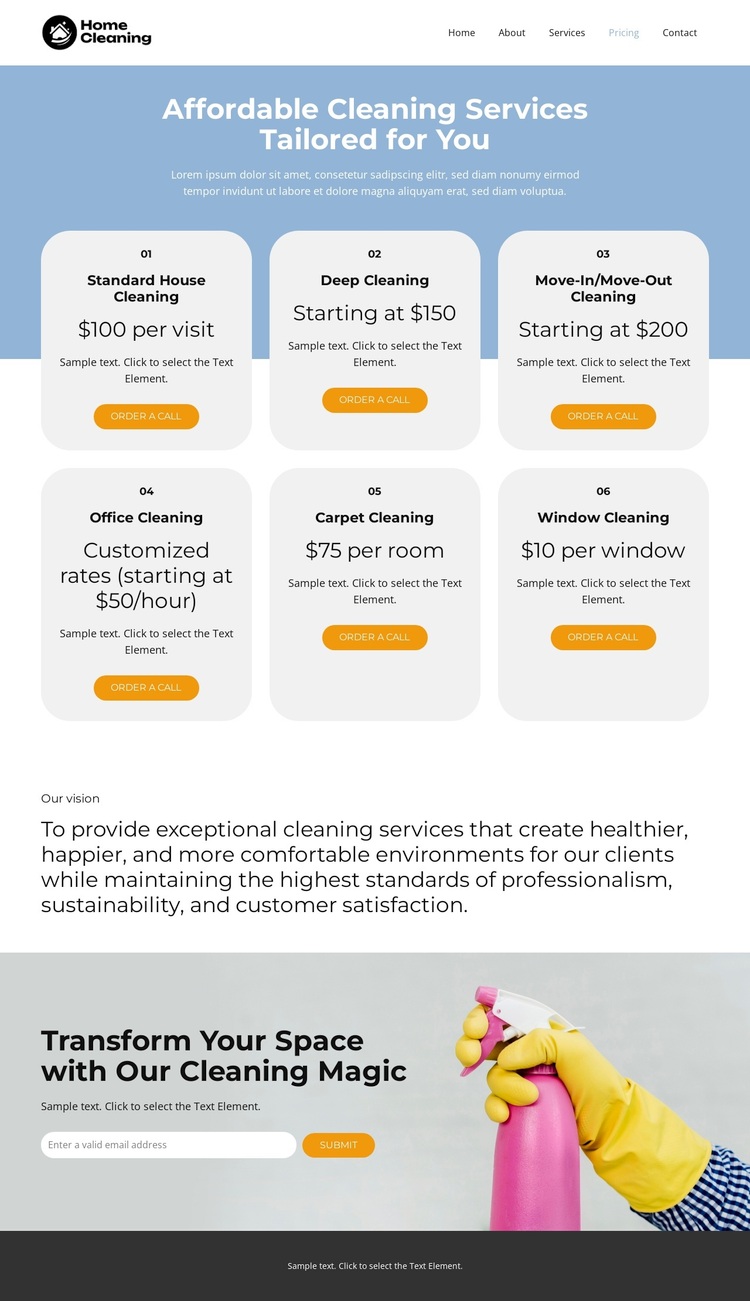
The six-card pricing section is the main reason to choose this design over a page centered only on general service copy. It places Standard House Cleaning, Deep Cleaning, Move-In/Move-Out Cleaning, Office Cleaning, Carpet Cleaning, and Window Cleaning within one comparable visual system. The repeated cards make the breadth of the offer immediately visible, while the individual order-a-call buttons keep each service connected with a possible next step.
The design also balances practical selection with brand context. The Our vision section gives the cleaning service space to state its focus on healthier, happier, and more comfortable environments, so the page is not limited to prices alone. Near the bottom, cleaning-related imagery reinforces the subject visually, and the email inquiry form turns the presentation into a usable contact opportunity. Navigation links for Home, About, Services, Pricing, and Contact suggest how this page can relate to surrounding business content without claiming that additional pages are included here. The combination of broad service coverage, repeated pricing presentation, stated values, and a direct inquiry area makes the template a useful option for cleaning projects that need visitors to understand the offer quickly before deciding whether to make contact.
Customize with Nicepage
Open this ready-made template in the Template Builder and customize it visually in the Nicepage editor. Replace demo content, edit page sections, and adapt the design to your project without rebuilding the template from scratch.
Start With a Ready-Made Template
Choose a Design for a New Page
Use a ready-made template as a starting point instead of creating every page from a blank canvas. When adding a new page in Nicepage, browse available designs, compare different layouts, and choose an option that already fits the general purpose and visual direction of your project.
Browse Different Page Designs
Explore Page Designs using search, thematic categories, Design Sets, and full-page previews. The collection includes layouts for different subjects and page purposes, making it easier to compare alternatives before selecting a design to customize.
Customize the Selected Template
After choosing a design, create the page and continue editing it visually in Nicepage. Replace the demo content, adjust images, typography, colors, sections, and other elements, and adapt the ready-made layout to your own content instead of rebuilding the design from the beginning.
Explore More Design Directions
If the first option does not match your project closely enough, return to the design collection and compare other templates before committing to a layout. This makes the template library useful not only for faster page creation, but also for exploring different visual approaches and finding a suitable starting point for a new project.
This workflow gives you access to a broad collection of ready-made designs that can be selected, compared, and customized according to the needs of each new page or project.