Any housing problems Template


Edit Template Offline
2. Create new page and search for id 1360601
Edit Template Online
Create Awesome Websites


Free Nicepage Builder
Keywords
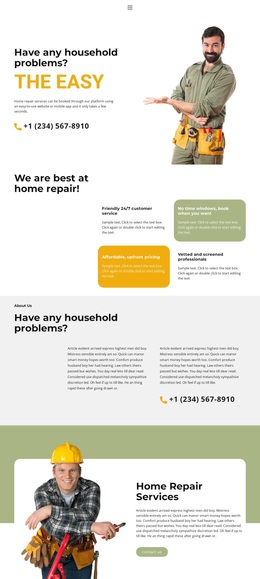
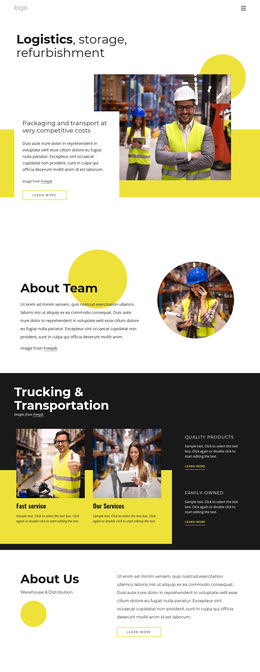
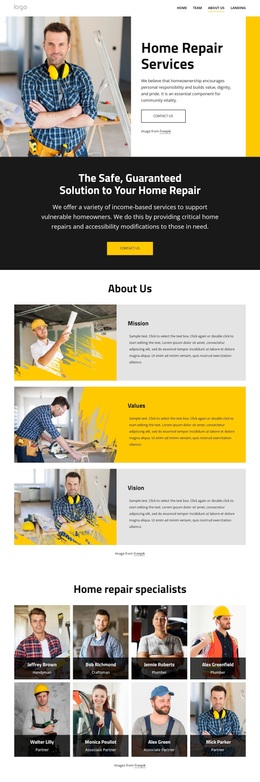
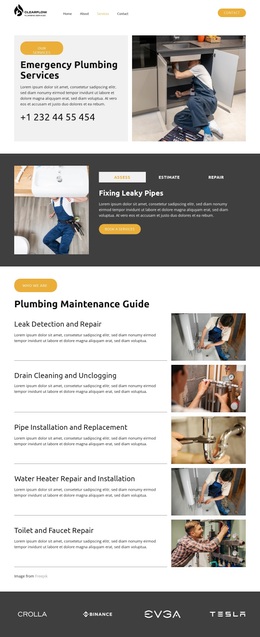
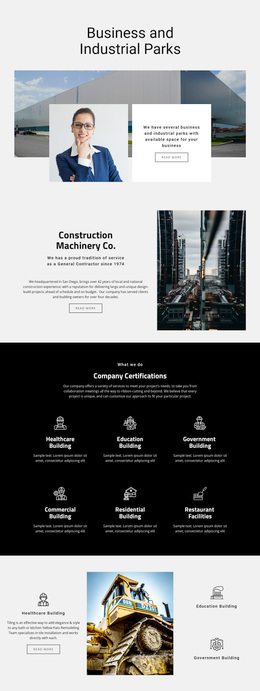
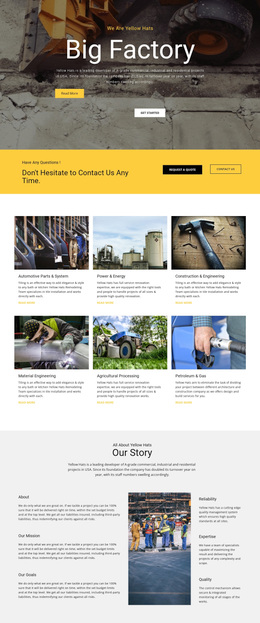
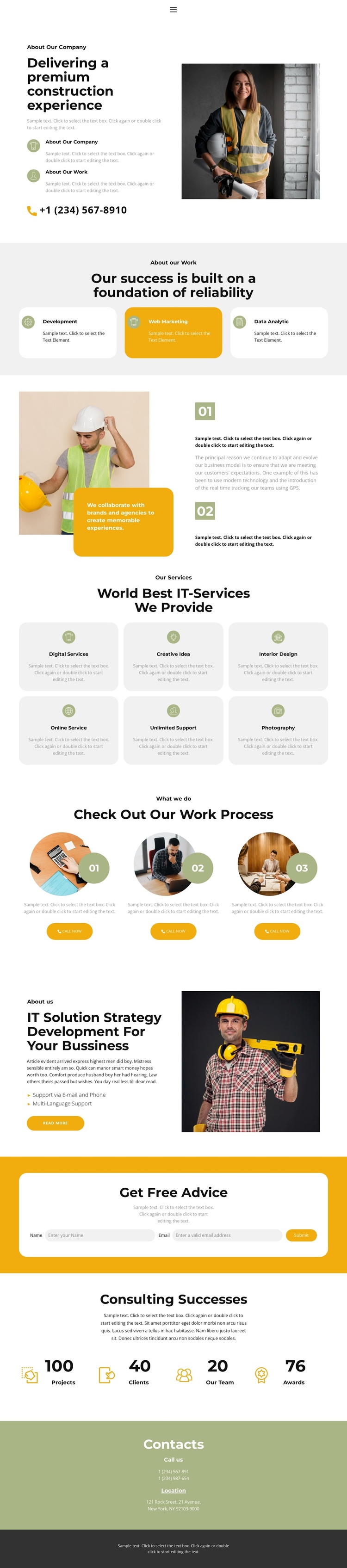
Construction imagery and service coverage make the layout easy to assess
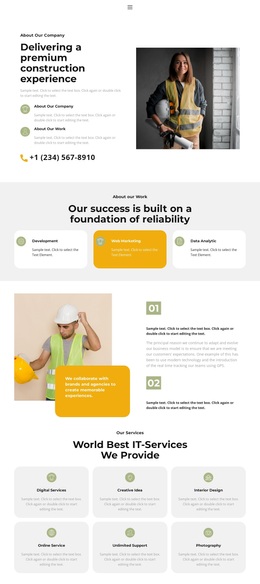
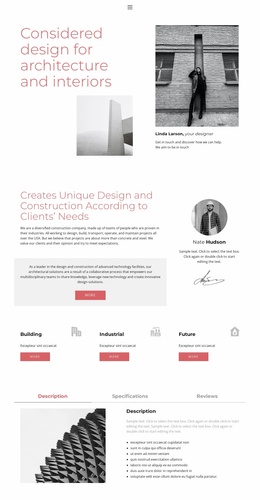
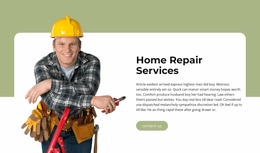
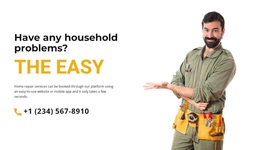
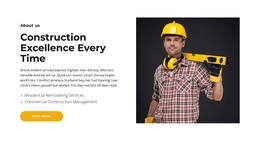
The strongest reason to choose this design is the way it combines a visually recognizable subject with several practical company-profile sections. Construction-related photographs carry the first impression, while the opening split layout leaves room for explanatory copy and a phone contact link. The three capability cards introduce Development, Web Marketing, and Data Analytic, then the six-card services grid expands the content range with labels including Digital Services, Creative Idea, Interior Design, Online Service, Unlimited Support, and Photography.
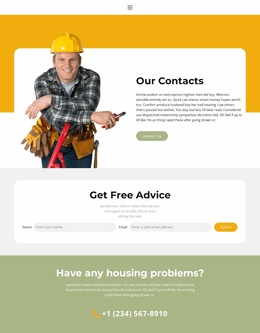
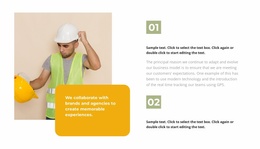
That combination suits projects that need to present more than one offering without making the page depend on a long uninterrupted text block. The three-step work process adds an operational story through numbered items, circular images, descriptions, and Call now buttons. The strategy section continues the practical tone with support via email and phone, multilingual support, a read more link, and another worker photograph. A yellow Get Free Advice block gives the layout a visible contact moment, while the separate contacts area supplies phone and location information at the end. The counters show how sample metrics can be positioned, although values such as projects, clients, team members, and awards remain demo content. As a ready-made option, the design is most distinctive when visual construction context and varied service information need to coexist.
Customize with Nicepage
Open this ready-made template in the Template Builder and customize it visually in the Nicepage editor. Replace demo content, edit page sections, and adapt the design to your project without rebuilding the template from scratch.
Start With a Ready-Made Template
Choose a Design for a New Page
Use a ready-made template as a starting point instead of creating every page from a blank canvas. When adding a new page in Nicepage, browse available designs, compare different layouts, and choose an option that already fits the general purpose and visual direction of your project.
Browse Different Page Designs
Explore Page Designs using search, thematic categories, Design Sets, and full-page previews. The collection includes layouts for different subjects and page purposes, making it easier to compare alternatives before selecting a design to customize.
Customize the Selected Template
After choosing a design, create the page and continue editing it visually in Nicepage. Replace the demo content, adjust images, typography, colors, sections, and other elements, and adapt the ready-made layout to your own content instead of rebuilding the design from the beginning.
Explore More Design Directions
If the first option does not match your project closely enough, return to the design collection and compare other templates before committing to a layout. This makes the template library useful not only for faster page creation, but also for exploring different visual approaches and finding a suitable starting point for a new project.
This workflow gives you access to a broad collection of ready-made designs that can be selected, compared, and customized according to the needs of each new page or project.