Quality solar panels Template


Edit Template Offline
2. Create new page and search for id 6011124
Edit Template Online
Create Awesome Websites


Free Nicepage Builder
Keywords
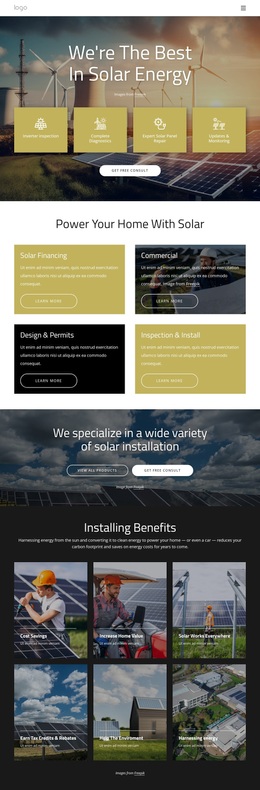
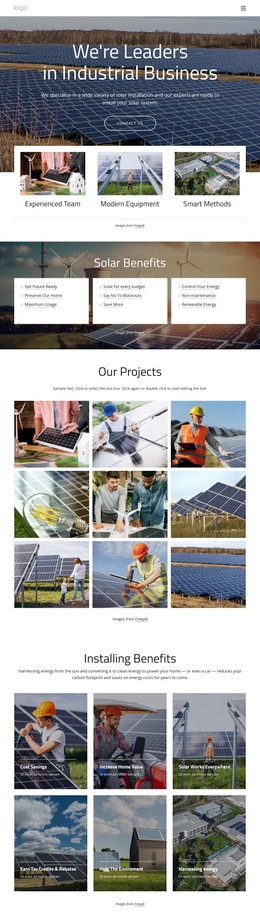
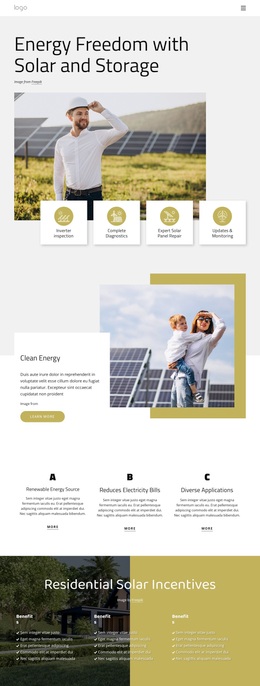
Solar Imagery and People Give This Design Its Focus
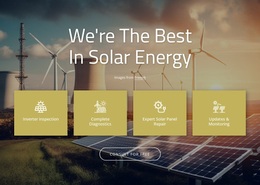
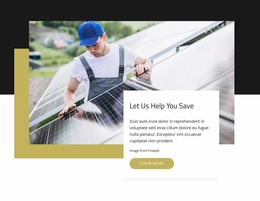
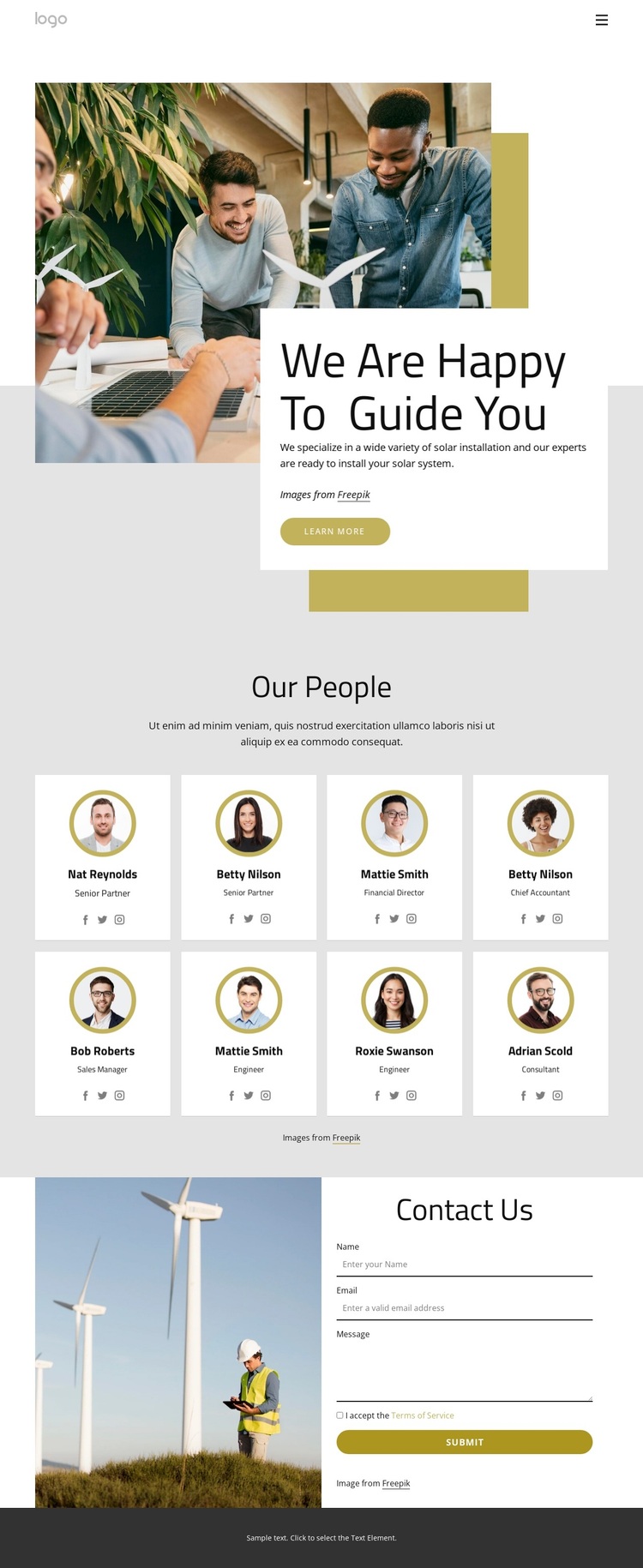
Large renewable-energy imagery immediately establishes what distinguishes this design. The opening photograph is not treated as decoration alone: it carries the solar installation context while the overlapping white text panel adds the heading “We Are Happy To Guide You,” descriptive content, and a Learn more button. That pairing makes the page feel centered on guidance and people rather than on dense technical specifications or a product list.
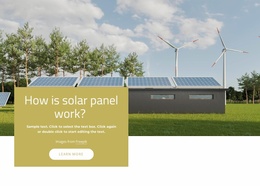
The strongest selection reason is the way the team content receives equal visual weight. The “Our People” section presents eight profile cards in two rows, using circular portraits, role labels, names, and social links. This arrangement suits an organization that needs to show the people behind its installation service. The repeated card treatment keeps the directory orderly, while the restrained gray, white, olive, and mustard palette supports a calm renewable-energy presentation. Solar panels and wind turbines in the imagery reinforce the same direction without requiring unsupported performance claims.
The design also covers the practical next step. A two-column contact area places an energy-related photograph beside name, email, and message inputs and a Submit button. Navigation connects Home, Our Team, Our Projects, and Landing, so the page can sit within a broader project while still making sense on its own. Together, the imagery, team directory, and inquiry section make this a useful choice for solar organizations that want human credibility to accompany their service context.
Customize with Nicepage
Open this ready-made template in the Template Builder and customize it visually in the Nicepage editor. Replace demo content, edit page sections, and adapt the design to your project without rebuilding the template from scratch.
Start With a Ready-Made Template
Choose a Design for a New Page
Use a ready-made template as a starting point instead of creating every page from a blank canvas. When adding a new page in Nicepage, browse available designs, compare different layouts, and choose an option that already fits the general purpose and visual direction of your project.
Browse Different Page Designs
Explore Page Designs using search, thematic categories, Design Sets, and full-page previews. The collection includes layouts for different subjects and page purposes, making it easier to compare alternatives before selecting a design to customize.
Customize the Selected Template
After choosing a design, create the page and continue editing it visually in Nicepage. Replace the demo content, adjust images, typography, colors, sections, and other elements, and adapt the ready-made layout to your own content instead of rebuilding the design from the beginning.
Explore More Design Directions
If the first option does not match your project closely enough, return to the design collection and compare other templates before committing to a layout. This makes the template library useful not only for faster page creation, but also for exploring different visual approaches and finding a suitable starting point for a new project.
This workflow gives you access to a broad collection of ready-made designs that can be selected, compared, and customized according to the needs of each new page or project.