We are the best in solar energy Template



Edit Template Offline
2. Create new page and search for id 6011046
Edit Template Online
Create Awesome Websites


Free Nicepage Builder
Keywords
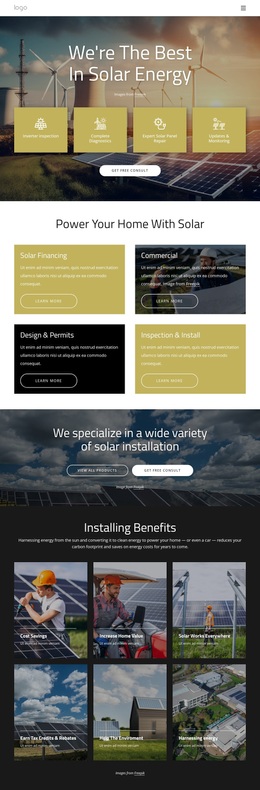
Four Service Paths and Nine Project Images Shape the Choice
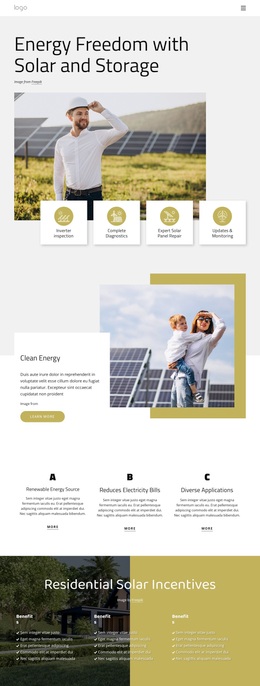
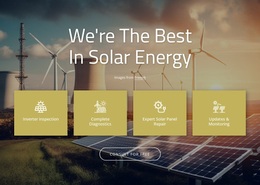
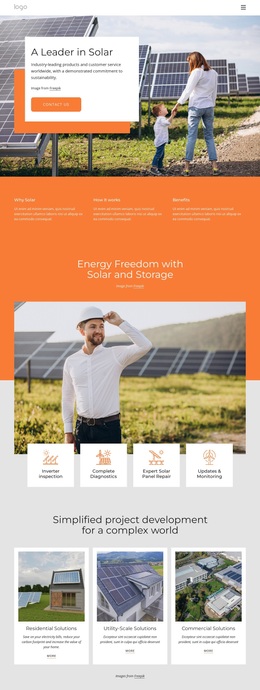
The design gives a solar project several connected ways to present its offer. Four hero cards focus on operational support—Inverter inspection, Complete Diagnostics, Expert Solar Panel Repair, and Updates & Monitoring—so the page can address visitors who need maintenance as well as those exploring broader installation work. A second four-card group adds Solar Financing, Commercial, Design & Permits, and Inspection & Install, expanding the design from technical assistance into project planning and delivery.
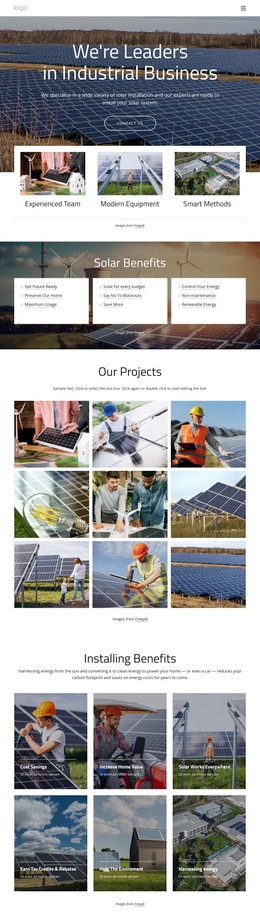
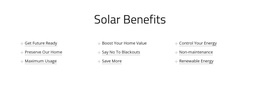
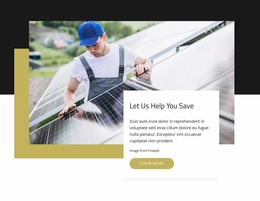
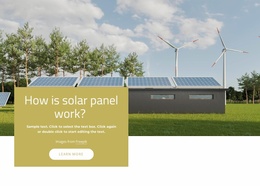
Its benefit coverage is another reason to consider this option. Six image-backed tiles address Cost Savings, Increase Home Value, Solar Works Everywhere, Earn Tax Credits & Rebates, Help The Environment, and Harnessing energy. A later three-column section adds statements about future readiness, energy control, blackouts, maintenance, and renewable energy. This gives the page more than one explanatory angle: service categories show what can be discussed, while benefit groups show why the subject matters.
The nine-image Our Projects gallery makes visual storytelling central to the design. It can help a solar provider show completed work or representative project imagery before visitors reach Contact Us. The final form and repeated consultation actions complete the selection logic. Compared with a layout centered only on pricing, text, or one service, this design suits projects that need to connect technical services, practical benefits, visual examples, and consultation in one persuasive presentation.
Customize with Nicepage
Open this ready-made template in the Template Builder and customize it visually in the Nicepage editor. Replace demo content, edit page sections, and adapt the design to your project without rebuilding the template from scratch.
Start With a Ready-Made Template
Choose a Design for a New Page
Use a ready-made template as a starting point instead of creating every page from a blank canvas. When adding a new page in Nicepage, browse available designs, compare different layouts, and choose an option that already fits the general purpose and visual direction of your project.
Browse Different Page Designs
Explore Page Designs using search, thematic categories, Design Sets, and full-page previews. The collection includes layouts for different subjects and page purposes, making it easier to compare alternatives before selecting a design to customize.
Customize the Selected Template
After choosing a design, create the page and continue editing it visually in Nicepage. Replace the demo content, adjust images, typography, colors, sections, and other elements, and adapt the ready-made layout to your own content instead of rebuilding the design from the beginning.
Explore More Design Directions
If the first option does not match your project closely enough, return to the design collection and compare other templates before committing to a layout. This makes the template library useful not only for faster page creation, but also for exploring different visual approaches and finding a suitable starting point for a new project.
This workflow gives you access to a broad collection of ready-made designs that can be selected, compared, and customized according to the needs of each new page or project.